
KF2 · dedicated server

Killing Floor 2 Server Hosting

Killing Floor 2 server hosting that runs the Zed waves your way: pick the difficulty, the game length and the map rotation, and keep the server open for your perk grind. On AMD 9950X/7950X3D CPUs with DDR5 RAM, from $3.69 USD a month.

  • Survival, Endless and Weekly
  • Steam Workshop maps
  • Your difficulty, your waves
  • Unlimited slots

Plans from $3.69 USD / month

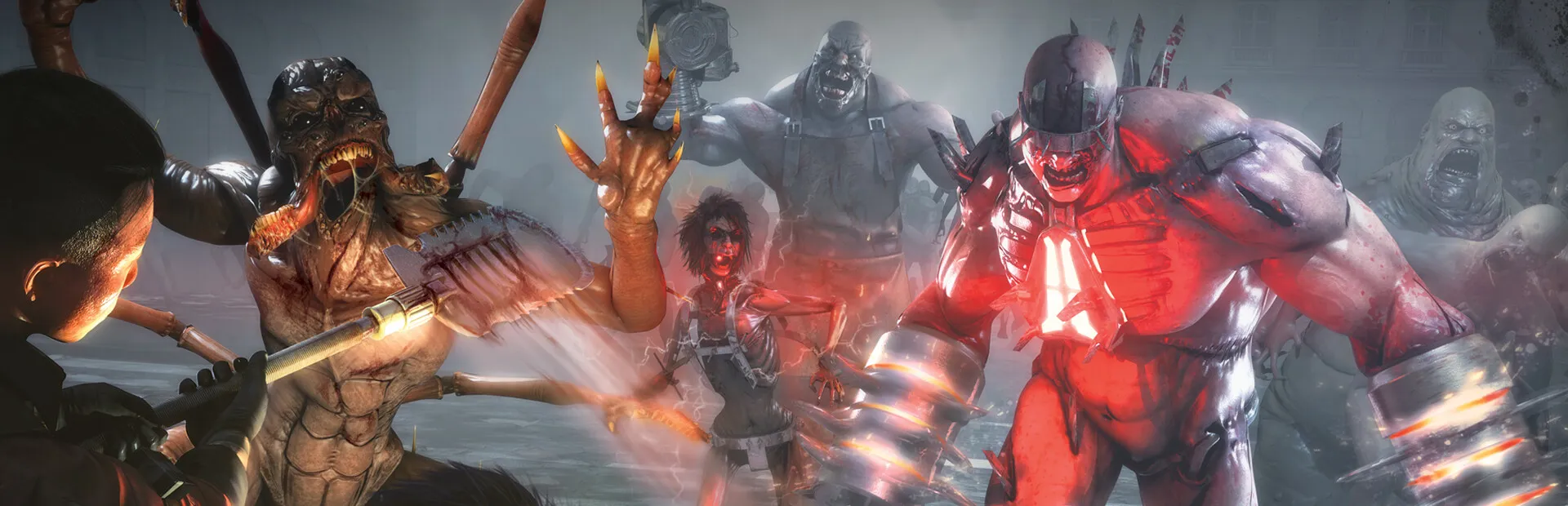
Killing Floor 2 key art: a giant red Zed and a horde of monsters attacking
Killing Floor 2 cover art with a gas-masked fighter

Killing Floor 2Requires 3 GB RAM · runs on 8 of 9 plans

Every KF2 game modeOfficial modes a Killing Floor 2 dedicated server can run

  • SurvivalWaves of Zeds, then the boss
  • EndlessWaves until the team falls
  • Weekly OutbreakA new twist every week
  • Versus SurvivalPlayers take the Zed side
  • ObjectiveComplete goals between waves

Use code FULL2026 at checkout for 15% off for life

Swipe or tap a plan

Slide to pick your RAM Use the arrow keys too

Every plan includes

    Run your KF2 server from one panel

    Screenshots of our real panel. Config files, backups and locations sit in one place, on every plan.

    File Manager in the TheGameHosting panel with the folders and files of a game server

    Try the live panel demoPrefer to try before buying? The demo on our home page runs in your browser.

    Everything included with your KF2 server

    Every plan comes with the same tools and hardware. You only pick how much RAM.

    Play your way

    • Unlimited slotsNo player cap from us on any plan.
    • Workshop mapsAdd community maps by their Workshop ID.
    • Game ChangerSwitch the plan to another game and back.
    • Two locationsDallas, TX or Amsterdam, NL.

    Manage it easily

    • File Manager and full sFTPEvery .ini file editable in the browser.
    • BackupsA safe copy before every config change.
    • 2 free databasesMySQL ready if you need it.
    • Schedules and usersTimed restarts and access for co-admins.

    Fast and protected

    • AMD 9950X/7950X3DUp to 5.7Ghz for big waves on Hell on Earth.
    • DDR5 RAM and NVMeDedicated DDR5 memory and Samsung NVMe storage.
    • DDoS protectionEvery server is filtered against attacks.
    • Ready in 60 secondsOnline within 60 seconds after payment.

    A Killing Floor 2 server that runs the waves your way

    Public KF2 lobbies decide the map, the difficulty and how long the match lasts. Your own dedicated server lets you set all of it: Normal for new players, Hell on Earth for the veterans, a short four-wave game for a quick session or a long ten-wave run before the boss. Keep it open between sessions so your group can level perks whenever they log on.

    A dedicated server also takes the load off the player who used to host, so nobody's frame rate drops when twenty Zeds and a Fleshpound arrive at once. Yours goes online within 60 seconds after payment.

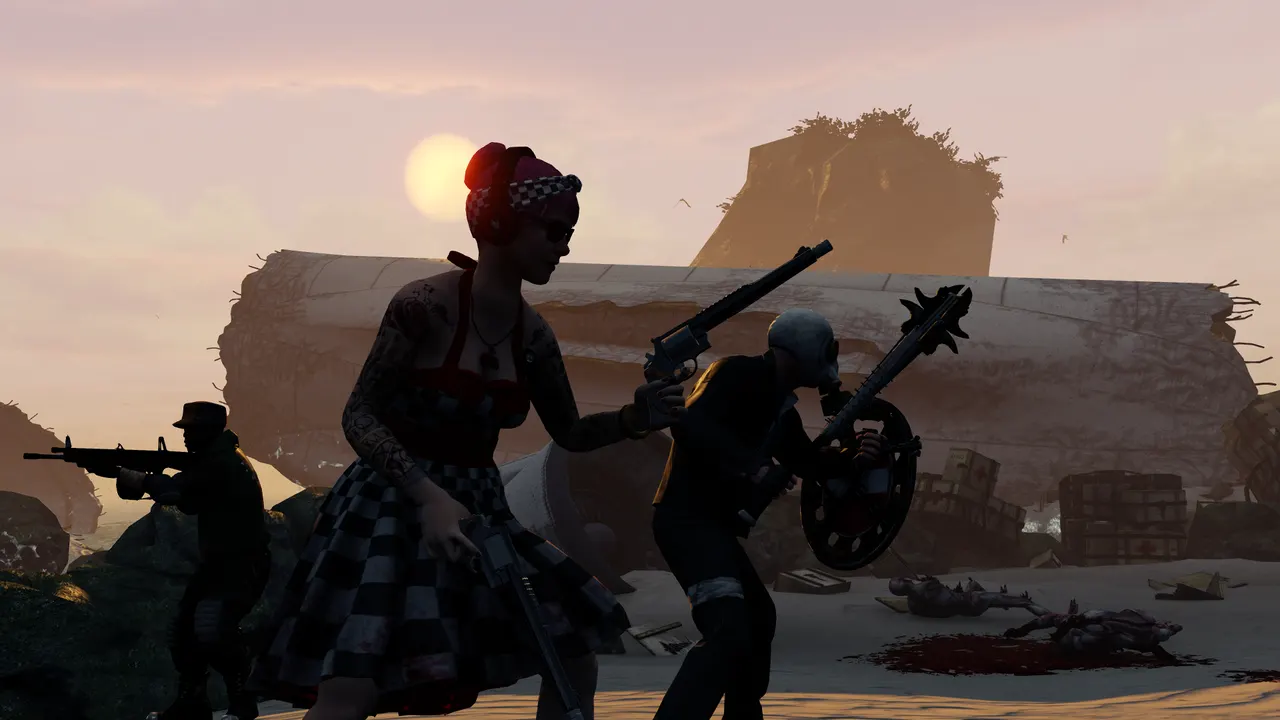
    Killing Floor 2 screenshot: players in silhouette fighting Zeds against an orange sky

    KF2 server settings and WebAdmin

    Killing Floor 2 keeps its server settings in a few .ini files, and it also ships with a web control page called WebAdmin.

    Difficulty, length and game mode

    Difficulty (Normal, Hard, Suicidal or Hell on Earth), game length and the default game mode live in PCServer-KFGame.ini. Edit them in the File Manager and restart to apply.

    Map cycle

    The rotation is the GameMapCycles line in the same file. Add or remove map names to build the cycle you want.

    WebAdmin

    WebAdmin lets you change maps, kick players and edit settings from a browser while the game runs. It is switched on with bEnabled=true in KFWeb.ini; ask our support team which port your server uses for it.

    File Manager in the TheGameHosting panel listing a server's folders and files
    The File Manager: edit KF2's .ini files right in your browser.

    Add Workshop maps to your KF2 server

    The Steam Workshop has hundreds of community maps for Killing Floor 2. The server downloads them itself once you list them:

    1. Back up. Save the current configs from the Backups tab.
    2. Turn on Workshop downloads. In PCServer-KFEngine.ini, add a [OnlineSubsystemSteamworks.KFWorkshopSteamworks] section with one ServerSubscribedWorkshopItems= line per map ID.
    3. Add the maps to the cycle. Put the map names in GameMapCycles in PCServer-KFGame.ini.
    4. Restart. The server downloads the maps on start, and players get them when they join.

    If a player cannot download a map, they can subscribe to it on the Workshop and rejoin.

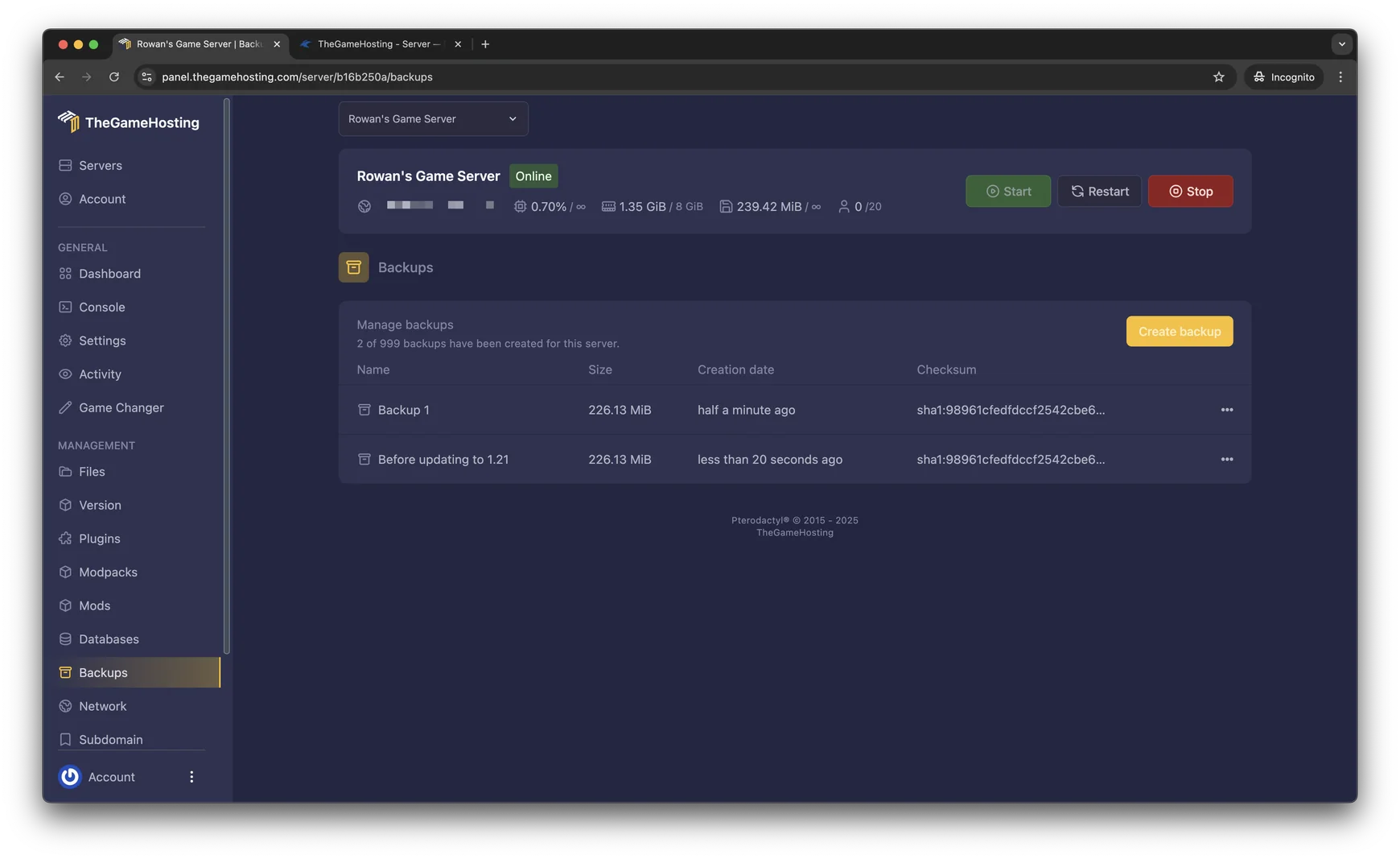
    Backups tab in the TheGameHosting panel with two saved backups
    Backups: keep a copy of your configs before you add new maps.

    How much RAM does a KF2 server need?

    Killing Floor 2 needs at least 3 GB of RAM, so it runs on eight of our nine plans, starting with 4 GB at $3.69 USD a month. Go bigger for:

    • A standard six-player Survival game, which is fine on the 4 GB plan.
    • A long Workshop map rotation with large custom maps.
    • Endless runs that go deep and keep many Zeds alive at once.

    There is no slot limit from us, so RAM is the only thing to size. Our support team will suggest a plan if you tell them how you play.

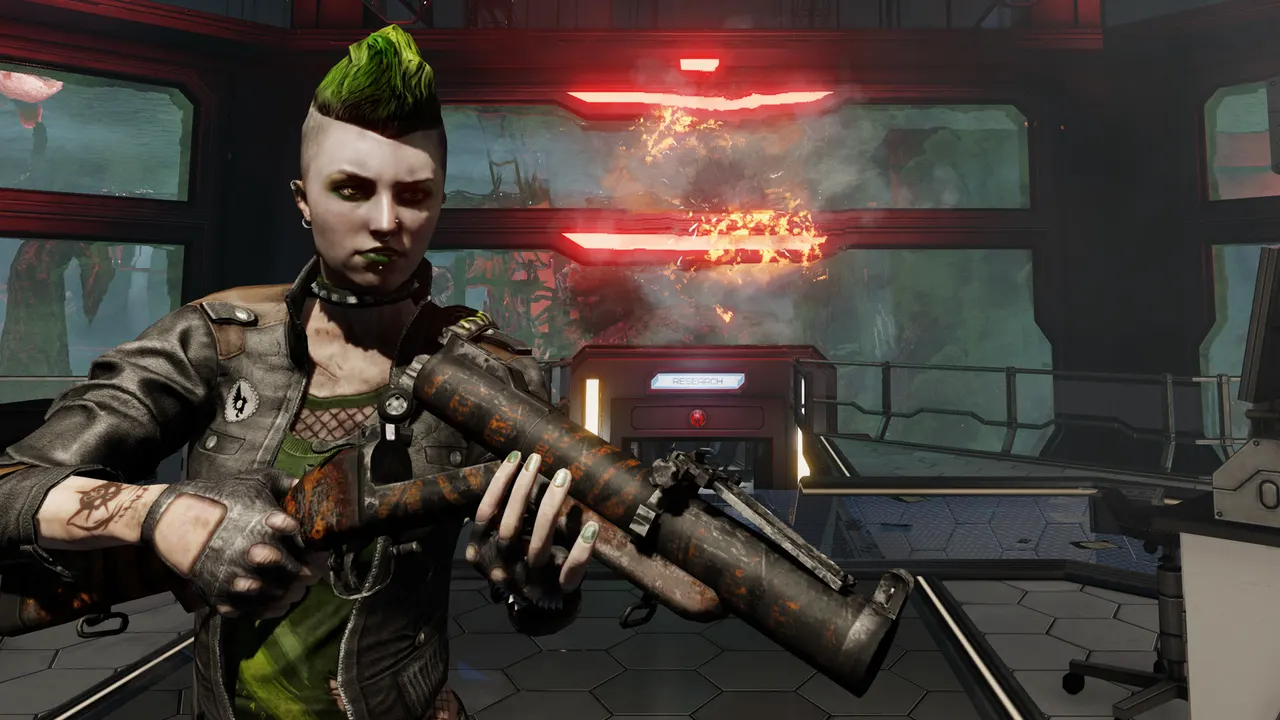
    Killing Floor 2 screenshot: a player with a green mohawk firing a rocket launcher

    Killing Floor 2 requires 3 GB RAM8 of 9 plans run it, from 4 GB

    • 2 GB
    • 4 GB
    • 6 GB
    • 8 GB
    • 10 GB
    • 12 GB
    • 16 GB
    • 32 GB
    • 64 GB

    Hardware we own, in Dallas and Amsterdam

    Every server runs on hardware we own. Killing Floor 2 is an Unreal Engine 3 game, and the server simulates every Zed, projectile and Zed Time slowdown on its main thread, so single-core speed matters most. Every plan runs on AMD 9950X/7950X3D processors up to 5.7Ghz with DDR5 RAM and Samsung NVMe storage.

    Zed Time feels best with a low ping, so host close to your team: Dallas, TX (United States) for the Americas or Amsterdam (Netherlands) for Europe. Both are our own machines on a 10 Gbps network, with UPS backup power and DDoS filtering.

    • AMD 9950X/7950X3D up to 5.7Ghz
    • DDR5 RAM
    • Samsung NVMe Storage
    • 10 Gbps Network
    • UPS Backup Power
    • Dallas, TX & Amsterdam, NL

    Real people on support

    Our team is available 24/7/365. Ask about a Workshop map that will not download, WebAdmin settings or a server that does not show up in the browser, and a person answers.

    • Live chat
    • Email
    • Ticket system
    Contact support

    KF2 server hosting questions

    Can't find your answer? Ask our support team.

    How fast is my Killing Floor 2 server ready?

    Within 60 seconds after payment. We email the access details and you can start the server from the panel immediately.

    Can I add Workshop maps?

    Yes. List each map's Workshop ID as a ServerSubscribedWorkshopItems line in PCServer-KFEngine.ini, add the map names to GameMapCycles in PCServer-KFGame.ini and restart. The server downloads them on start.

    How do I change the difficulty and game length?

    Set them in PCServer-KFGame.ini: difficulty runs from Normal to Hell on Earth, and game length chooses a short, medium or long match. Restart the server to apply the change.

    Can I use WebAdmin?

    Killing Floor 2 includes WebAdmin, a browser page to change maps, kick players and edit settings. Turn it on with bEnabled=true in KFWeb.ini, and ask our support team which port your server uses for it.

    How many players can join a KF2 server?

    Standard Survival is built for six players, and Versus Survival for twelve. We don't add any slot limit on top.

    How much RAM does a KF2 server need?

    Killing Floor 2 needs at least 3 GB of RAM, so it runs on every plan from 4 GB at $3.69 USD a month. Long Workshop rotations and deep Endless runs benefit from more.

    Which game modes can I run?

    Survival, Endless, Weekly Outbreak, Versus Survival and Objective mode. Set the default mode in your server settings or switch it when you change map.

    Where are your KF2 servers hosted?

    In Dallas, TX (United States) and Amsterdam (Netherlands), on AMD 9950X/7950X3D hardware we own in both, with a Location Changer in the panel.

    Can I get a discount?

    Yes. Use promo code FULL2026 at checkout for 15% off for life.

    Is TheGameHosting affiliated with Tripwire Interactive?

    No. TheGameHosting is an independent host and is not affiliated with Killing Floor 2 or Tripwire Interactive.

    Start your KF2 server today

    Set the difficulty, add Workshop maps and open the doors. Your KF2 server is online within 60 seconds after payment.

    Use promo code FULL2026 at checkout for 15% off for life.