Minecraft
How to Install Plugins on a Paper Minecraft Server (2026)
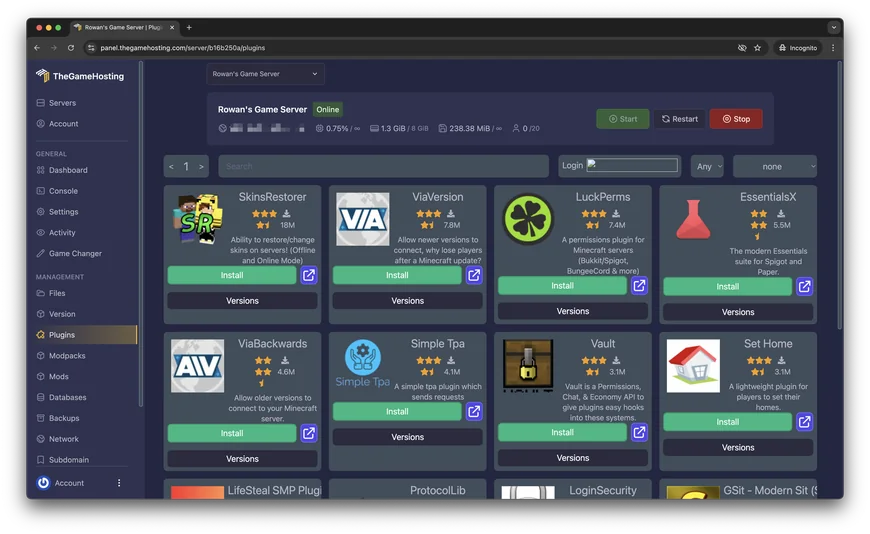
Find a plugin that matches your Minecraft version, add it with the Plugin Installer or by uploading the JAR, then confirm it loaded with one console command.
How to set up, tune and look after your Minecraft, Rust, Palworld and other game servers, from the team that runs them.
Minecraft
Find a plugin that matches your Minecraft version, add it with the Plugin Installer or by uploading the JAR, then confirm it loaded with one console command.
Minecraft
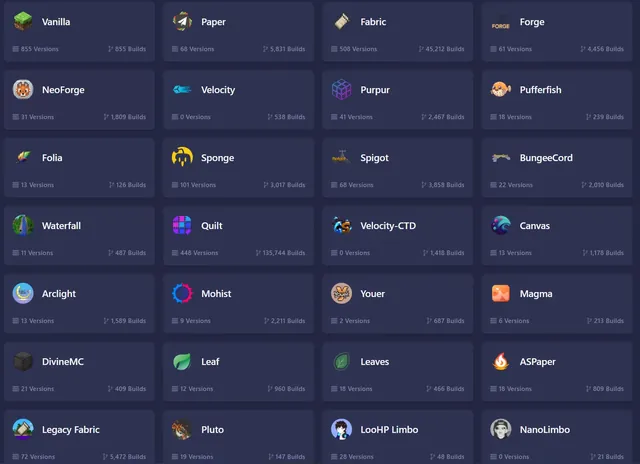
Plugins or mods, vanilla feel or extra settings: what each platform does well, who it suits and how to switch between them without starting over.
Minecraft
Install Java, run the official server file once, accept the EULA and join. Then open one port so friends can connect, or let a host do that part for you.
Minecraft
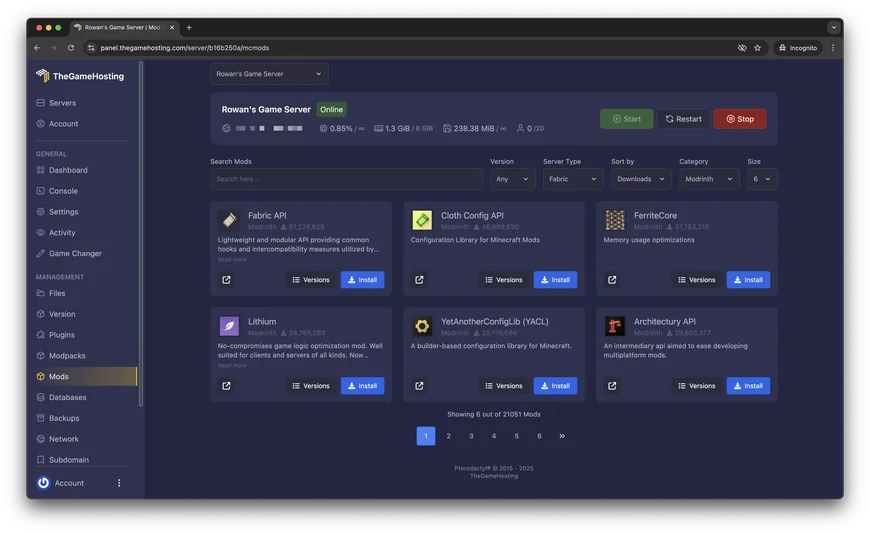
Pick the right mod loader, add the JAR files, match your players and read the crash log when a mod will not start.
Minecraft
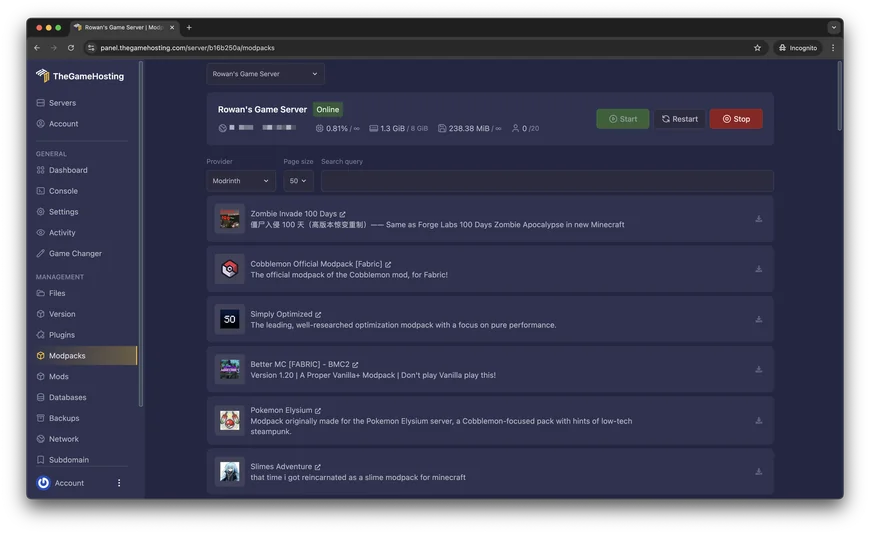
Match the Minecraft version and loader, install the pack in one click or upload a server pack, and give the server the memory a modpack needs.

Minecraft
One console command makes you the operator. Then turn on the whitelist, add your friends and give each helper only the permissions they need.
Minecraft
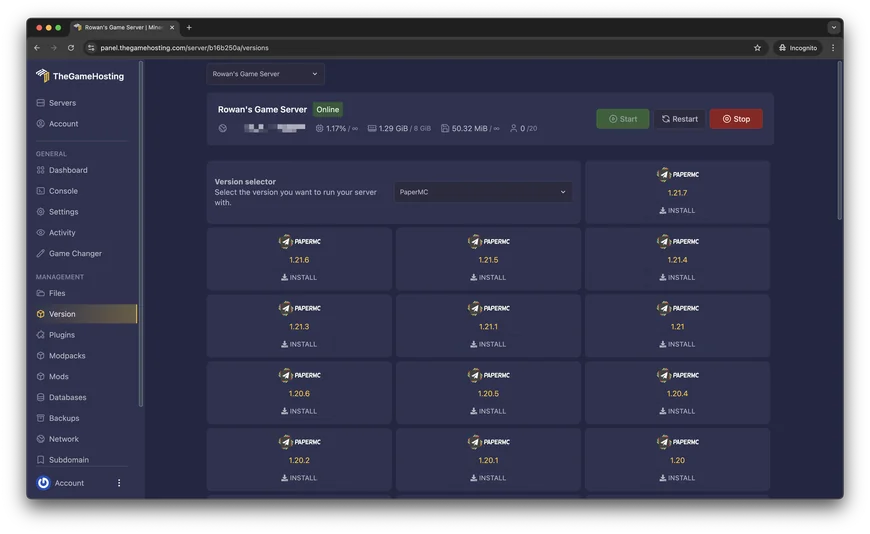
Back up first, check that your plugins and Java match the new version, swap the server JAR and know how to roll back in a few minutes.
Minecraft
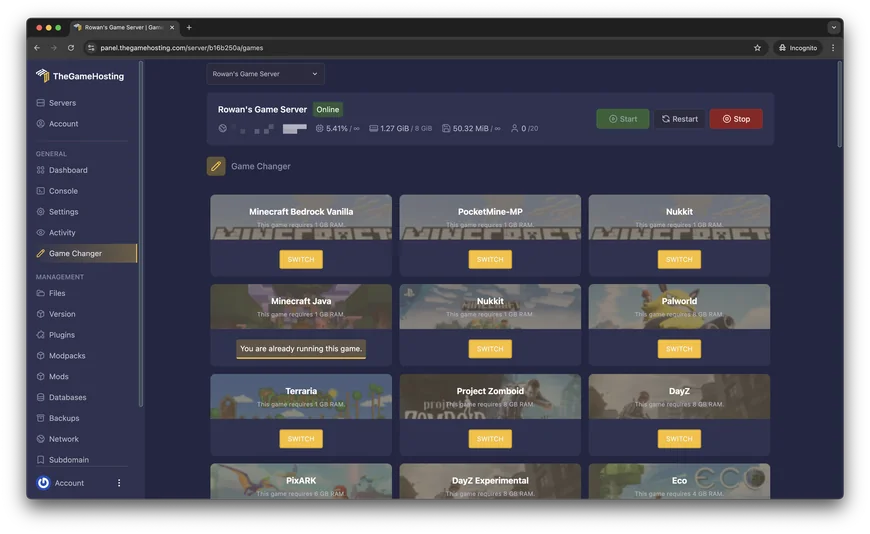
Starting RAM sizes for friends, plugin servers, mods and modpacks, the one command that shows real memory use and how to pick the right plan.
Minecraft
Measure TPS and MSPT, profile the server with spark, and fix the real cause, whether it is distances, mobs, a plugin or the CPU.
Minecraft
Find out whether the server, the address, the port or a firewall is to blame, and fix it in the order that saves the most time.
Minecraft
Install two plugins, change two settings and open one extra port. Friends on phones, consoles and Windows join your Java world with no Java account.

Palworld
Install the free dedicated server, edit PalWorldSettings.ini, open one UDP port and join by IP. Or skip the router and let a host run it.
Palworld
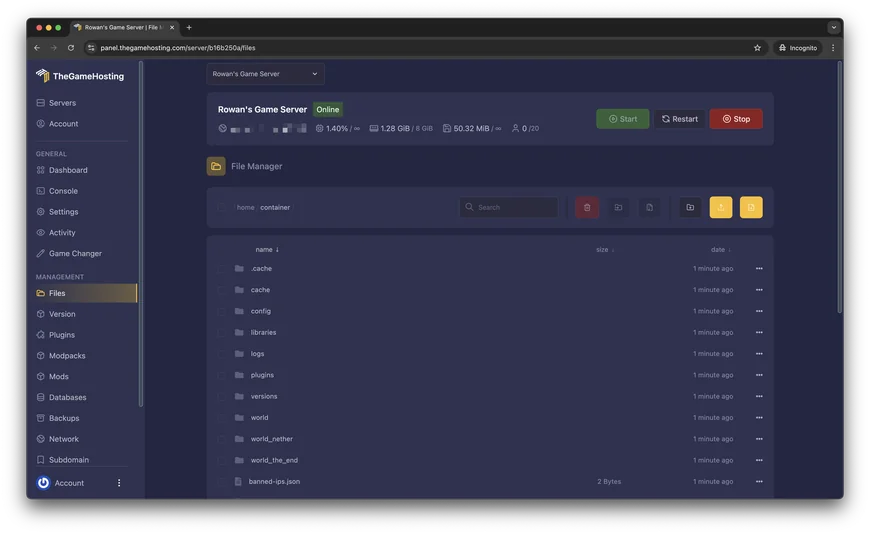
Where PalWorldSettings.ini lives, which rates and rules to change first, and what to check when your Palworld server seems to ignore your edits.

Palworld
Copy the world, point the server at it and fix the host character with the community save tool, with a backup at every step.
Palworld
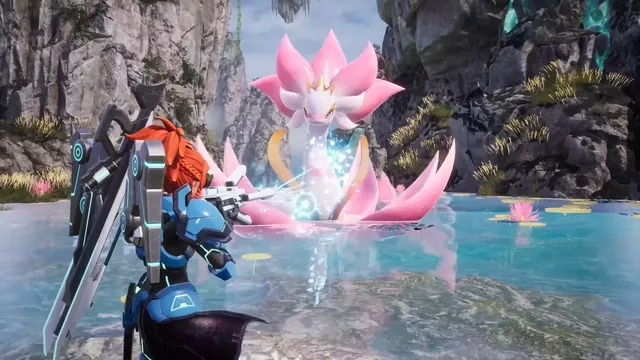
Set one password, log in from the chat and use the official admin commands. Then see why RCON is being replaced by the REST API.
Palworld
How Palworld mods load on a dedicated server, the Windows-only limit Pocketpair documents, and what to check when a mod will not enable.
Palworld
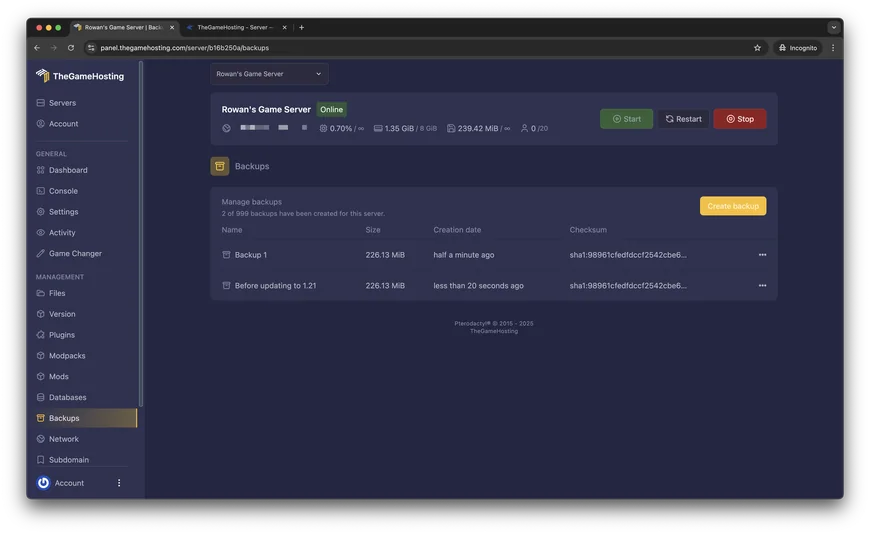
Back up the Saved folder, update with SteamCMD or Steam, restart and check the version before your friends join.
Palworld
Player limits, uptime, joining, setup and cost: how to choose between co-op and a dedicated server for your Palworld group.
Palworld
Why 8 GB is enough for most groups, what makes a Palworld server use more, and a size for each kind of group, with real plan prices.
Palworld
Measure the server first, then trim bases, keep spawns standard, drop old launch arguments and restart on a schedule.
Palworld
Join by IP and port, open UDP 8211, and use -publiclobby so that your Palworld server shows in the list. A checklist from the server outward.
Rust
Install the dedicated server with SteamCMD, start it with your own map and RCON password, open four ports and join. Or rent one that is ready in 60 seconds.

Rust
Facepunch lists 12 GB of free RAM as a starting point. Here is what pushes that number up or down, and how to size your server without overpaying.
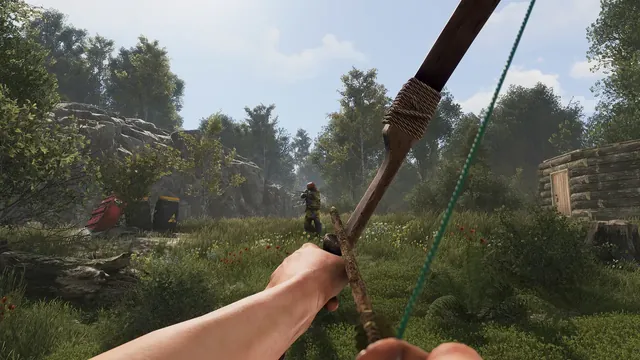
Rust
Both load C# plugins on a Rust server, and you can only run one. Here is how they differ on updates, commands and plugin support, and which one fits your server.
Rust
Download the right build, extract it into the server root, start the server and drop plugin files into one folder. Then keep it working after each Rust update.
Rust
Back up, stop the server, delete a few files, start again. This guide shows which files to remove for a map wipe and a blueprint wipe, and when Facepunch forces one.
Rust
One text file decides your server's name, player limit, tags and rules. Here is where it lives, what to put in it and the mistakes that make it seem ignored.
Rust
Put your .map file on a direct download link, point the server to it with one start option and wipe the old map. Here are the steps, and what to do when players cannot download it.
Rust
Check whether the lag is on the server or on the player's side, then work down a short list: server FPS, plugins, map age, player load and CPU.
Rust
Players can join by IP but cannot find you in the list. Start with the query port, then work through the tags, the firewall and the build.
Rust
Find your SteamID64, run one command in the server console, reconnect and check. Then add moderators, set up RCON and keep the admin list safe.
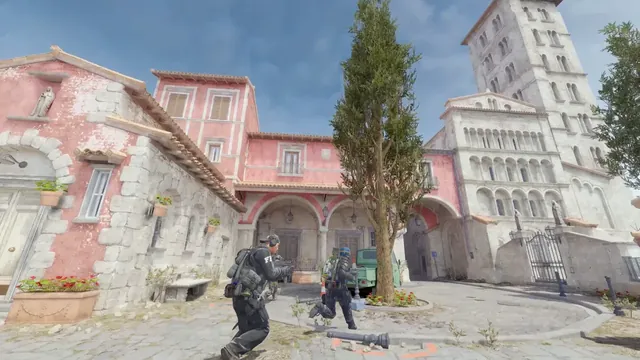
Counter-Strike 2
The short way to a Counter-Strike 2 dedicated server: install the files, start it, add a token, open one port. Plus the case for letting someone else keep it online.
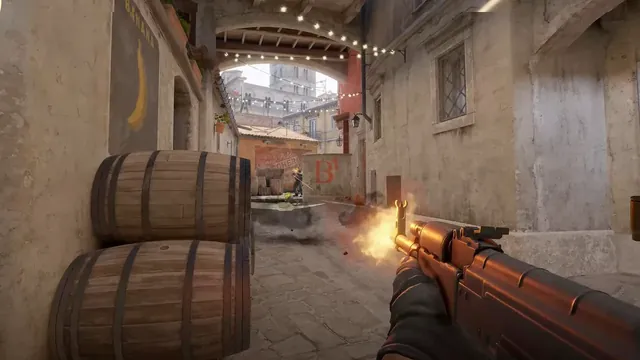
Counter-Strike 2
A Game Server Login Token is what lets your Counter-Strike 2 server show up for other players. It is free, it is quick to create, and it comes with a few rules worth knowing.
Counter-Strike 2
SourceMod does not run on Counter-Strike 2. Plugins use Metamod and CounterStrikeSharp instead. Here is the install, in the order that works, with a check after every step.
Counter-Strike 2
Community maps are most of what keeps a CS2 server interesting. Two launch options do the work: one for a single map, one for a whole collection.
Counter-Strike 2
A private practice server is where grenade lineups stick. Two ways to build it: a plugin that does the hard parts, and a config file that needs nothing extra.
Counter-Strike 2
Scrims are only useful when both teams can start on time, play every round and pause when they need to. MatchZy handles that, and it runs on your own server.
Counter-Strike 2
Every Counter-Strike 2 server starts with one choice: what are you hosting? Here is how the modes differ, which numbers set them, and which one fits your group.
Counter-Strike 2
Players still ask for 128 tick on Counter-Strike 2. The honest answer starts with how sub-tick works, and ends with the few things on your side that actually change how a server feels.
Counter-Strike 2
A server that works but is invisible has a short list of causes. Work through them in order and you will usually find the one that applies.
Counter-Strike 2
The server starts, players join, and every plugin is gone. A Counter-Strike 2 update is the usual reason, and the fix is a few file changes.
Minecraft
Download Mojang's free server software, change a few settings, open one port and invite friends on phones, consoles and Windows. Or skip the router and host it online all day.
Minecraft
There is no Add Server button on consoles, but there is a way in. Use your phone as a bridge, or change the console's DNS, and your own server shows up.
Minecraft
Four fields and one tap. Here is where the button is, what to type in each box and what to check when the server will not open.
Minecraft
Bedrock servers do not run plugins or Java mods. They run add-ons. Upload the packs, switch them on for your world and restart.
Minecraft
Not out of the box, but there is a proven workaround. Here is who can join what, what you give up and what a crossplay server needs.
Minecraft
The edition your players own decides most of it. Then it comes down to how much you want to customise the server.
Minecraft
The official server, two plugin servers and the tools that bolt plugins onto Mojang's software, with the status of each as of November 2026.
Minecraft
A Bedrock server can be running perfectly and still be invisible. Work through the checks in this order and you will find the cause.
Minecraft
When Java players join and Bedrock players do not, the problem is almost always the port, the transport, Floodgate or a version gap. Check them in this order.

Project Zomboid
Install the free dedicated server with SteamCMD, start it once to set your admin password, tweak one settings file and open two ports. Or rent a server that is ready in 60 seconds.
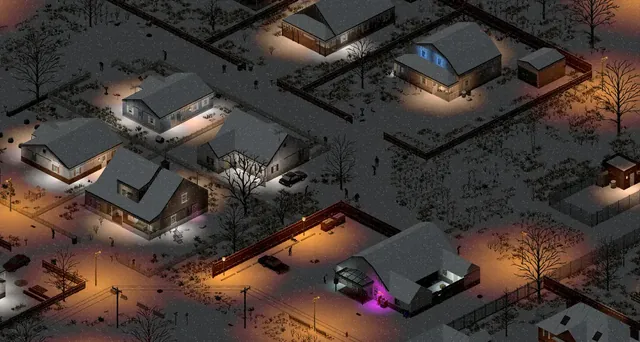
Project Zomboid
PZwiki gives a simple rule of thumb for server memory. Here is what mods, players and zombie settings add to it, and how to pick a plan without overpaying.
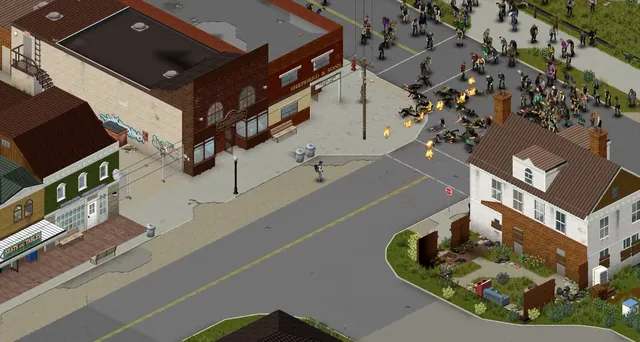
Project Zomboid
Every Workshop mod has two IDs. Put the Workshop ID on one line, the Mod ID on another, restart, and your players download the mods when they join.
Project Zomboid
One text file holds your server's name, player limit, ports, mods and rules. Here is where it lives, what each main option does and how to change it without breaking anything.
Project Zomboid
The sandbox file decides how hard your server is. Here is where it lives, the key settings for zombies, loot, day length and utilities, and how to change them safely.
Project Zomboid
Log in with the admin account, give yourself or a friend an access level with one command, and learn the admin commands you will use every week.
Project Zomboid
Build 42 is now the default version, and Build 41 lives on a legacy branch. Here is how they differ for a server, what happens to your save and mods, and which one to run.
Project Zomboid
Three settings decide who gets in: a password, a whitelist and the public list. Here is how to use them, alone or together, to keep your server friends-only.
Project Zomboid
Find out whether the lag comes from the server or from a player's connection, then work down a short list: build, mods, zombies, memory, players and distance.
Project Zomboid
Seven checks, in the order that finds the problem fastest: the server, the build, the mods, the ports, the password, the whitelist and the address.
No posts match your search.
One plan runs Minecraft, Rust, Palworld and the rest of our 60+ games. Change games from the panel whenever you like, and your server is ready 60 seconds after payment.