 TheGameHosting Team
To fix Palworld server lag, first measure: read the server FPS and frame time from the REST API (GET /metrics). If they are poor, cut the load by lowering workers per base and bases per guild, keeping spawn rates standard, removing old launch arguments and restarting on a schedule. If server FPS is fine, the lag is the network or the player’s PC.
Lag has several causes that look alike, so guessing wastes days. This guide separates the types, shows how to measure and lists the fixes in the order that usually pays off. The settings come from Pocketpair’s official reference for version 1.0.4.
Which kind of lag is it?
| What you notice | Probable cause | Where to look |
|---|---|---|
| Everyone rubberbands, Pals stop working, actions answer late | The server is overloaded | The rest of this guide |
| It gets worse the longer the server has been up | Memory growth or accumulated load | Restarts and RAM |
| Only one player lags | That player’s network, distance or PC | Their connection and the server location |
| Stutter when entering new areas, but the server FPS is fine | The player’s PC | Their video settings and drivers |
Step 1: Measure the server
Enable the REST API in PalWorldSettings.ini with RESTAPIEnabled=True and set RESTAPIPort. It uses HTTP Basic authentication. The GET /metrics endpoint returns these values, according to the official reference:
| Value | What it tells you |
|---|---|
serverfps | The server FPS. A low number means the server is struggling. |
serverframetime | How long each server frame takes, in milliseconds. |
currentplayernum, maxplayernum | How many players are connected and the limit. |
uptime | How long the server has been running, in seconds. |
basecampnum | How many bases exist on the server. |
days | The in-game days that have passed. |
Check the numbers right after a restart, then again after a few hours of play. If they are fine at first and fall later, you are looking at uptime. If they are bad from the start, the load is too high for the hardware. The same endpoint is described in how much RAM a Palworld server needs.
Step 2: The fixes, in order
Trim bases and workers
Bases are the biggest lever. The official reference says that raising BaseCampMaxNumInGuild (default 4, maximum 10) and BaseCampWorkerMaxNum (maximum 50) increases processing load. If the server lags with a full group, lower them first and ask players to simplify the busiest bases.
Keep spawn rates standard
Pocketpair notes that PalSpawnNumRate impacts performance. Leave it at the standard value unless you have headroom. ServerReplicatePawnCullDistance sets how far from players Pals are synced, between 5000 and 15000 cm, and a lower value means less to send.
Think about raids
Raids are controlled by bEnableInvaderEnemy. Many server owners turn them off when the server struggles. It is a gameplay choice, so tell your players before you change it.
Remove old launch arguments
Pocketpair says that in v1.0 and later, leaving -useperfthreads -NoAsyncLoadingThread -UseMultithreadForDS unset may improve performance. Older guides told you to add them, so check your start command and test without them.
Restart on a schedule
Many owners report that lag grows with uptime, so they restart every few hours or once a day. Do it cleanly: warn with /Broadcast, save with /Save, then /Shutdown 60 message. On TheGameHosting, the Schedules tab lets you set restarts on a timetable, and Backups protects the world before each change.
Pick the closest location
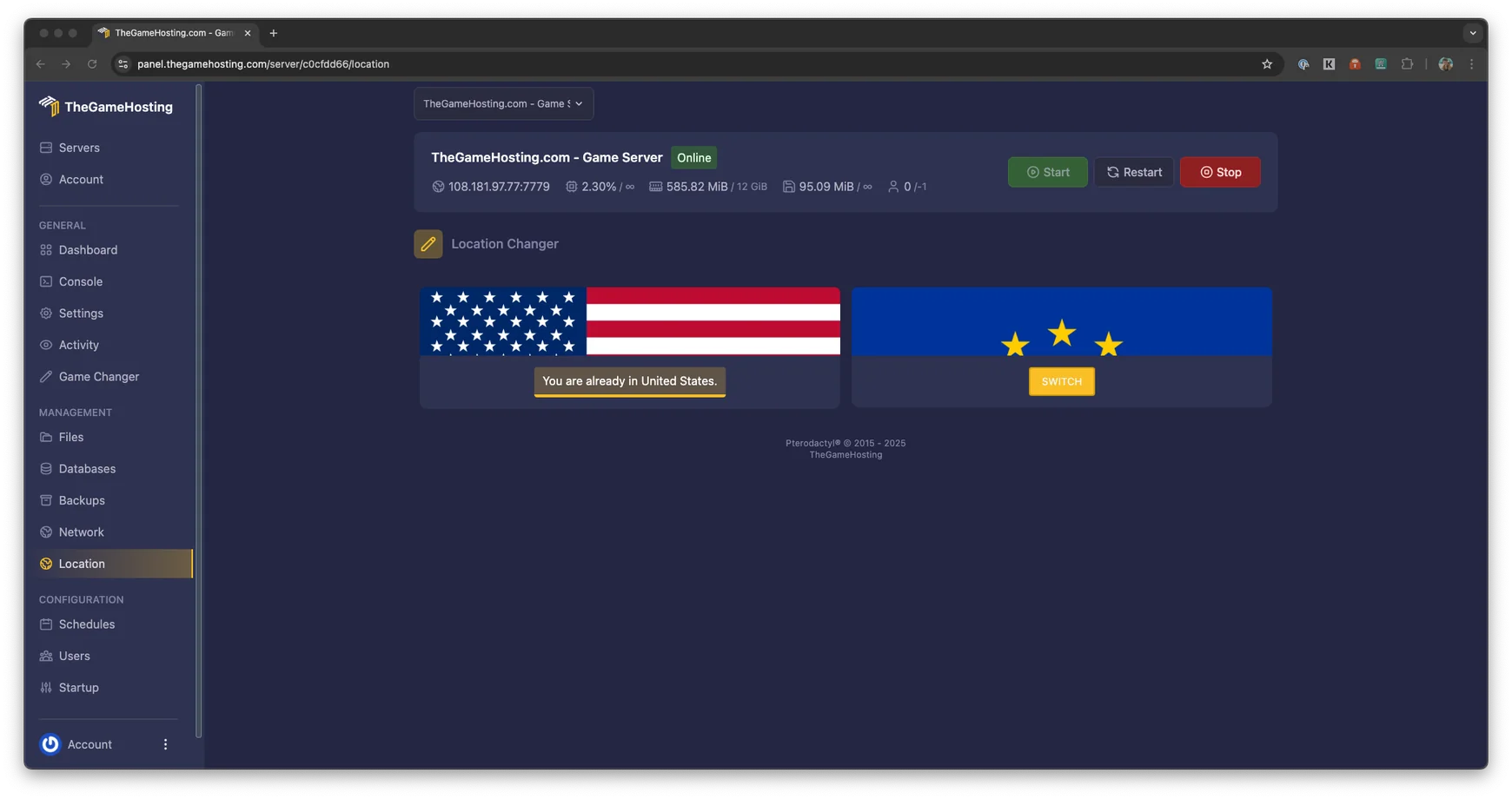
Distance adds delay that no setting fixes. We run in Dallas and Amsterdam, and you can switch location from the panel. Choose the one closest to most of your players.
Check CPU and RAM
8 GB is enough for a group of friends, while a full server or large bases need 12 GB or more. If the server FPS is low even with trimmed bases, the plan may be too small. Compare sizes in the RAM guide.
A quick triage flow
- Read
serverfpsandbasecampnumfromGET /metricswhile the lag is happening. - If the numbers are low and
uptimeis long, restart the server and measure again. - If they are still low after a restart, lower workers per base and bases per guild, then check the spawn rate.
- If they are fine but players still lag, test other players and other networks.
- If one change helps, keep it and move on to the next, one at a time.
What not to do
- Do not change five settings at once. You will not know which one helped.
- Do not raise spawn rates or bases on a server that already struggles.
- Do not run a full 32-player server on the smallest memory. 8 GB suits a group of friends; a full server needs 12 GB or more.
- Do not open the REST API to the internet. Pocketpair says it is not designed for that.
Step 3: Rule out the player side
- Same version. The game and the server should be on the same version. See how to update a Palworld dedicated server.
- Network. Ask the player to try a wired connection or another network.
- The PC. A player whose game stutters while the server FPS is normal needs to look at their own drivers and settings.
Settings are changed in PalWorldSettings.ini, and you should stop the server before you edit it.
FAQ
Why does my Palworld server lag?
The usual causes are big bases with many working Pals, high spawn rates, low CPU or RAM, a long uptime and a distant location. Pocketpair says that raising bases per guild, workers per base and the Pal spawn rate increases processing load.
What is server FPS in Palworld?
It is one of the numbers returned by the REST API endpoint GET /metrics, together with the frame time, players, uptime and the number of bases. A low server FPS means the server itself is struggling.
Do I need the old multithreading launch arguments?
Pocketpair says that in v1.0 and later, leaving -useperfthreads -NoAsyncLoadingThread -UseMultithreadForDS unset may improve performance. If you copied them from an old guide, try removing them.
Should I restart my Palworld server on a schedule?
Many owners do, because lag tends to grow with uptime and a restart clears it. Warn players with /Broadcast, save, then /Shutdown, or use the Schedules tab on our panel.
Is the lag always the server's fault?
No. Rubberbanding can also come from distance to the server or from your own network, and stutter when you enter new areas can be your own PC. Test whether other players see the same thing before you change settings.
Hosting for these games
 Palworld server hostingUp to 32 players · from $6.96 USD/month
 Rust server hostingWipes, Oxide and Carbon
Written by TheGameHosting Team, the people who run our servers in Dallas and Amsterdam and answer your tickets.
All posts