 TheGameHosting Team
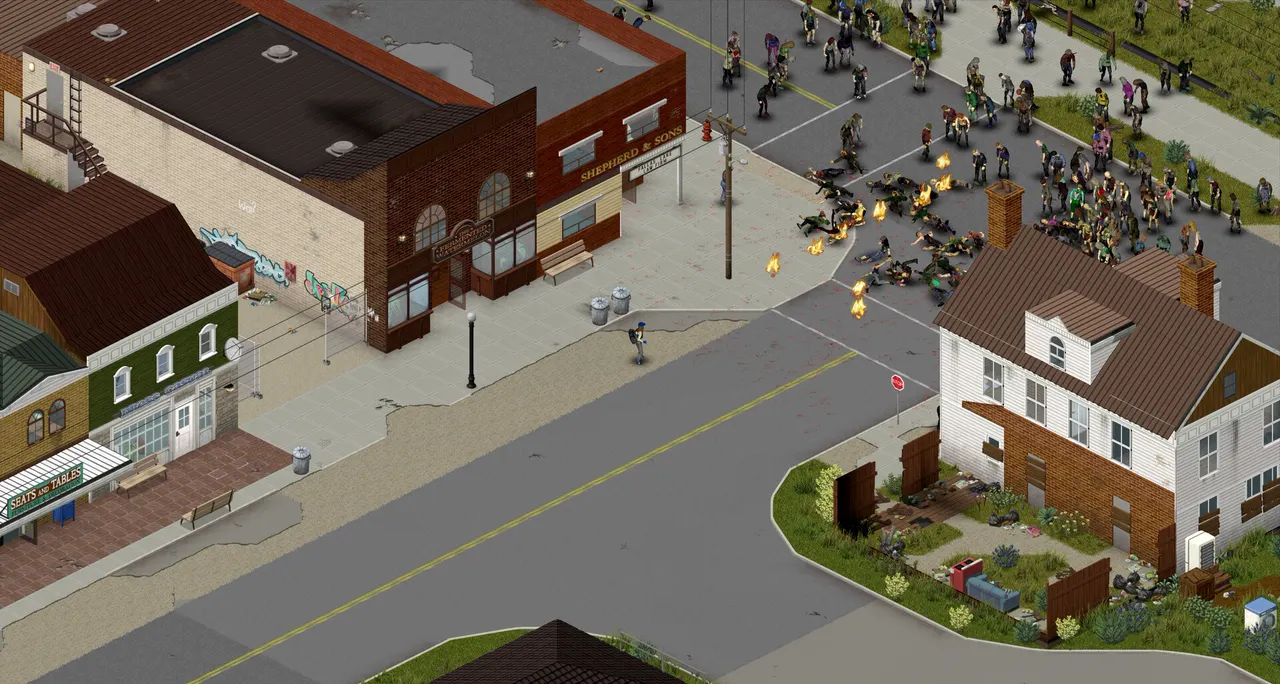
When Project Zomboid can't connect to a server, the usual causes are a server that is not running yet, a client and server on different builds, mods that do not match, closed UDP ports 16261 and 16262, or a wrong password. Check them in that order, and read the error message to narrow it down.
Start with the message you see
The error text tells you where to look:
| What you see | Likely cause | Fix |
|---|---|---|
| The server never answers, or the connection times out | The server is off, or the ports are closed | Fixes 1 and 4 |
| A version or build mismatch | The client and server are on different builds | Fix 2 |
| A mod or Workshop version mismatch | Different mod versions or a missing mod | Fix 3 |
| "File doesn't match the one on the server", or Lua checksum errors | Modified or outdated game or mod files | Fix 6 |
| Wrong password, or you are refused as a new user | Password or whitelist | Fix 5 |
Fix 1: check that the server is running
A server that is still starting cannot take players. Look at the console. In our panel, open Console and wait until the server has finished starting. If it stopped, start it, and read the last lines for errors. A server that crashes on start, often after a mod change, never becomes reachable. See Project Zomboid server lag: how to fix rubberbanding if the console shows memory errors.
Fix 2: match the build
A client can only join a server that runs the same build of the game.
- Check both numbers. The build shows in the corner of the main menu.
- Match the full number. Two different Build 42 patches can still refuse to connect.
- Match the branch. A Build 41 player cannot join a Build 42 server, and the other way round. For Build 41, players choose the
legacy41beta in Steam under Properties, then Game Versions & Betas.
If you recently updated the server, make sure it really runs the new build. Project Zomboid Build 42 vs Build 41 explains the branches.
Fix 3: match the mods
Players need the same mods, in the same versions, as the server. Subscribed Workshop mods download automatically when players connect, according to the PZwiki, but a mod that updated on one side can still cause a mismatch. Check:
- Every Workshop ID is in
WorkshopItems=and every Mod ID is inMods=on the server. - The mod IDs have no typos or stray spaces.
- Players are subscribed to the mods the server uses, and not to old copies.
How to add mods to a Project Zomboid server explains the two IDs.
Fix 4: open the ports
Project Zomboid uses two UDP ports, according to the PZwiki: 16261 for the main game and 16262 for direct connections. You can change them with DefaultPort and UDPPort, or the -port and -udpport start options.
| Port | Protocol | Default |
|---|---|---|
| Main game port | UDP | 16261 |
| Direct connections | UDP | 16262 |
- On a hosted server, you do not forward ports yourself. Check the address and port in the panel, and ask our support team if players still time out.
- On a server you run yourself, open both UDP ports in your router and your firewall, and forward them to the server machine. A Windows or Linux firewall can block the ports even when the router is set up.
Fix 5: password and whitelist
If the server has a Password, players must enter it. If Open is off, the server is whitelisted and only accounts you created can log in, so a new player is refused until you run /adduser "username" "password". If the server is private on purpose, it also may not show in the public list. See how to make a Project Zomboid server private.
Fix 6: file mismatch and Lua checksum errors
The server compares players' game files with its own, using the DoLuaChecksum option. Errors like "File doesn't match the one on the server" or Lua checksum mismatches show up in the Steam support forums when the files differ. To fix:
- Make sure every mod is current and that players use only the mods the server enables.
- Have the player verify their game files in Steam: right-click Project Zomboid, choose Properties, then Installed Files, then Verify integrity of game files.
- Remove a mod that is out of date on the server. A single old mod can block every player.
- Know the Linux note. The PZwiki says the checksum check can give false positives on Linux servers. Turning it off lowers the server's protection against modified files, so do it only on a small private server, and only after the other steps.
Fix 7: use the right address and port
The simplest mistakes are the common ones. Make sure players use the server's IP and port 16261 in the Join screen, copied from the panel, with no extra spaces. A direct connection test, from a second PC, tells you if the problem is on the server side or the player's side.
A checklist to send your players
Players can solve many problems themselves. Send them this:
- Update the game and restart Steam.
- Check that your build matches the server's, and your branch if the server runs Build 41.
- Subscribe to the server's mods, and unsubscribe from any you do not need.
- Verify the game files in Steam.
- Copy the address and port again, and type the password carefully.
- Tell the admin the exact error message.
If it still does not work
If the seven fixes did not help, send our support team these details in live chat or a ticket. They answer 24/7:
- The exact error message, or a screenshot.
- Your build number, and the branch the player uses.
- Your
WorkshopItems=andMods=lines. - Whether the player is the only one who cannot connect, or everyone.
- When it started: after an update, a mod change or a settings change.
The full list of ports and files is in our dedicated server setup guide.
FAQ
Why can't I connect to my Project Zomboid server?
The most common causes are a server that has not finished starting, a client and server on different builds, mods that do not match, closed UDP ports or a wrong password. Check them in that order and read the error message.
Which ports does Project Zomboid use?
PZwiki lists UDP 16261 for the main game and UDP 16262 for direct connections. Both can be changed in the server settings.
Why does it say my files don't match the server?
The server checks that your game and mod files match its own. Update every mod, verify your game files in Steam, and remove a mod that is out of date on the server.
Can a Build 41 player join a Build 42 server?
No. The client and the server must run the same build, so players on Build 41 must switch to the legacy41 branch in Steam or move to Build 42.
Do I need to forward ports on a hosted server?
No. On a hosted server you have no router to configure. Use the address and port shown in the panel, and ask support if players still time out.
Hosting for this game
Written by TheGameHosting Team, the people who run our servers in Dallas and Amsterdam and answer your tickets.
All posts