Project Zomboid dedicated server

Project Zomboid Server Hosting

Give your group a Knox County that is still there when you log off. A Project Zomboid dedicated server on AMD 9950X/7950X3D and DDR5 keeps the world online around the clock, with your Steam Workshop mods and your own sandbox rules.
  • Steam Workshop mods
  • Full sandbox settings
  • Online even when you are not
  • No slot fees

Plans from $6.96 USD / month

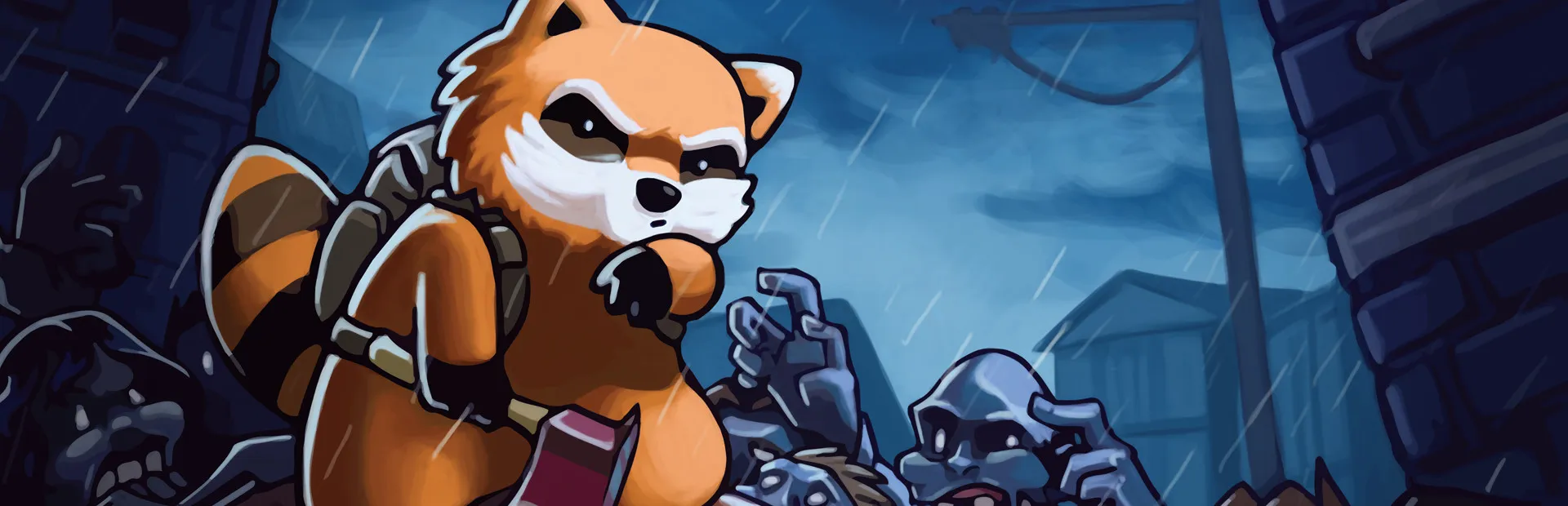
Project Zomboid key art: a cartoon raccoon survivor with a backpack in front of a crowd of zombies in the rain
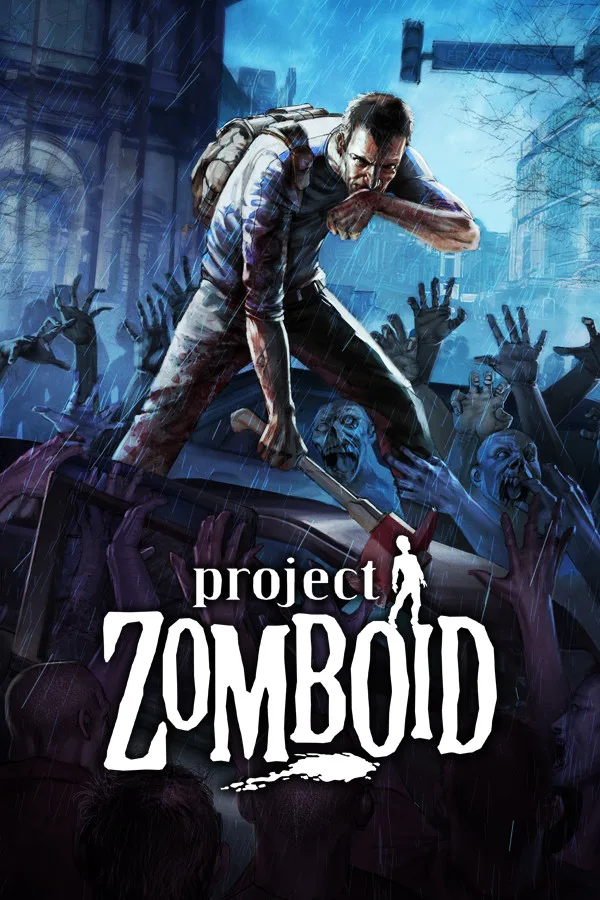
Project Zomboid cover art: a survivor running from a zombie horde above the game logo

Project ZomboidRequires 8 GB RAM · runs on 6 of 9 plans

Shape your apocalypseThe settings that make a Project Zomboid server yours, editable in the File Manager or over sFTP

  • Workshop modsWorkshopItems and Mods lines
  • Sandbox settingsZombies, loot, day length
  • Admins and whitelistOpen or invite-only
  • PvP and safehousesYour rules, server-wide

Use code FULL2026 at checkout for 15% off for life

Swipe or tap a plan

Slide to pick your RAM Use the arrow keys too

Every plan includes

    Manage your Project Zomboid server from one panel

    Real screenshots of our panel. The same tools come with every plan, and you never need a command line to use them.

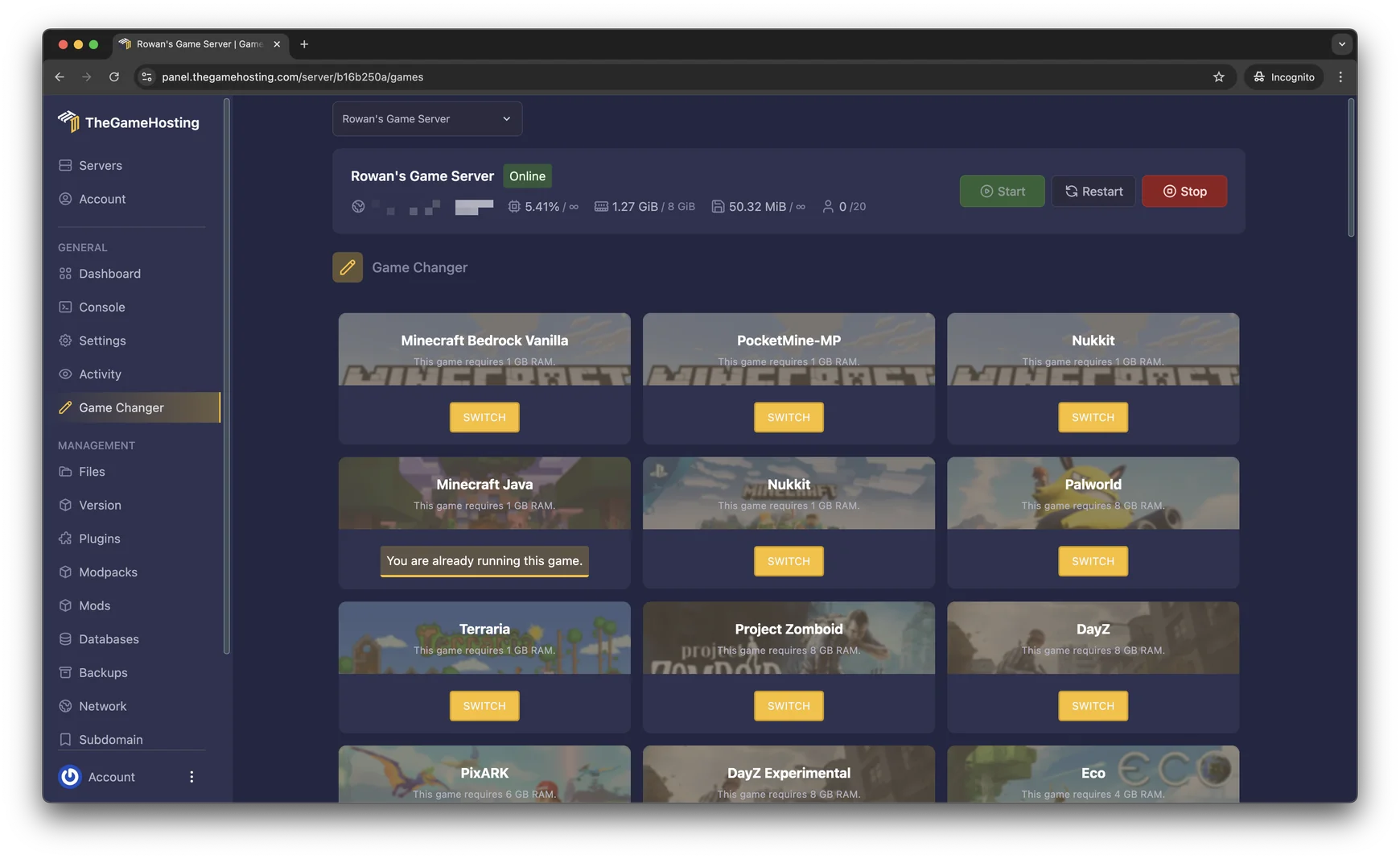
    Game Changer in the TheGameHosting panel listing Project Zomboid with its 8 GB RAM requirement next to Terraria, DayZ and Palworld

    Try the live panel demoWant to click around first? The demo on our home page runs a Minecraft server, and Files, Backups and the Game Changer work the same way for Project Zomboid.

    Everything included with your Project Zomboid server

    Every plan gets the full panel and the same hardware. The only thing you pick is how much RAM your world needs.

    Built for Project Zomboid

    • Steam Workshop modsList the Workshop and mod IDs in the server settings and players download them as they join.
    • Sandbox settingsZombie population, loot rarity, day length and more, for the whole server.
    • No slot feesWe don’t charge per player. You set the player limit yourself.
    • Your rulesPvP on or off, safehouses, admins and a whitelist if you want one.

    Manage it easily

    • File manager and full sFTPEdit the server .ini in the browser or upload a save over sFTP.
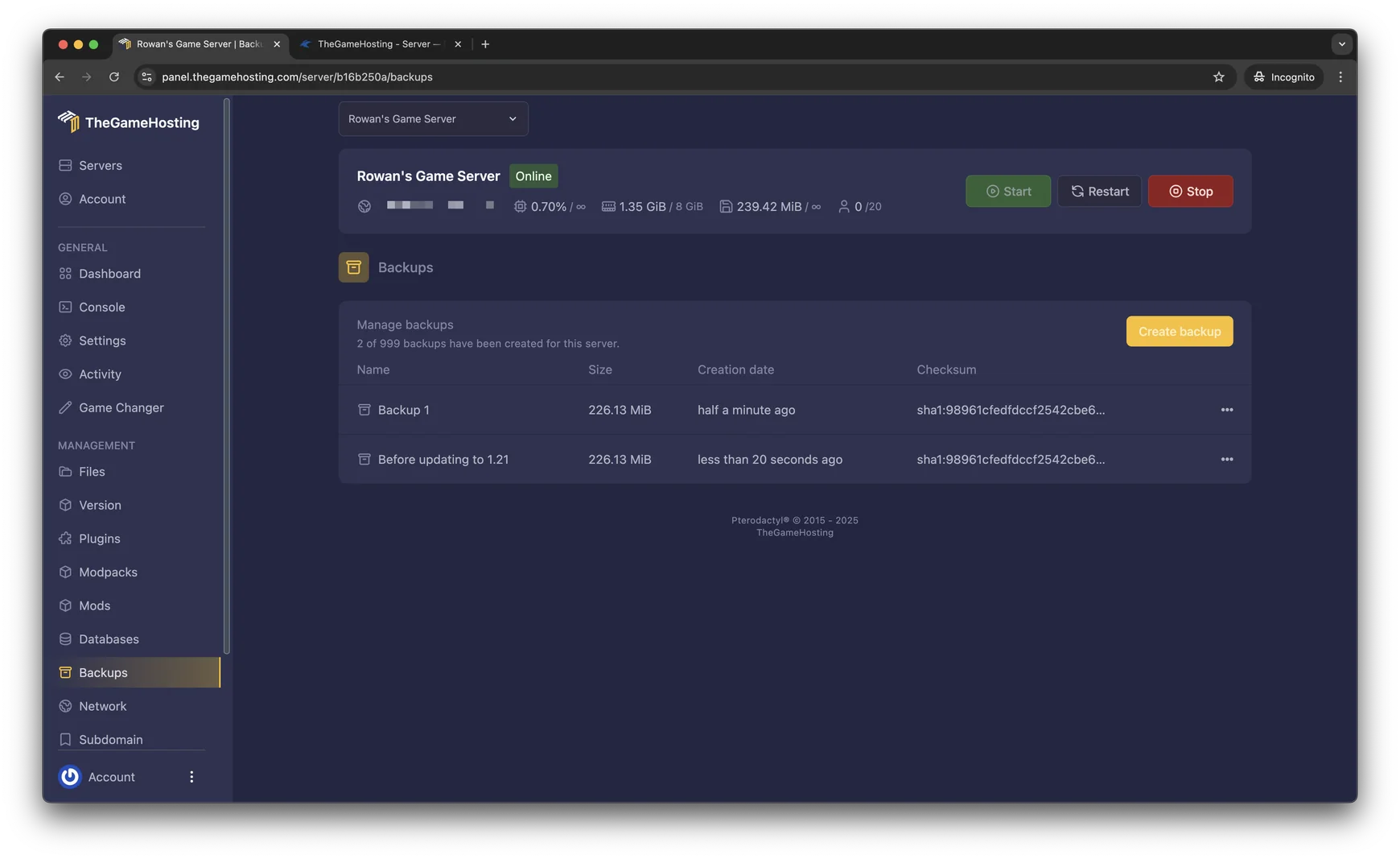
    • Backup SystemCreate and restore backups of your world from the panel.
    • Location ChangerSwitch between our United States and Europe locations.
    • Game ChangerTry another game on the same plan, like 7 Days to Die or DayZ.

    Fast and protected

    • AMD 9950X/7950X3DUp to 5.7Ghz, so the server keeps pace when a horde is on the move.
    • DDR5 RAM and NVMeDedicated DDR5 memory and Samsung NVMe storage.
    • DDoS protectionEvery server sits behind our DDoS protection.
    • Ready in 60 secondsYour server is ready within 60 seconds after payment.

    Project Zomboid server hosting for your whole group

    Hosting from your own PC works until it doesn’t: the world closes when you log off, and everyone lags when your upload stutters. A Project Zomboid dedicated server keeps the save on our hardware instead, so your friends can loot Muldraugh at 3 a.m. without waiting for you, and your own PC is free to just play.
    Pick a plan with at least 8 GB of RAM, pay, and the server is ready within 60 seconds after payment. From the panel you start and restart it, follow the console and edit settings in the File Manager. There are no slot fees, so a duo and a 20-player community pay the same price for the same RAM.
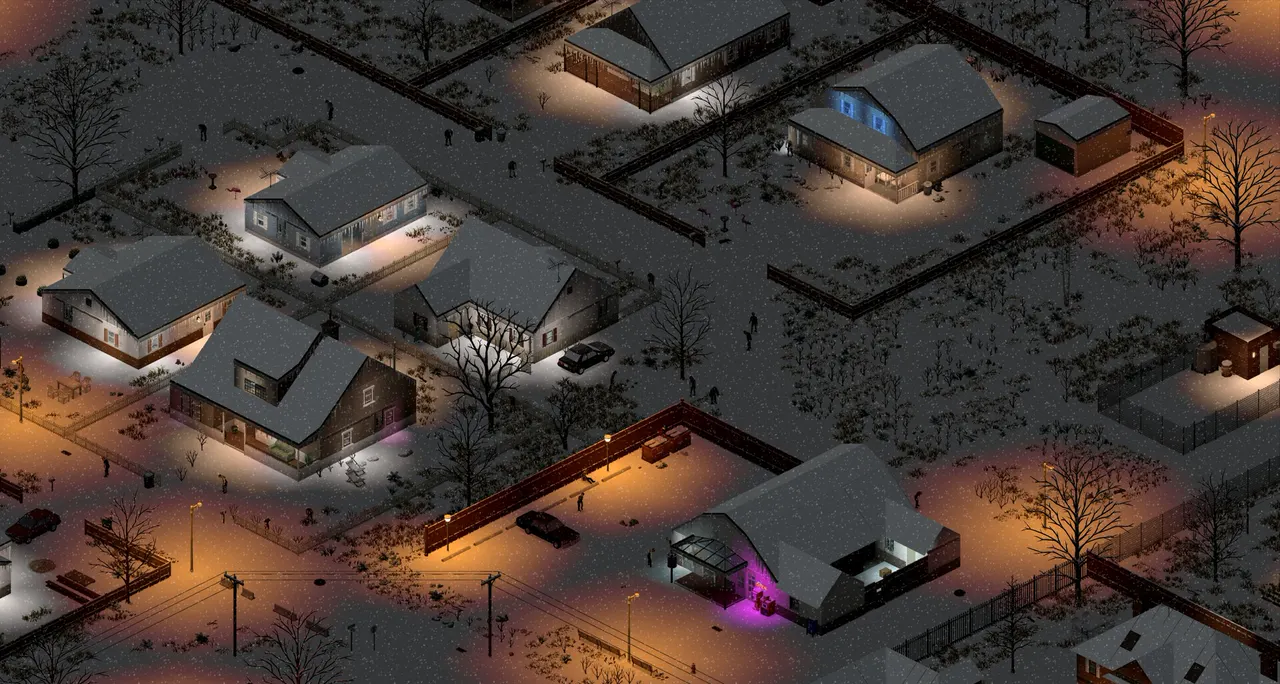
    Project Zomboid screenshot: an isometric view of a suburban street at night with houses and parked cars

    Steam Workshop mods and sandbox settings

    Most Project Zomboid servers that last are modded, and almost all of them run custom sandbox rules. Both live in plain text files you can open in the panel’s File Manager or over sFTP.

    How to add Workshop mods to a Project Zomboid server

    Mods are set in the server’s .ini file (servertest.ini on a default install). Put the Workshop item numbers on the WorkshopItems= line and the mod IDs on the Mods= line, separated by semicolons, then restart. Map mods also need their folder name on the Map= line. Players download the same Workshop items when they join.

    Sandbox settings that change the run

    The sandbox file controls zombie population and respawn, loot rarity, how long a day lasts and when the water and power shut off. Make the server a slow-burn survival game or a loot-heavy sandbox for a weekend group.

    Back up before every update

    Game updates and mod updates are the usual reason a save stops loading. Create a backup in the panel first, and roll back in a couple of clicks if something goes wrong.

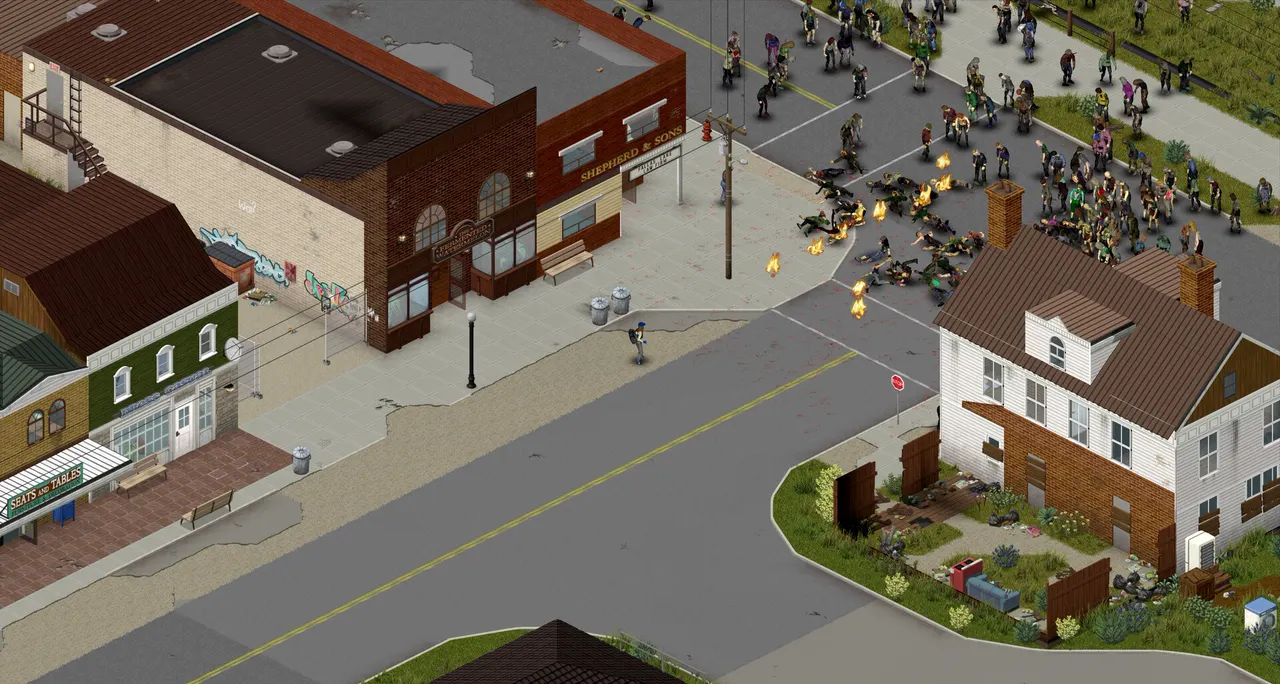
    Project Zomboid screenshot: a crowd of zombies spreading through a small town in daylight
    File Manager in the TheGameHosting panel with server folders and upload buttons
    Backups page in the TheGameHosting panel with a Create backup button

    PvP, PvE and who gets in

    A multiplayer server lives or dies by its rules. In the server settings you decide whether PvP is on, whether players can claim safehouses, how many people can be online at once and whether the server is open or whitelist-only.

    • Give trusted players admin or moderator access to deal with griefers.
    • Set a server password for a private group, or leave it open for a public community.
    • Change your mind later: edit the settings, restart, done.

    Running a public server for the first time? Our support team is available 24/7/365 if a setting does not behave the way you expect.

    Project Zomboid in the Game Changer of the TheGameHosting panel, marked as requiring 8 GB of RAM

    How much RAM does a Project Zomboid server need?

    On our plans Project Zomboid needs at least 8 GB of RAM, so it runs on 6 of our 9 sizes, starting with 8 GB. A few things push memory use higher:

    • Players spread across the map, since each one keeps their own area loaded.
    • Long Workshop mod lists and large map mods.
    • High zombie population and respawn settings.

    Since we don’t charge per slot, RAM is the only thing you choose. Tell our support your group size and mod list and we’ll suggest a size. For the full picture, read Project Zomboid server requirements.

    Project Zomboid requires 8 GB RAMRuns on 6 of our 9 plans, from 8 GB

    • 2 GB (too small)
    • 4 GB (too small)
    • 6 GB (too small)
    • 8 GB
    • 10 GB
    • 12 GB
    • 16 GB
    • 32 GB
    • 64 GB

    Hardware we own, in Dallas and Amsterdam

    Your Project Zomboid world runs on servers we bought and look after ourselves, not on rented capacity. Every plan gets AMD 9950X/7950X3D processors up to 5.7Ghz, DDR5 RAM and Samsung NVMe storage, so map cells load quickly as players spread out and the server keeps up when a horde turns the corner.

    Pick the location closest to your group: we run machines in Dallas, TX (United States) and Amsterdam (Netherlands), on a 10 Gbps network with advanced cooling, UPS backup power and DDoS protection in front of every server.

    • AMD 9950X/7950X3D up to 5.7Ghz
    • DDR5 RAM
    • Samsung NVMe Storage
    • 10 Gbps Network
    • UPS Backup Power
    • Dallas, TX & Amsterdam, NL

    Real people on support

    Our team is available 24/7/365. Ask about a Workshop mod that will not load, a sandbox setting or moving your save from another host, and a person answers.

    • Live chat
    • Email
    • Ticket system
    Contact support

    Project Zomboid hosting questions

    Can't find your answer? Ask our support team.

    How fast is my Project Zomboid server ready?

    Your server is ready within 60 seconds after payment. The access details arrive by email and you can start it from the panel straight away.

    How do I add Steam Workshop mods to my server?

    Open the server .ini file in the File Manager (servertest.ini on a default install). Add the Workshop item numbers to the WorkshopItems= line and the mod IDs to the Mods= line, separated by semicolons, then restart. Players download the same Workshop items when they join. Make a backup before you change your mod list.

    How much RAM does a Project Zomboid server need?

    On our plans Project Zomboid needs at least 8 GB of RAM, so it runs on the 8 GB plan and up. Players spread across the map, long mod lists, map mods and high zombie settings all add memory use.

    How many players can join my server?

    We don’t limit slots or charge per player. You set the maximum player count in the server settings, and your RAM decides how many players the server handles comfortably.

    Can I turn off PvP or make the server whitelist-only?

    Yes. PvP, safehouses, a server password and an open or whitelist-only server are all server settings. You can also give friends admin or moderator access.

    Can I move my server from another host?

    Yes. Download your save and configuration files from your current host, then upload them through the File Manager or over sFTP. Our support team can help with the move so nothing is lost.

    Can I switch to another game later?

    Yes. Open the Game Changer and pick another game your plan runs, like 7 Days to Die, DayZ or Valheim. It is the same plan, so there is nothing new to buy. Make a backup before you switch.

    Where are your Project Zomboid servers hosted?

    In two locations: Dallas, TX (United States) and Amsterdam (Netherlands). We own the hardware in both, with AMD 9950X/7950X3D CPUs, DDR5 RAM, Samsung NVMe storage and a 10 Gbps network.

    Do you have a discount code?

    Use promo code FULL2026 at checkout for 15% off for life.

    Is TheGameHosting affiliated with The Indie Stone?

    No. This site is not affiliated with The Indie Stone or Project Zomboid.

    Start your Project Zomboid server today

    Ready within 60 seconds after payment, on hardware we own in Dallas and Amsterdam. Bring your mod list.

    Use promo code FULL2026 at checkout for 15% off for life.