7 Days to Die dedicated server

7 Days to Die Server Hosting

Survive the seventh night together. A 7 Days to Die dedicated server keeps your base standing between sessions, with Navezgane or a random world, your own blood moon rules and the mods your group wants, on AMD 9950X/7950X3D and DDR5.
  • Navezgane or random worlds
  • Mods and overhauls
  • Blood moon settings
  • No slot fees

Plans from $6.96 USD / month

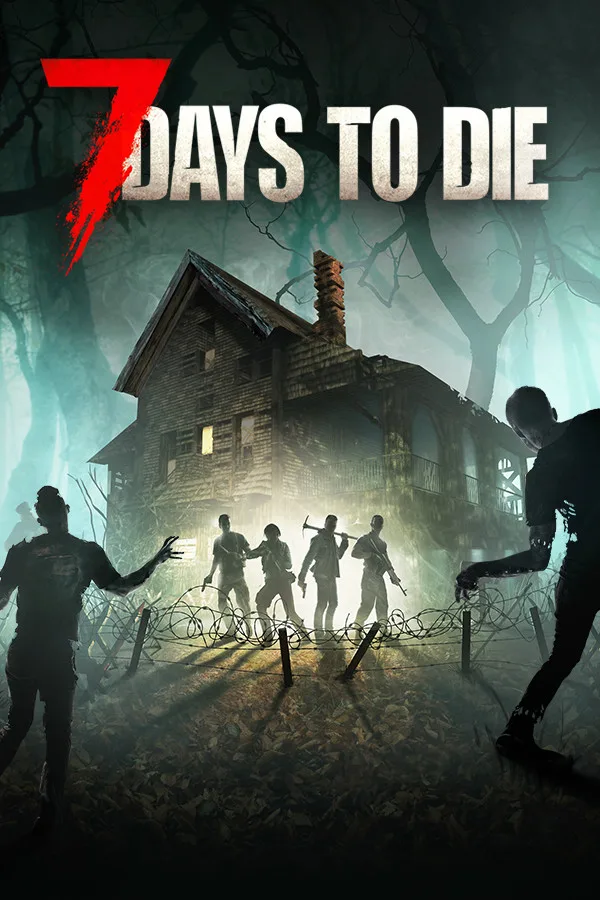
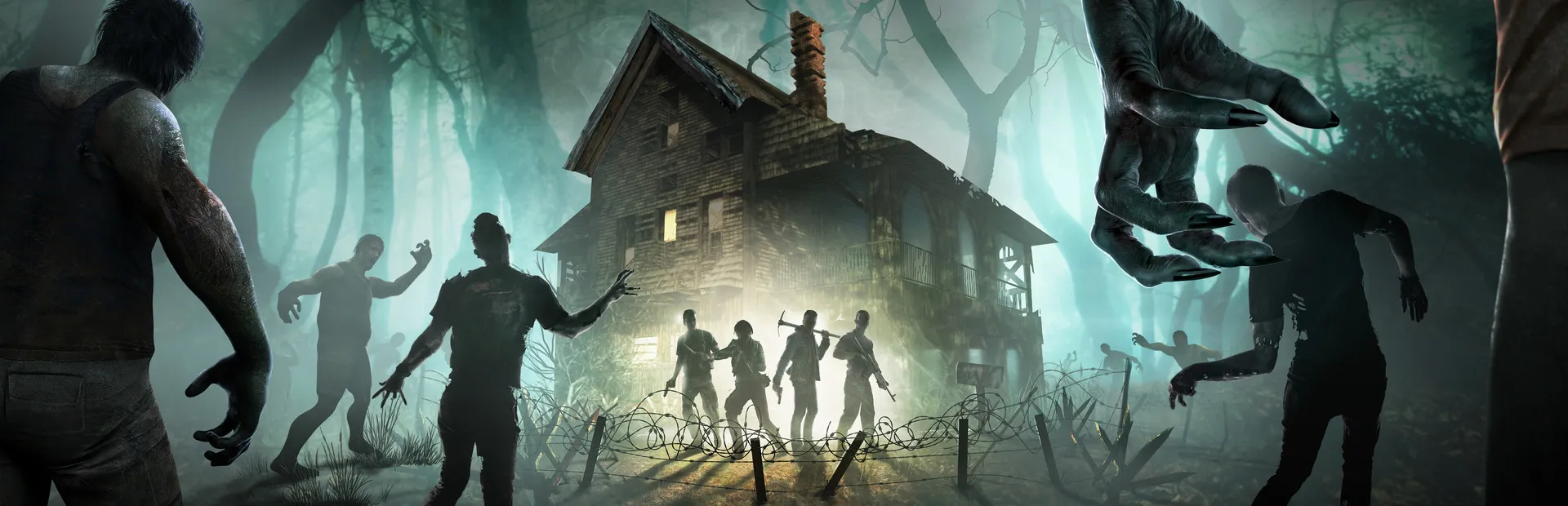
7 Days to Die key art: zombies closing in on a lit farmhouse in a foggy forest
7 Days to Die cover art: a farmhouse surrounded by zombies under the game logo

7 Days to DieRequires 8 GB RAM · runs on 6 of 9 plans

Tune every horde nightThe 7 Days to Die settings you control in the File Manager or over sFTP

  • serverconfig.xmlName, password, difficulty
  • World choiceNavezgane or Random Gen
  • Mods folderModlets and overhauls
  • Blood moonsHow often, how many

Use code FULL2026 at checkout for 15% off for life

Swipe or tap a plan

Slide to pick your RAM Use the arrow keys too

Every plan includes

    Your 7 Days to Die server, run from one panel

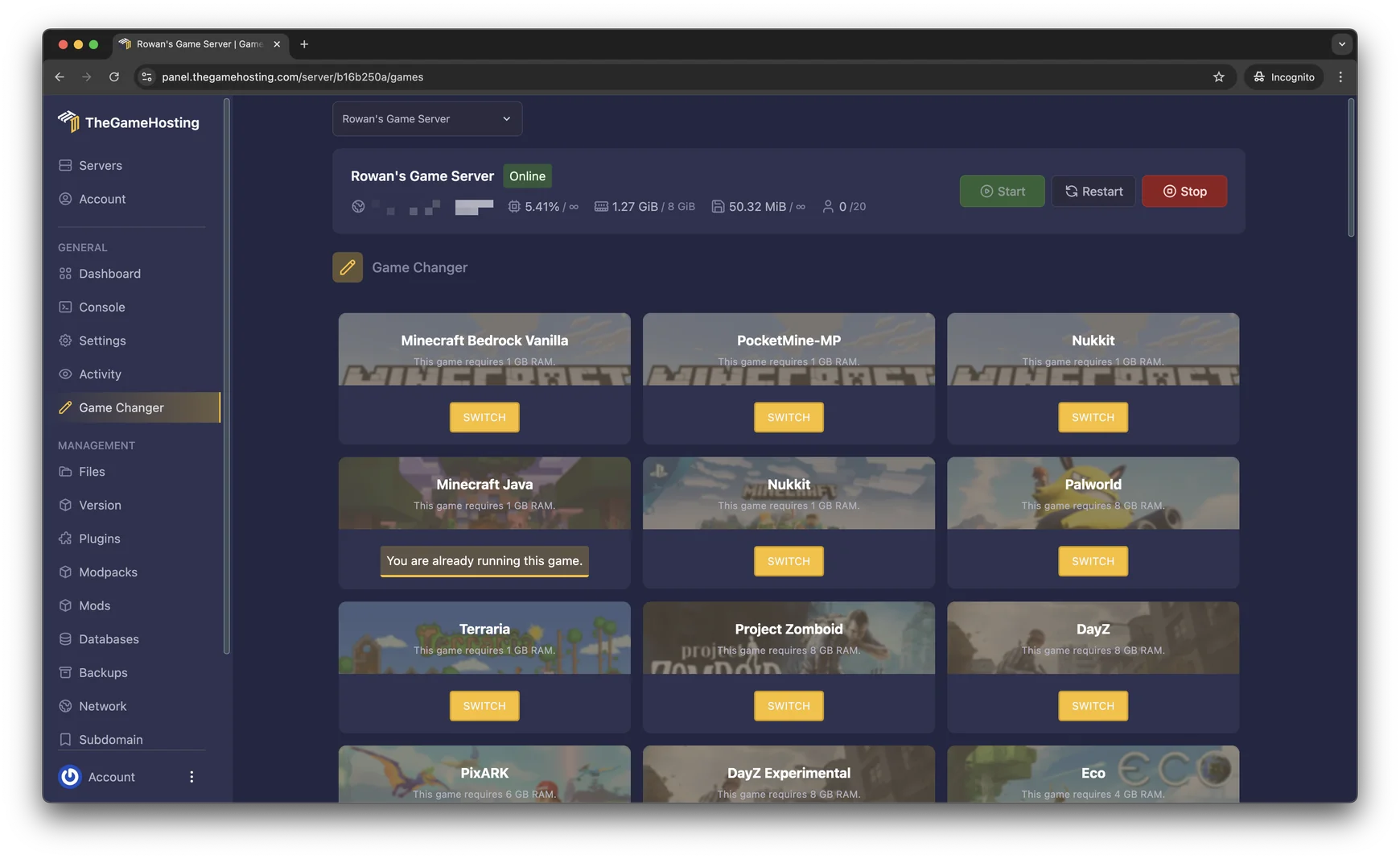
    These are screenshots of our real panel. Every plan gets the same tools, and none of them need a command line.

    Game Changer in the TheGameHosting panel: a grid of games, each with its RAM requirement and a Switch button

    Try the live panel demoLike to try before you buy? The demo on our home page runs a Minecraft server; Files, Backups and the Game Changer work the same for 7 Days to Die.

    Everything included with your 7 Days to Die server

    No add-ons and no tiers with missing tools. Plans only differ in RAM, so you pay for the memory your world needs.

    Built for 7 Days to Die

    • Full serverconfig.xmlDifficulty, day length, loot, land claims and every other server setting.
    • Mods and overhaulsUpload modlets or full overhauls to the Mods folder.
    • Any worldNavezgane or a Random Gen world with your own seed and size.
    • No slot feesWe don’t charge per player. You set the player count yourself.

    Manage it easily

    • File manager and full sFTPEdit serverconfig.xml in the browser or upload mods over sFTP.
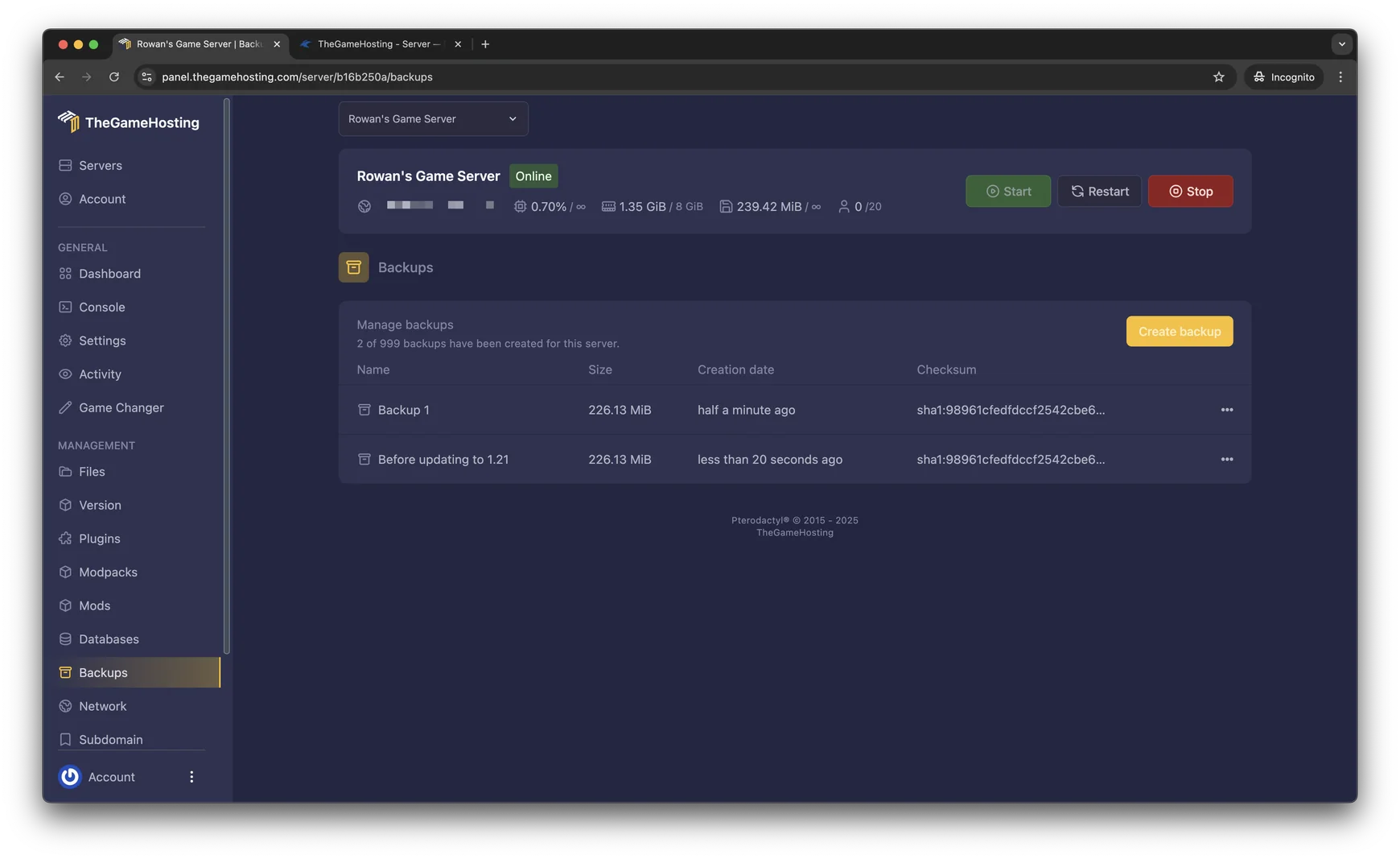
    • Backup SystemBack up your world before a mod update and restore it from the panel.
    • Location ChangerSwitch between our United States and Europe locations.
    • Game ChangerTry another game on the same plan, like Project Zomboid or DayZ.

    Fast and protected

    • AMD 9950X/7950X3DUp to 5.7Ghz, for horde nights with dozens of zombies pathing at once.
    • DDR5 RAM and NVMeDedicated DDR5 memory and Samsung NVMe storage.
    • DDoS protectionEvery server sits behind our DDoS protection.
    • Ready in 60 secondsYour server is ready within 60 seconds after payment.

    7 Days to Die server hosting that keeps your base standing

    A good 7 Days to Die world takes weeks of in-game days to build: the base, the traps, the stash of forged steel. When it lives on one player’s PC, nobody else can log in to repair walls before the next horde. A dedicated server keeps the world online for the whole group, and your own PC only has to run the game.

    Choose a plan with at least 8 GB of RAM and your server is ready within 60 seconds after payment. The game’s own player limit lives in serverconfig.xml; we don’t add slot fees on top, so a group of four and a public server pay the same for the same RAM.
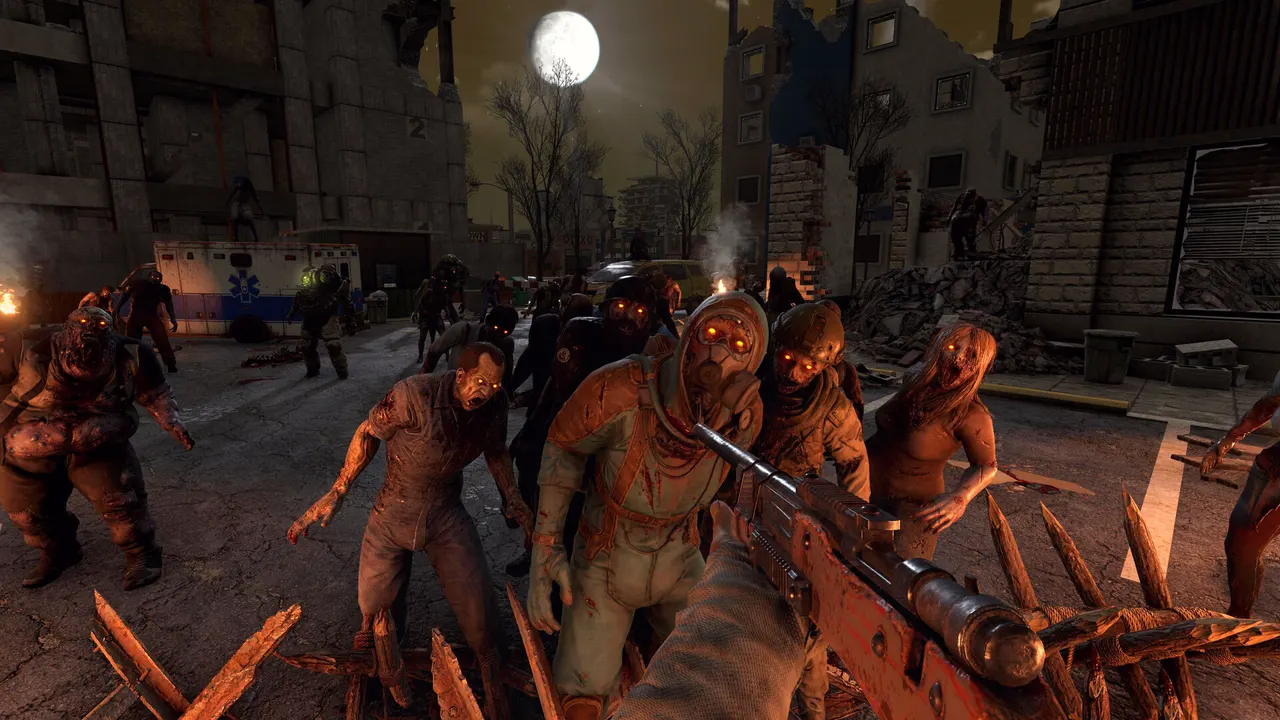
    7 Days to Die screenshot: a horde of zombies coming through the streets at night

    Mods, modlets and overhauls

    Modding is a big part of 7 Days to Die, from small quality-of-life tweaks to overhauls that turn it into a different game. On our servers you add them the same way you would on your own machine, through the File Manager or sFTP.

    Where 7 Days to Die mods go

    Server mods live in the Mods folder at the root of the server, one folder per mod. Upload the mod, restart the server and check the console to see it load.

    Server-side modlets vs. full overhauls

    Small XML modlets that only change game data can often run on the server alone. Mods that add new models, sounds or code, and overhauls like Darkness Falls, have to be installed by every player too, at the same version as the server.

    Match the game version

    Overhauls are built for one game version. Check what a mod needs before you update the server, and make a backup first so you can roll back.

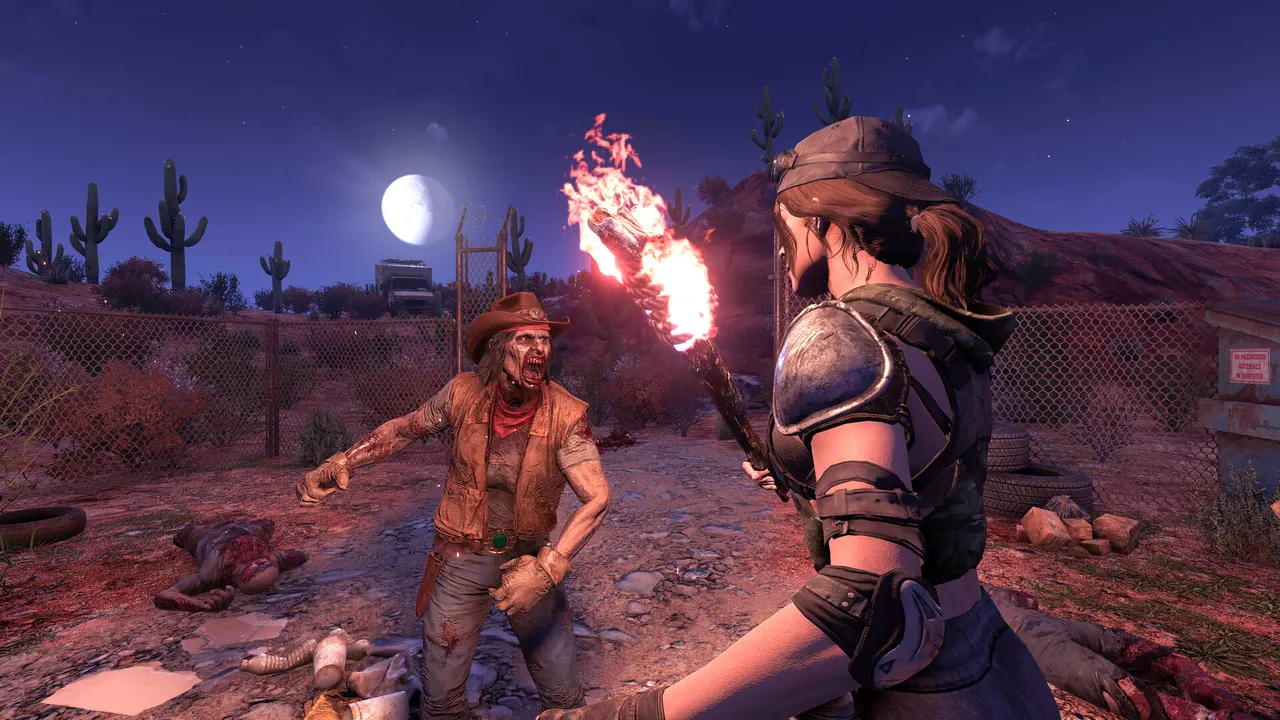
    7 Days to Die screenshot: survivors holding a burning torch in the desert at night
    File Manager in the TheGameHosting panel with server folders and upload buttons
    Backups page in the TheGameHosting panel with a Create backup button

    Blood moons, loot and world settings

    Everything that makes your server feel easy or brutal sits in serverconfig.xml. A few of the settings groups change most often:

    • Blood moon frequency and how many zombies each horde sends.
    • Game difficulty, day length and how fast zombies move by day and by night.
    • Loot abundance, loot respawn time and what players drop when they die.
    • Land claim size and durability, so bases on a public server stay protected.

    For the world itself, play the hand-made Navezgane map or set a seed and size for a Random Gen world. A new seed means a new map, so back up the old world before you change it.

    Game Changer in the TheGameHosting panel: a grid of games, each with its RAM requirement and a Switch button

    How much RAM does a 7 Days to Die server need?

    On our plans 7 Days to Die needs at least 8 GB of RAM, so it runs on 6 of our 9 sizes, starting with 8 GB. Memory use climbs with:

    • The size of a Random Gen world and how much of it players have explored.
    • More players online, especially when they spread out across the map.
    • Overhaul mods, which add items, zombies and points of interest.

    No slot fees means RAM is the only choice to make. If you plan to run an overhaul for a bigger group, tell our support team and we’ll suggest a size.

    7 Days to Die requires 8 GB RAMRuns on 6 of our 9 plans, from 8 GB

    • 2 GB (too small)
    • 4 GB (too small)
    • 6 GB (too small)
    • 8 GB
    • 10 GB
    • 12 GB
    • 16 GB
    • 32 GB
    • 64 GB

    Hardware we own, in Dallas and Amsterdam

    Your 7 Days to Die world runs on servers we bought and maintain ourselves. Horde nights are the real stress test, with dozens of zombies finding a path to your base at the same time, so every plan uses AMD 9950X/7950X3D processors up to 5.7Ghz, DDR5 RAM and Samsung NVMe storage for fast chunk loading on big maps.

    The machines are in Dallas, TX (United States) and Amsterdam (Netherlands). Both sites run on a 10 Gbps network with advanced cooling and UPS backup power, and every server is behind DDoS protection.

    • AMD 9950X/7950X3D up to 5.7Ghz
    • DDR5 RAM
    • Samsung NVMe Storage
    • 10 Gbps Network
    • UPS Backup Power
    • Dallas, TX & Amsterdam, NL

    Real people on support

    Our team is available 24/7/365. Ask about a mod that fails to load, a serverconfig.xml setting or moving your world from another host, and a person answers.

    • Live chat
    • Email
    • Ticket system
    Contact support

    7 Days to Die hosting questions

    Can't find your answer? Ask our support team.

    How fast is my 7 Days to Die server ready?

    Within 60 seconds after payment. You get the access details by email and can start the server from the panel straight away.

    How do I install mods on a 7 Days to Die server?

    Upload each mod as its own folder into the Mods folder at the server root, using the File Manager or sFTP, then restart. Small XML modlets can often run on the server alone, but mods with new models or code, and overhauls like Darkness Falls, must also be installed by every player at the same version.

    How much RAM does a 7 Days to Die server need?

    On our plans 7 Days to Die needs at least 8 GB of RAM, so it runs on the 8 GB plan and up. Large Random Gen worlds, more players and overhaul mods all add memory use.

    How many players can join my server?

    We don’t limit slots or charge per player. The player limit is a setting in serverconfig.xml, and your RAM decides how many players the server handles comfortably.

    Can I change how often blood moons happen?

    Yes. Blood moon frequency and the number of zombies in each horde are settings in serverconfig.xml. Change them, restart the server and the next horde follows the new rules.

    Can I play on a random world instead of Navezgane?

    Yes. Set the world to Random Gen and choose a seed and a world size in serverconfig.xml. A new seed creates a new map, so make a backup of your current world first.

    Can I switch to another game later?

    Yes. Open the Game Changer and pick another game your plan runs, like Project Zomboid, DayZ or Valheim. It is the same plan, so there is nothing new to buy. Make a backup before you switch.

    Where are your 7 Days to Die servers hosted?

    You can host in Dallas, TX (United States) or in Amsterdam (Netherlands). Both locations run on hardware we own: AMD 9950X/7950X3D processors, DDR5 memory, Samsung NVMe drives and a 10 Gbps network.

    Do you have a discount code?

    Use promo code FULL2026 at checkout for 15% off for life.

    Is TheGameHosting affiliated with The Fun Pimps?

    No. This site is not affiliated with The Fun Pimps or 7 Days to Die.

    Start your 7 Days to Die server today

    Ready within 60 seconds after payment. Full serverconfig.xml access and your mods, on hardware we own in Dallas and Amsterdam.

    Use promo code FULL2026 at checkout for 15% off for life.