 TheGameHosting Team
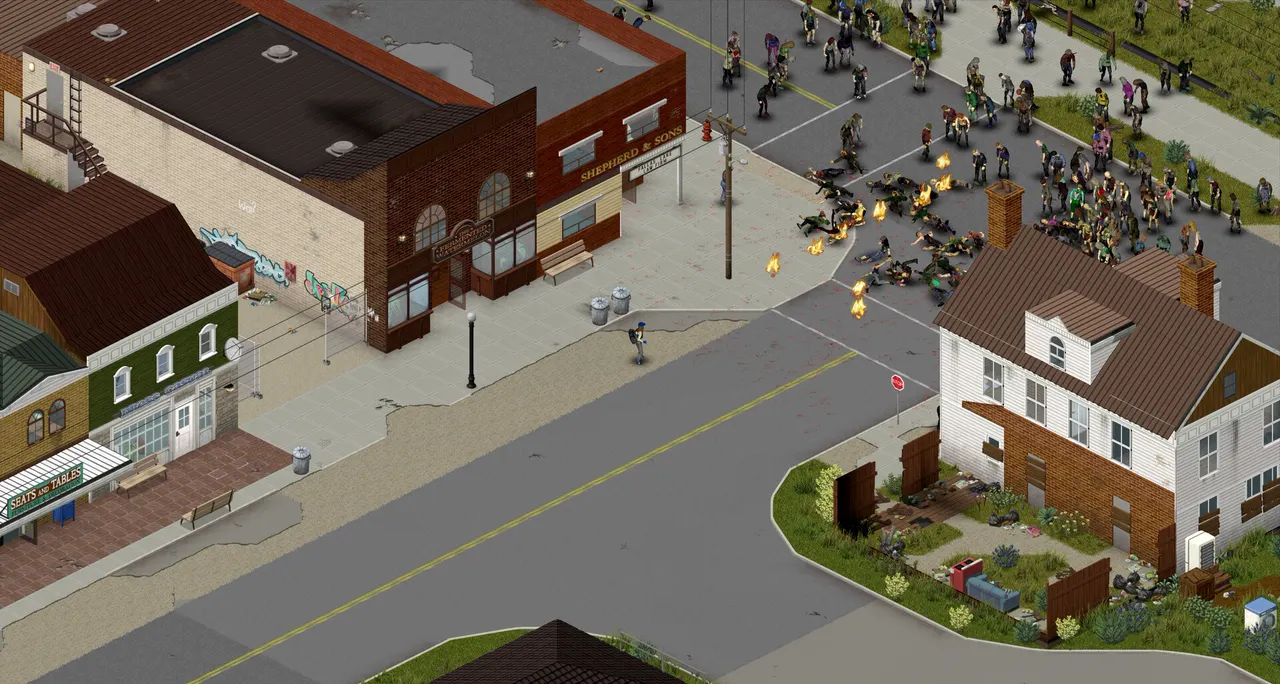
Project Zomboid's sandbox rules live in servertest_SandboxVars.lua, in the Zomboid/Server folder next to servertest.ini. Edit it with the server stopped, save, and start the server again. It controls zombie population and respawn, loot rarity and respawn, day length, and when the water and power shut off.
Where are the sandbox settings?
The sandbox rules are separate from the server options. According to the PZwiki Sandbox options page, the file is servertest_SandboxVars.lua, and it lives in the same folder as servertest.ini:
- Windows:
C:\Users\YourUsername\Zomboid\Server - Linux:
~/Zomboid/Server
If you start the server with -servername, the file takes that name in place of servertest. To check what the server is using right now, run the admin command showoptions, or open the file in a text editor.
In our panel, you open the sandbox file in the File Manager, in the same place as the server .ini file. Project Zomboid servertest.ini settings explained covers the other file.
How to change sandbox settings on your server
- Make a backup. In our panel, open Backups and create one.
- Stop the server with the Stop button on the Console page.
- Open the sandbox file in the File Manager.
- Change one setting and save the file.
- Start the server and check the change in the game.
Change one thing at a time. Some changes only affect new activity, such as new respawns or newly gained experience, and not what already exists in the world. If you want a big change everywhere, such as a much lower zombie population, test it on a copy of your save first, or start a new world.
The key sandbox settings
The names below come from a Build 42.20.0 sample file on the PZwiki Game modes page. Names and values can change between builds, so check them against your own file or with showoptions.
| Setting | What it controls |
|---|---|
Zombies | The overall zombie population |
ZombieConfig.PopulationMultiplier | A multiplier on the zombie population |
ZombieConfig.PopulationStartMultiplier | The population at the start of the game |
ZombieConfig.PopulationPeakMultiplier | The population at its peak |
ZombieConfig.PopulationPeakDay | The day the population peaks |
ZombieRespawn and ZombieConfig.RespawnHours | Whether and how fast zombies respawn |
RareLootFactor, CommonLootFactor, AbundantLootFactor | How much loot spawns, by rarity |
FoodLootNew and similar | Loot amounts by category |
HoursForLootRespawn | How many hours until loot respawns |
SeenHoursPreventLootRespawn | Stops loot respawning where a player has been recently |
MaxItemsForLootRespawn | A cap on how many items a container can respawn |
DayLength | How long an in-game day lasts in real time |
WaterShut and WaterShutModifier | When the water supply shuts off |
ElecShut and ElecShutModifier | When the electricity shuts off |
Zombies: population and respawn
Zombie settings do the most to change how a server plays.
- A slow burn: a lower population, with respawn off, gives a quieter world where each zombie matters.
- A horde game: a higher population and a peak day add pressure as the weeks go on.
- Respawn: with respawn on, cleared towns slowly fill again. That makes it harder for a group to take over a map for good.
Zombies also cost server resources. A high population and fast respawn put more load on the server, and on a busy server they can show up as lag. See Project Zomboid server lag: how to fix rubberbanding and how much RAM a server needs.
Loot: rarity and respawn
The loot factors set how generous the world is. Lower them for a hard survival game, raise them for a loot-heavy weekend sandbox. Loot respawn is a separate group. HoursForLootRespawn sets the delay, SeenHoursPreventLootRespawn keeps loot from respawning where players have just looted, and MaxItemsForLootRespawn caps how much a container can refill. With respawn off, once a town is looted it stays empty, which pushes players to travel.
Day length
DayLength sets how long a day lasts in real time. A short day makes time pass quickly, and a long day suits a slow, careful game with a group that plays in long sessions. Pick it with your play schedule in mind.
Water and electricity
WaterShut and ElecShut decide when the water and the power go out, and the modifiers move that date. Power and water are a safety net early on, because freezers and taps still work. Turning them off sooner pushes the group toward generators and rain collectors earlier.
Sandbox rules or server options?
New server owners often look in the wrong file. A quick way to tell them apart:
- Sandbox file: the rules of the world itself, such as zombies, loot, day length, water and power. It is
servertest_SandboxVars.lua. - Server options: how the server runs and who can join, such as the name, player limit, PvP, password, whitelist, ports and mods. They live in
servertest.ini. See Project Zomboid servertest.ini settings explained.
If you cannot find a setting, run showoptions in the console and search the output for part of its name. It lists the live values the server is using.
Check your changes
After you edit the file and start the server, confirm what the server is really using:
- Run
showoptionsin the server console. It prints the live settings. - Join the server and look at the places you changed: a town you know, a store you have looted, a night in the game.
- Give it a few in-game days. Respawn and shutoff settings only show over time.
- Write it down. Keep a note of every change and the date, so you can undo one if the server plays worse.
Plan a few presets for your community
A good way to start is to decide on the kind of server you want, and then set a few values to match:
- Casual co-op: moderate zombies, generous loot, a longer day and utilities that last.
- Hardcore survival: fewer items, respawn on, shorter utilities and a high zombie peak.
- PvP and roleplay: loot balanced for trading, PvP on and a safety system. See servertest.ini settings.
Whatever you pick, write the settings down in your Discord, so players know the rules.
FAQ
Where is the Project Zomboid sandbox settings file?
In Zomboid/Server, in the user's home folder, named servertest_SandboxVars.lua. It sits next to servertest.ini. If you start the server with -servername, the file takes that server name.
Do sandbox changes apply right away?
Stop the server, edit the file, save and start the server again. Some changes only affect new activity, like respawns and gained experience, and not what already exists in the world.
How do I change the zombie population on a server?
Change Zombies and the ZombieConfig population multipliers in the sandbox file. Lower values give a quieter world. Names can differ between builds, so check your own file.
How do I make loot respawn?
Set HoursForLootRespawn to the number of hours you want. With respawn off, a town stays empty once players have looted it.
How can I see the current server settings?
Run the admin command showoptions in the server console, or open the settings files in a text editor.
Hosting for this game

Written by TheGameHosting Team, the people who run our servers in Dallas and Amsterdam and answer your tickets.
All posts