 TheGameHosting Team
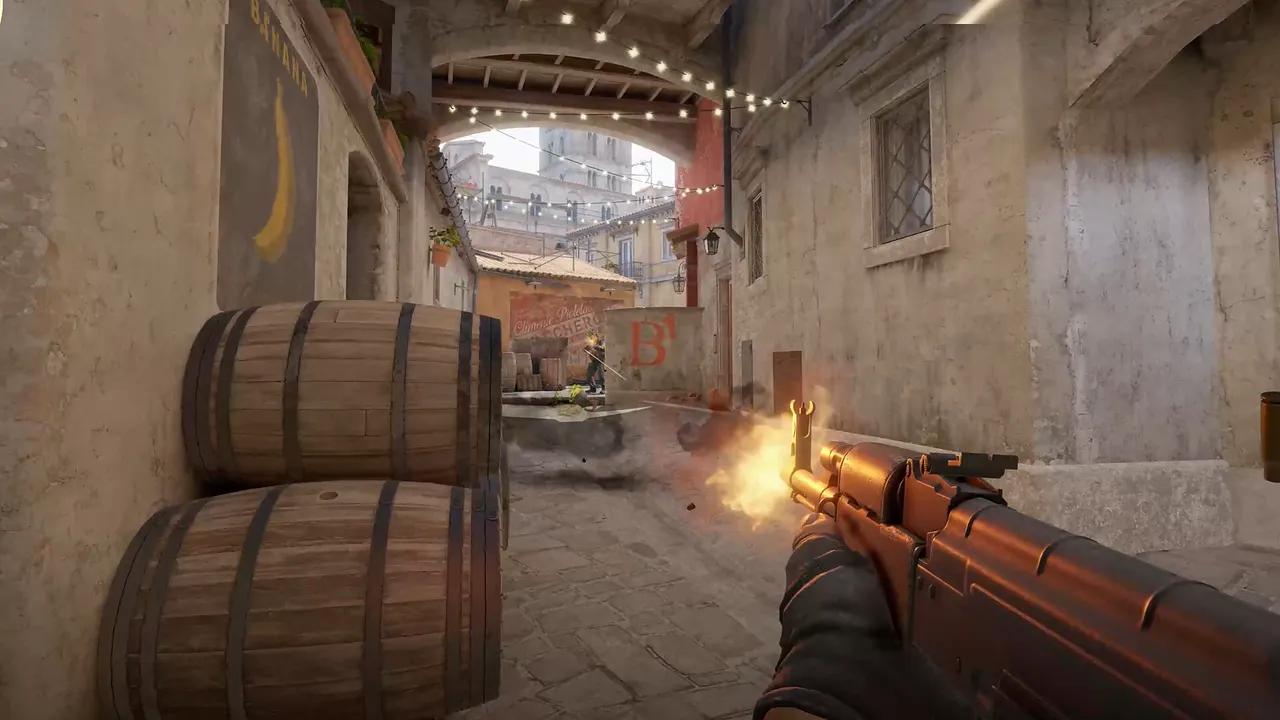
To get a CS2 GSLT, sign in to Steam's game server account page, enter App ID 730, write a memo and click Create. Then add sv_setsteamaccount YOUR_TOKEN to your server and restart it. Each server needs its own token, and a server without one will not appear in the community server browser.
What a GSLT is and why you want one
GSLT stands for Game Server Login Token. It is a persistent identity for your server, tied to your Steam account instead of to an IP address. That has three practical effects:
- Your server can be listed. A public Counter-Strike 2 server needs a token to appear in the community server browser. Without one it still runs, and friends can join by IP.
- Players keep finding you. People who add your server to their favorites can still join after you change your IP address or move to another host.
- You are responsible for what runs on it. Valve puts the consequences on the account that owns the token, not on the machine.
What your Steam account needs
Steam checks the account before it hands out a token. According to the game server account page, your account must:
- Not be community banned or locked.
- Not be a limited account.
- Have a qualifying registered phone number.
- Own the game you are creating the server account for, here Counter-Strike 2.
One account can create up to 1000 game server accounts, so you will not run out.
Create the token
- Sign in to Steam and open
steamcommunity.com/dev/managegameservers. - In the App ID box, enter 730. Use the ID of the game, not of the dedicated server.
- In Memo, write a name you will recognize later, such as
practice-euorcommunity-dallas. The memo is only a label. - Click Create. Steam shows a long string of letters and numbers. That is your token.
- Copy it somewhere private. Treat it like a password.
Add the token to your server
The token is passed to the server with the sv_setsteamaccount command. Put it in server.cfg, in game/csgo/cfg:
sv_setsteamaccount YOUR_TOKEN_HEREAnother option is the launch line, for example +sv_setsteamaccount YOUR_TOKEN_HERE. Then restart the server. The token is read when the server connects to Steam, so changing it while the server runs does nothing.

New to the config files? Our guide on making a CS2 server shows where each file lives.
The rules that cause most token problems
| Rule | What it means for you |
|---|---|
| One token per server | Every Counter-Strike 2 server you run needs its own GSLT. Do not reuse a token on a second server. |
| Unused tokens expire | A token that goes unused for a long time expires. An expired token can be regenerated on the same Steam page. |
| A password reset regenerates tokens | If you reset your Steam password, or Steam Support does, all your GSLTs are regenerated. Update the servers with the new strings. |
| Bans follow the account | If your game server accounts are banned for any reason, you may be restricted from playing the associated games. |
| Never share it | Anyone with your token can run a server under your name. |
The rule about bans is the reason to be careful with what you install. Before you add a plugin to a public server, read what it does. Our guide to installing CounterStrikeSharp and Metamod covers how plugins load.
Using a GSLT on TheGameHosting
You do not need a special plan or add-on. Create the token as above, open server.cfg in the panel's File Manager, add the line and restart the server from the panel. If you run several CS2 servers, create one token per server and name each memo after the server.
Not sure the line went in the right place? Open a live chat or a ticket. Our team works with game servers every day and can check the console output with you. When you are ready to start, see the Counter-Strike 2 server plans. All nine plans run CS2, from $1.90 USD a month.
Who should own the token
If you run a community with several admins, create the tokens on the Steam account of the person who actually owns the community, and keep that account safe. Steam attaches the consequences to the account that created the token. If a throwaway account is banned or locked, every server using its tokens loses its listing at the same moment.
- Name every memo clearly.
eu-scrim,us-dmandretakes-1tell you which token to regenerate when one server has trouble. - Keep a private list of which token runs which server, in a password manager rather than a chat channel.
- Regenerate after a leak. If a token ever lands in a screenshot or a public repository, replace it and restart that server.
A GSLT is not the same as a Steam Web API key
People mix these two up, because both come from Steam and both are long strings. A GSLT identifies the server. A Steam Web API key is used by some tools to look things up on Steam, and a CS2 server needs one to load a whole Workshop collection. If that is what you are after, go to our guide on adding Workshop maps to a CS2 server. For a single Workshop map you do not need the key.
If the token does not work
- Check the App ID. A token created for another game will not work. It must be created with 730.
- Check for stray characters. Copy the token again, and make sure no space or quote sits at the start or end.
- Check that you restarted. A reload of the config is not enough.
- Check for a duplicate. If another server uses the same token, create a new one for each.
- Regenerate. If the token was unused for a long time or you reset your password, generate a fresh one on the Steam page.
Token fine but the server still does not appear? That is a different problem. Work through CS2 server not showing in the server browser.
FAQ
Do I need a GSLT to run a CS2 server?
You need one if you want the server listed in the community server browser. Without it the server still runs, and players can connect by IP address.
Is a CS2 GSLT free?
Yes. Steam gives out Game Server Login Tokens for free. Your Steam account has to own Counter-Strike 2 and have a qualifying registered phone number.
Can I use one GSLT on two servers?
No. Each CS2 server should have its own token. Create as many as you need, up to 1000 game server accounts per Steam account.
Why did my GSLT stop working?
A token that goes unused for a long time expires, and resetting your Steam password regenerates all your tokens. Create or regenerate one on the Steam game server account page and update your server.
Hosting for these games
 Counter-Strike 2 hostingCompetitive, Wingman, Workshop maps and plugins
 Team Fortress 2 hostingSourceMod and custom maps
 Left 4 Dead 2 hostingCampaigns and Versus
 Insurgency: Sandstorm hostingMods and mutators
Written by TheGameHosting Team, the people who run our servers in Dallas and Amsterdam and answer your tickets.
All posts