 TheGameHosting Team
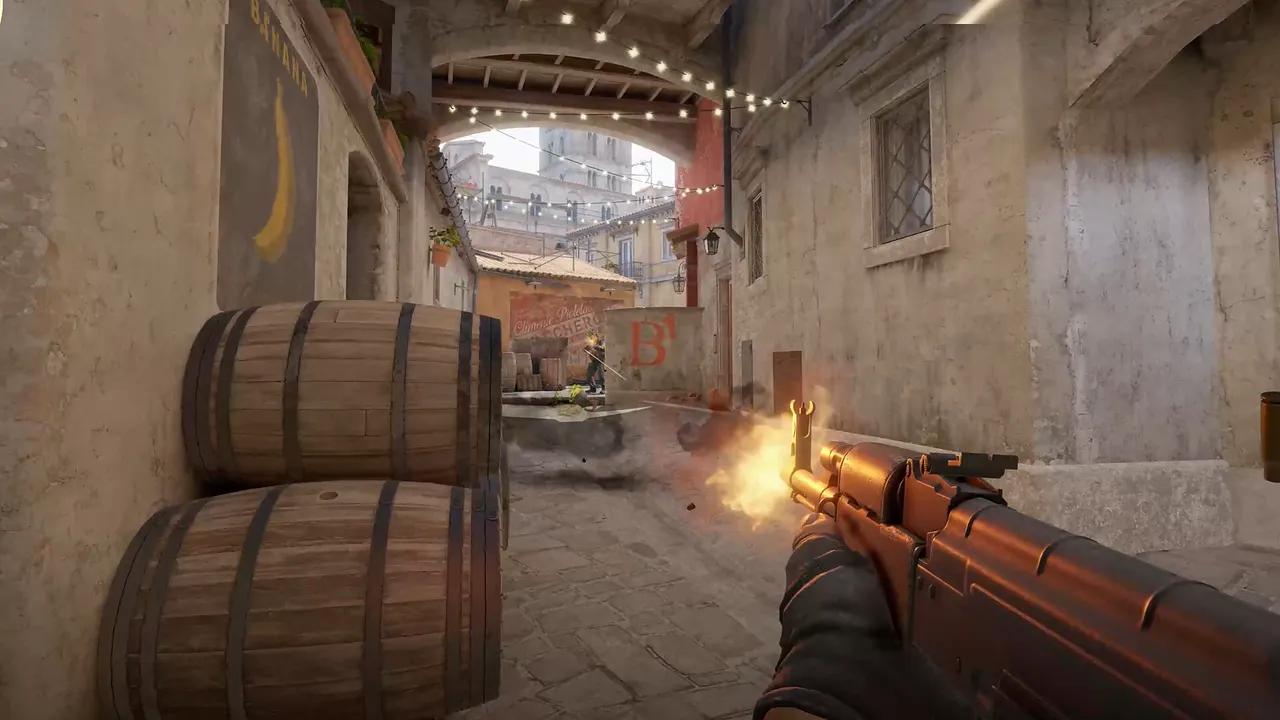
To set up a CS2 scrim server, install Metamod, CounterStrikeSharp and the MatchZy plugin. Set the number of players who must ready up, turn on .playout so every round is played, and have both teams type .ready. For a locked 5v5, load a JSON match file with the players' Steam IDs.
What a scrim server needs
A scrim is a practice match against another team. For it to go well, the server has to do five jobs: wait until everyone is ready, run a knife round or side pick, play all the rounds, allow pauses and timeouts, and keep strangers out. MatchZy does the match logic. You supply the server and the password.
- An online CS2 server with a GSLT if you want it listed. For a private scrim you can skip the listing and share the IP and password.
- Metamod, CounterStrikeSharp and MatchZy. MatchZy needs CounterStrikeSharp v369 or newer.
- The Steam IDs of both teams if you want players locked to their teams.
- A server password in
server.cfg, so only the two teams join.
Step 1: Install MatchZy
- Install Metamod and CounterStrikeSharp by following our guide to installing CounterStrikeSharp and Metamod. Use the with-runtime build of CounterStrikeSharp on a first install.
- Download the latest MatchZy release from the MatchZy installation docs.
- Extract it into the
csgofolder of your server. The release includesaddons/counterstrikesharp/gamedata/matchzy.json, so keep that file. - Restart the server and run
css_plugins list. MatchZy should appear.
MatchZy creates its configuration under csgo/cfg/MatchZy. Updates replace the shipped .cfg files there, so put your own settings in the matching _override.cfg file, for example config_override.cfg.
Step 2: Give the right people admin
MatchZy reads admins from cfg/MatchZy/admins.json. Each key is a 64-bit Steam ID. An empty value gives access to all MatchZy admin commands, and flags such as @css/map or @css/config give access to part of them.
{
    "76561198000000000": "",
    "76561198000000001": "@css/config @css/map"
}
Make one captain an admin on each side, or keep admin to yourself and run the scrim from the console. Do not use matchzy_everyone_is_admin on a server that anyone else can join.
Step 3: Pick the mode: pug, scrim or match
| Mode | How you get it | Use it for |
|---|---|---|
| Pug | It is the default. Teams are not locked. | Open games where players pick their own side |
| Scrim | An admin toggles .playout | Two teams that want every round played, whoever wins early |
| Match | An admin loads a JSON match file | A series with locked teams, sides and map list |
| Practice | An admin types .prac | Drilling lineups, see the practice server guide |
For most scrims, pug mode with playout on is enough.
Step 4: Run the scrim
- Change to the map you agreed on. As an admin, type
.map de_mirage(use your map). - Set how many must ready up.
.readyrequired 10means ten ready players start the match. Setting0makes every connected player ready up. - Turn on playout. Type
.playout. With it on, every round is played, even after one team has clinched. That is what you want in a scrim. - Decide on the knife round.
.roundknifetoggles it. If it is off, the match goes straight from warmup to live. - Ready up. Each player types
.ready(or.r). Type.unreadyto step back. - Start. When enough players are ready, the match starts. An admin can force it with
.start.
Commands during the match
| Command | Who | What it does |
|---|---|---|
.pause / .unpause | Players | Pause and unpause the match |
.tech | Players | Technical pause. The number allowed is set by matchzy_max_tech_pauses |
.tac | Players | Starts a tactical timeout |
.stay / .switch | Knife round winner | Choose to stay on the side or switch |
.stop | Both teams | Restores the backup of the current round. Both teams must type it |
.forcepause / .forceunpause | Admin | Pause as an admin. Players cannot unpause it |
.restore 7 | Admin | Restores the backup of round 7 |
.endmatch | Admin | Ends the current match |
These come straight from the MatchZy commands documentation. Most also work with a ! prefix.
Step 5 (optional): Lock the teams with a match file
If you want players locked to their team and side, load a match configuration file. Save this to the csgo folder as teama_vs_teamb.json, with your own team names and Steam IDs. The required fields are maplist, team1, team2 and num_maps.
{
    "matchid": "",
    "num_maps": 1,
    "maplist": ["de_mirage"],
    "map_sides": ["knife"],
    "team1": {
        "name": "Team A",
        "players": {
            "76561198000000001": "playerA1",
            "76561198000000002": "playerA2"
        }
    },
    "team2": {
        "name": "Team B",
        "players": {
            "76561198000000011": "playerB1",
            "76561198000000012": "playerB2"
        }
    }
}
Add all five players for each team. Then, in the server console, run:
matchzy_loadmatch teama_vs_teamb.jsonThe path is relative to the csgo folder. MatchZy also has a matchzy_kick_when_no_match_loaded setting. It is off by default. When on, it kicks every client and stops anyone from joining while no match is loaded.
Checklist before the other team arrives
- Restart and update. Start the server, wait for the map to load and check that
css_plugins listshows MatchZy. - Send the details. Share the IP, port and password with the other captain in advance, with the map and the time.
- Test your own connection. Join with
connect IP:PORT, ready up once, then use.restartto reset. - Set the ready count.
.readyrequired 10for a full 5v5. - Agree the rules. Knife round or not, how many technical pauses, who may call a timeout. Write them in the same message as the address.
- Take a backup of your configs if you changed them. After the scrim you can compare notes and restore if something was broken.
If a plugin breaks after a CS2 update, our fix is in what to do when Metamod stops loading. It is a short fix, and you can still run the scrim.
Where to run scrims
A home PC works until the other team's captain asks you to restart at midnight. A hosted server stays up and holds the same files every week. Pick Dallas, TX or Amsterdam, NL for the lower ping for both teams. Each plan has a File Manager and sFTP, backups before you change plugins, and 24/7 support if a plugin acts up. The Counter-Strike 2 hosting page has plans from $1.90 USD a month. For a server with plugins and a long list of maps, pick a larger one from the plans page.
If you only want to practice alone, read how to set up a CS2 practice server. To choose between 5v5 and 2v2 formats, see CS2 game modes.
FAQ
What is the best plugin for CS2 scrims?
MatchZy is a CounterStrikeSharp plugin built for practice, pugs, scrims and matches. It adds ready-up, knife rounds, pauses, timeouts and a mode that plays out every round.
How do I play all the rounds in a CS2 scrim?
As an admin, type .playout in chat. When playout is enabled, every round is played, whichever team has already clinched the match.
How do I make a CS2 scrim server private?
Set sv_password in server.cfg and share it only with the two teams. You can also load a MatchZy match file, which locks players to their correct team and side.
Can I run Wingman scrims with MatchZy?
MatchZy ships a live_wingman.cfg file next to its other configs. Choose the Wingman game mode on the server and check the MatchZy docs for the settings it uses.
Hosting for these games
 Counter-Strike 2 hostingCompetitive, Wingman, Workshop maps and plugins
 Team Fortress 2 hostingSourceMod and custom maps
 Left 4 Dead 2 hostingCampaigns and Versus
 Insurgency: Sandstorm hostingMods and mutators
Written by TheGameHosting Team, the people who run our servers in Dallas and Amsterdam and answer your tickets.
All posts