 TheGameHosting Team
To fix Minecraft server lag, measure first: run spark tps and read the TPS and MSPT. If TPS is below 20 or MSPT is above 50, start a spark profile with spark profiler start --timeout 600 and fix whatever the report shows at the top, usually distances, entities, a plugin or a mod.
Guessing wastes days. The sections below separate server lag from other lag, show how to read the numbers, then list the fixes in the order that usually pays off.
Is it server lag?
“Lag” describes three different problems, and each has a different cure.
| What you notice | Probable cause | Where to look |
|---|---|---|
| Blocks reappear, mobs freeze, commands answer late for everyone | The server is slow: TPS is below 20 | The rest of this guide |
| Low FPS, but other players are fine | Your computer | Video settings, and your own client mods |
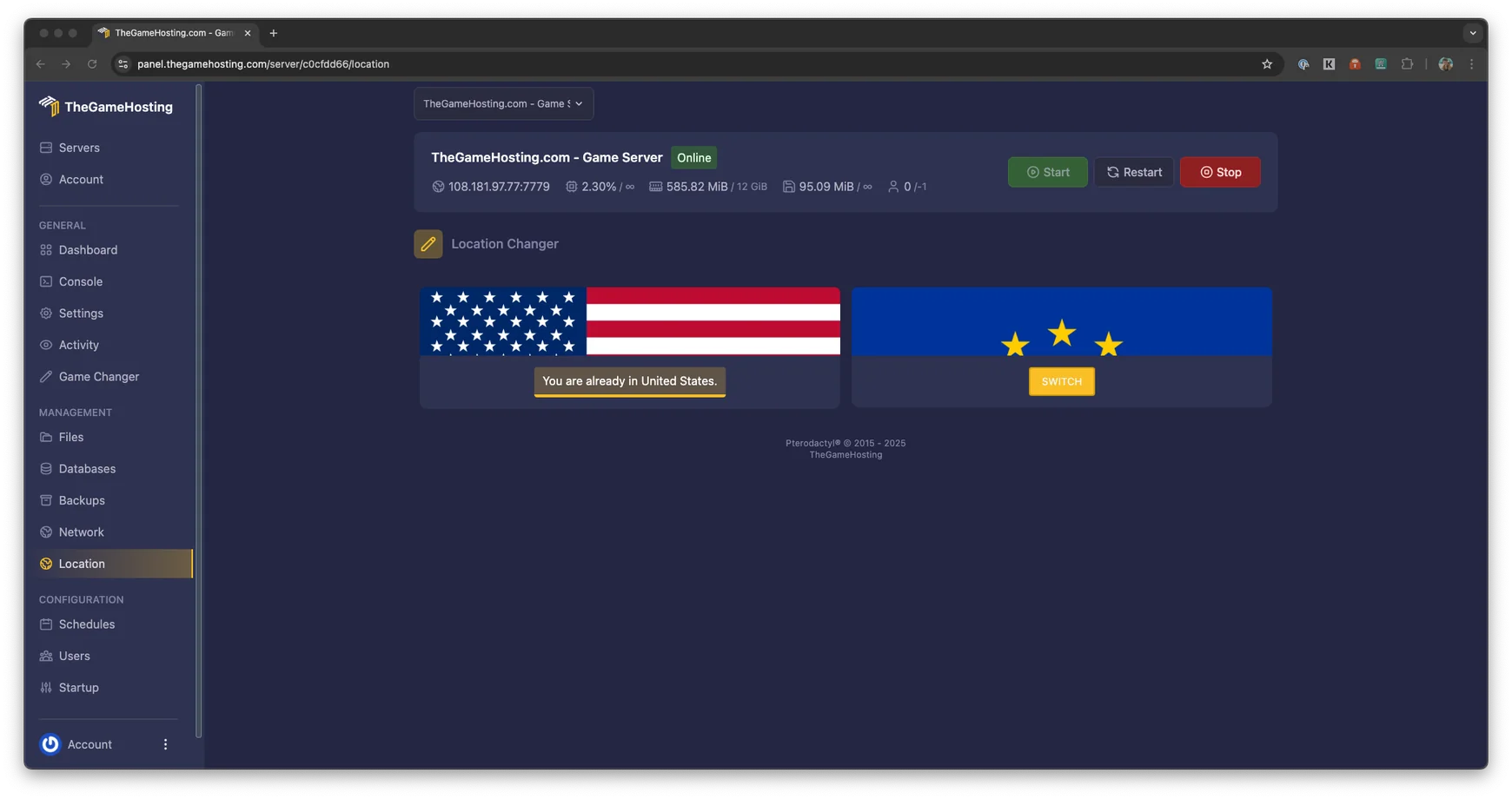
| High ping, rubber-banding for one player | The network between that player and the server | Pick a closer location. We run in Dallas and Amsterdam |
Step 1: Measure TPS and MSPT
TPS is ticks per second, and MSPT is milliseconds per tick. The spark documentation says that a lag-free server reaches 20 TPS, which means each tick takes 50 ms or less on average. Run this in the console:
spark tpsPaper also has the simpler tps and mspt commands. The first shows TPS over the last 1, 5 and 15 minutes, and the second shows MSPT over the last 5, 10 and 60 seconds. The Paper docs say that both are superseded by spark.
| Reading | Meaning |
|---|---|
| TPS 20, MSPT well below 50 | The server is healthy. Look at the client or the network. |
| TPS 20, MSPT close to 50 | The server is at its limit. Fix it before more players join. |
| TPS below 20 | Ticks take longer than 50 ms. Find out why with a profile. |
| Median MSPT fine, but a high 95th percentile or maximum | Lag spikes, not constant lag. See the spike section below. |
Step 2: Find the cause with a profile
Paper bundles spark since 1.21, and PaperMC calls it the preferred profiler. The problem has to be happening while you profile, so wait for a busy moment.
- Start the profiler and let it collect data for ten minutes with the command below.
- When it ends, the console prints a link to the report.
- Open the report and look at what takes the most time in the main server thread. A plugin name, a mod, a world task such as entity ticking or chunk loading will usually stand out.
- Change one thing at a time, then run
spark tpsagain to see whether it helped.
spark profiler start --timeout 600Step 3: The fixes that usually work
Lower the view and simulation distance
Both default to 10 in server.properties, and the Minecraft Wiki recommends reducing them if players have major lag. Simulation distance controls how far from a player mobs and crops keep updating, so it is the most direct way to cut tick time. Try 6 to 8 for both and test.
view-distance=8
simulation-distance=6
Control mobs and entities
Big mob farms and many animals in one pen are a classic cause of low TPS. In Paper’s config/paper-world-defaults.yml, per-world settings under spawn-limits and despawn-ranges control how many mobs spawn and how soon they despawn. In server.properties, entity-broadcast-range-percentage lowers how far away entities are sent to players, and the Wiki notes that higher values can cause more lag.
Find the plugin or mod that costs too much
If the profile points at an add-on, update it first: the fix may already be released. If it still costs too much, replace it or remove it. When you cannot tell, the Paper troubleshooting guide suggests a binary search: disable half of the plugins, test, and repeat with the half that holds the problem. Our guides on plugins and mods show how to remove them cleanly.
Hoppers and redstone
Paper has settings for both. A hopper cooldown when full reduces how often hoppers try to pull items, and an alternative redstone implementation such as Alternate Current can reduce the lag caused by redstone dust. Paper lists them in the world configuration. Note that disabling the hopper move event improves performance, but it breaks protection plugins that rely on it.
Pre-generate your world
Generating new chunks costs a lot of CPU while players explore. A plugin such as Chunky can generate a radius ahead of time, while the server is quiet, so exploring later costs less. Paper also limits how fast chunks are sent to each player, with defaults of 75 chunks per second for sending and 100 for loading.
Use performance-focused software
If you still run the vanilla server and want plugins and extra performance work, move to Paper. If you run mods, Fabric has performance mods such as Lithium and FerriteCore. The trade-offs are in Paper, Purpur or Fabric.
Check memory and flags
If the profile shows long garbage collection pauses or you see OutOfMemoryError, memory is part of the problem. PaperMC’s flags guide recommends flags tuned for servers, and it warns not to give Java all the memory you have. Sizing details are in how much RAM a Minecraft server needs.
Lag spikes: one bad tick in a thousand
Profiles average over time, so a single slow tick hides in the data. The spark guide on lag spikes gives a two-step method:
- Run
spark tickmonitor. It reports in chat any tick that takes much longer than average, and you can set a fixed limit with--threshold-tick 50. - Match the messages with what happened in game, such as a player pasting a huge structure or a mob farm firing.
- Profile only the slow ticks with
spark profiler start --only-ticks-over 150. A value between 50 and 100 is suggested, and it should be lower than the slow ticks you saw.
Spikes are usually tied to what players do, such as large block operations, big chunk loads or farms.
When the hardware is the limit
Once the plugins, entities and distances are under control and TPS still drops, the server may simply need a faster CPU core or more headroom. If you are moving off a home PC, our Minecraft Java hosting gives you modern CPUs and DDR5 RAM. Our about page says more about who runs it. Before you choose a plan, size it with the RAM guide.
FAQ
What does "Can't keep up! Is the server overloaded?" mean?
The server took longer than 50 milliseconds to finish a tick, so it is running behind. A healthy server finishes each tick in 50 ms or less, which gives 20 ticks per second. Measure with spark to see whether the problem is constant or comes in spikes.
What is a good TPS for a Minecraft server?
20 TPS is the target and the maximum. spark says that, on average, each tick needs to take 50 milliseconds or less to reach it. Occasional dips are normal, but a server that sits below 20 TPS has a problem to find.
Does more RAM fix server lag?
Only when memory is the cause. If the server runs out of memory you will see OutOfMemoryError and long pauses, but if memory is free and TPS is low, the tick is too slow for another reason. Compare with our RAM guide.
Why do I lag when the server TPS is 20?
Then the lag is probably not on the server. Low FPS points to your own computer, and a high ping points to the network between you and the server. Choose the location closest to your players, Dallas or Amsterdam.
Which plugins cause the most lag?
It depends on how they are used, not on the name. The profiler tells you exactly which plugin takes the most time, so use it instead of removing plugins at random.
Hosting for these games
 Minecraft Java hostingPaper, Purpur, Fabric, Forge and more
 Minecraft Bedrock hostingPhones, consoles and Windows
Written by TheGameHosting Team, the people who run our servers in Dallas and Amsterdam and answer your tickets.
All posts