 TheGameHosting Team
A small Minecraft Java server for a few friends runs on 2 GB of RAM. A Paper server with plugins and about ten players is comfortable with 4 GB, and a busy community server or a modpack needs 6 GB or more. Treat these as starting points, then check real memory use with spark.
No formula gives the exact figure, because memory depends on how many chunks the server keeps loaded and what runs on it. This guide explains the factors, gives starting sizes by server type and shows how to tell whether you have enough.
What uses RAM on a Minecraft server
- Loaded chunks. Every player keeps an area around them loaded. The bigger the view and simulation distance, the more memory each player costs.
- Plugins. Each plugin adds some memory use, and a few store large amounts of data.
- Mods. Mods add blocks, items and entities, and a big modpack loads thousands of them at startup.
- The world. Large worlds with many entities, such as animal farms, use more than a fresh one.
- Java itself. The Java runtime needs memory beyond the amount you give it for the game.
Starting points by server type
PaperMC and the Minecraft Wiki do not publish a table by player count, so these are the sizes we suggest as a first choice. Adjust them with the measurements in the next sections.
| Server type | Starting RAM | Plan size |
|---|---|---|
| Vanilla or Paper for a few friends (up to 5 players) | 2 GB | 2 GB |
| Paper with several plugins, about 10 players | 4 GB | 4 GB |
| Paper or Purpur community, 20 to 40 players | 6 to 8 GB | 6 or 8 GB |
| Light Fabric mod list or small modpack | 6 to 8 GB | 6 or 8 GB |
| Large modpack, or a public server with 50+ players | 10 to 16 GB | 10, 12 or 16 GB |
If you run a modpack, read the pack page first. Authors usually state how much memory their pack needs, and that number beats any general table. The setup is explained in how to make a Minecraft modpack server.
The chunk arithmetic behind the numbers
The Minecraft Wiki explains the load with a formula. Each player simulates a square of chunks around them, 2 × distance + 1 chunks on a side. With the default simulation distance of 10, that is 21 × 21 = 441 chunks per player, and the wiki’s example of five players comes to 2,205 chunks. It calls -Xmx2G more than enough for that case and tells you to scale up from your own settings.
The same arithmetic shows why lowering the distance helps. At a simulation distance of 6, one player covers 13 × 13 = 169 chunks, which is more than 60 percent fewer than 441. This is a calculation from the formula, not a benchmark, but it explains why view-distance and simulation-distance in server.properties are the first settings to adjust.
Do not give Java every megabyte
If you start Java yourself, the -Xmx value is the heap limit, not the total memory the process uses. The PaperMC flags guide says to reduce -Xmx and -Xms by about 1,000 to 1,500 MB below the memory your host gives you, so that Java and the operating system have room. Its example: with 8 GB, use about 6,500 MB.
The same guide says that more memory does not mean better performance beyond a certain point, and that buying far more RAM than you need only wastes money. It also recommends at least 6 to 10 GB for servers using its tuned flags, because the garbage collector works better with more memory, but notes that you should give as much as you can afford if 10 GB is out of reach.
How to check if you have enough
Do not guess. Paper bundles the spark profiler, and the memory report takes one command:
spark health show --memoryRun it while players are online, at your busiest time. The spark documentation says it reports TPS, CPU, memory and disk use, with extra detail on the Java memory when you add --memory. In game chat, put a slash in front of the command. If the server sits close to its limit most of the time, add RAM.
Signs that RAM is the problem:
java.lang.OutOfMemoryError: Java heap spacein the console or the crash report.- The server stops by itself during startup or when a big area loads.
- Freezes that repeat every few minutes, which can come from the garbage collector working hard.
If memory looks fine but the server is slow, RAM is not your problem. Check TPS and CPU with our Minecraft server lag fix before you spend more.
Plan sizes on TheGameHosting
Our plans differ only in memory, which makes the choice simple. Prices are monthly, in US dollars. Each plan has the panel, backups and every server platform. See the full plans page for details and billing cycles.
| Plan | Price per month | Good fit |
|---|---|---|
| 2 GB | $1.90 USD | A few friends, vanilla or Paper |
| 4 GB | $3.69 USD | Paper with plugins, about 10 players |
| 6 GB | $5.39 USD | Growing community or a light mod list |
| 8 GB | $6.96 USD | Community server, medium modpack |
| 10 GB | $8.59 USD | Bigger modpack or more players |
| 12 GB | $9.99 USD | Large modpack |
| 16 GB | $12.89 USD | Large modpack with many players |
| 32 GB | $22.99 USD | Several servers, or very heavy packs |
| 64 GB | $44.19 USD | Large networks |
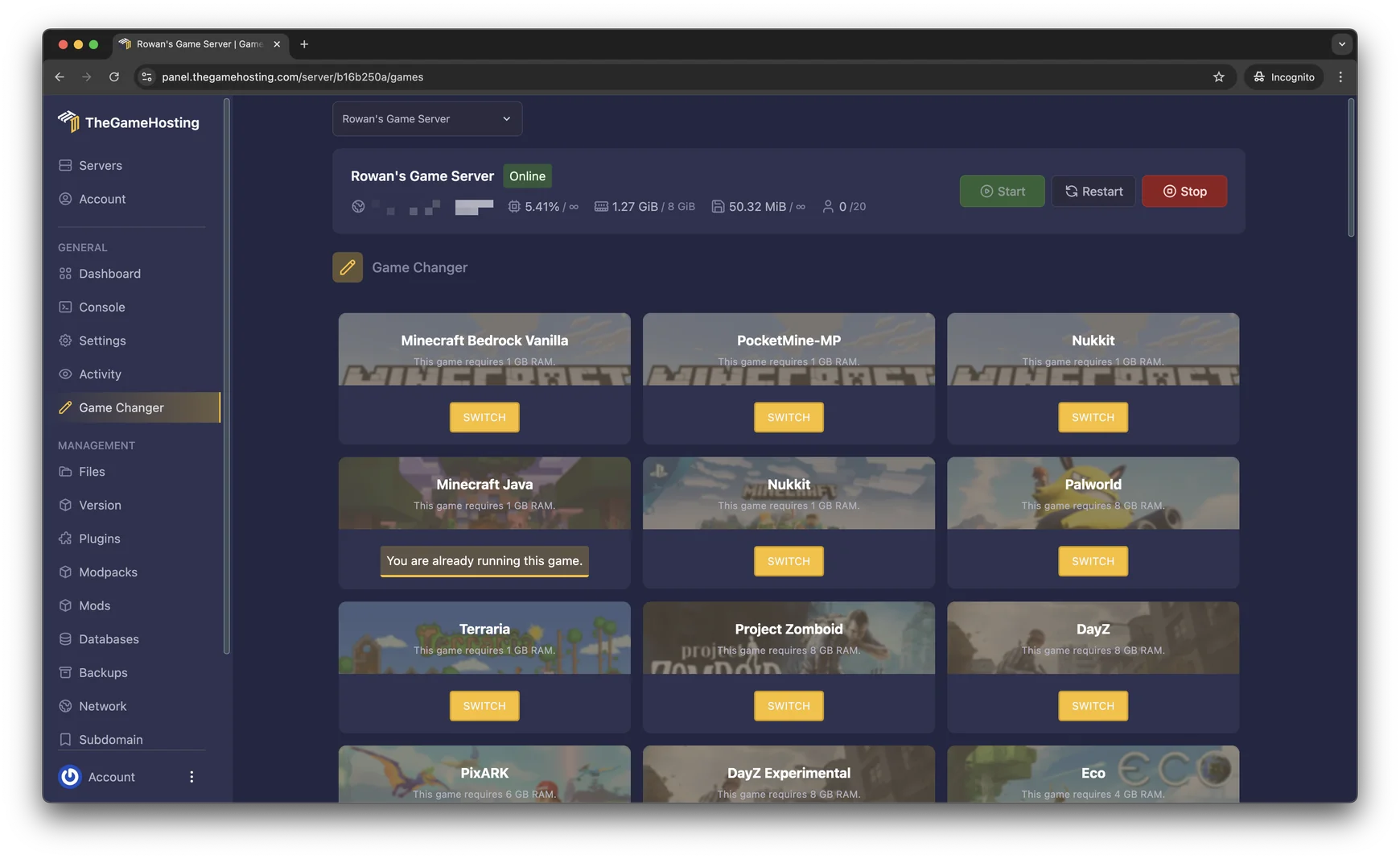
Because one plan covers every game we host, you can also use the same RAM for something else later, such as Rust or Palworld, from the Game Changer in the panel. Make a backup before you switch.
Use less RAM without losing players
- Lower
simulation-distancefirst, thenview-distance, inserver.properties. - Remove plugins that you no longer use. The
pluginscommand in the console lists what is loaded. - Choose lighter software. A Paper server usually needs less than the same world with many mods. Compare in Paper, Purpur or Fabric.
- Clear huge entity farms that load all the time.
New to server setup? Start with how to make a Minecraft Java server.
FAQ
How much RAM do I need for a Minecraft server with 10 players?
For a Paper server with a few plugins, 4 GB is a sensible starting point. Vanilla can manage with less, and heavy plugins or mods need more. Check real use with spark health show --memory once your players are online, then adjust.
Is 2 GB of RAM enough for a Minecraft server?
For a small server, yes. The Minecraft Wiki calls 2 GB of Java heap more than enough for a home server with five players on the default simulation distance. It is not enough for large modpacks or busy public servers.
Does more RAM reduce lag?
Only if memory is the bottleneck. PaperMC notes that more memory brings diminishing returns after a point, and the main game loop runs on one main thread, so CPU speed matters too. If the server runs out of memory you will see errors, and if it lags with free memory the cause is elsewhere. See our lag fix guide.
How much RAM does a modded Minecraft server need?
More than a vanilla server, and it depends on the pack. Light mod lists can run in 4 to 6 GB, but large modpacks can need much more. Use the amount that the pack page recommends as your starting point.
Should I give Java all the RAM of my plan?
No. Java uses memory outside its heap, so PaperMC advises setting the Java limit 1,000 to 1,500 MB below the memory you have. Otherwise the system can kill the server for using too much.
Hosting for these games
 Minecraft Java hostingPaper, Purpur, Fabric, Forge and more
 Minecraft Bedrock hostingPhones, consoles and Windows
Written by TheGameHosting Team, the people who run our servers in Dallas and Amsterdam and answer your tickets.
All posts