 TheGameHosting Team
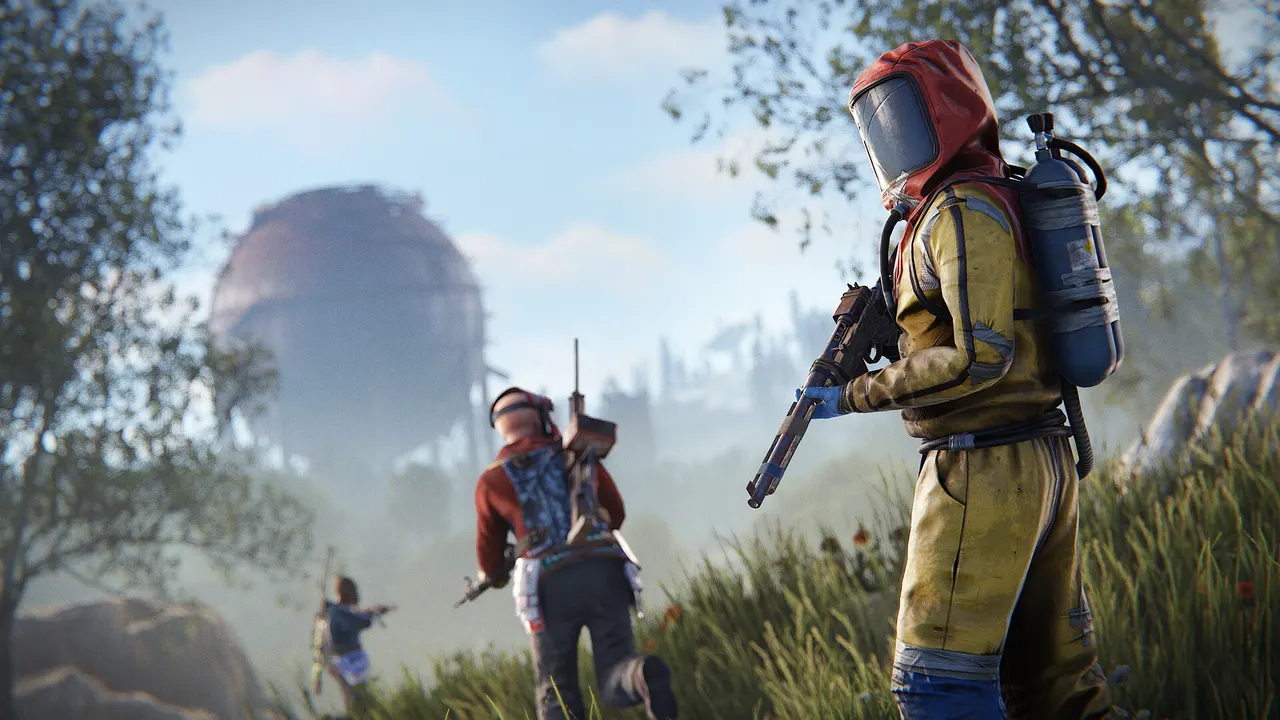
A Rust server needs about 12 GB of free RAM and 15 GB of disk space as a starting point, according to Facepunch, and more for a 6000 map. Real use depends on map size, player count, plugins and how long the wipe has been running. 8 GB is enough for a small private server; a public server with more players needs 12 to 16 GB.
Official Rust server requirements
Facepunch's Creating a server guide lists the baseline for a dedicated server:
- Operating system: Windows, Linux or macOS.
- RAM: 12 GB free. A 6000 map uses more.
- Disk: 15 GB free. An SSD or NVMe drive is strongly preferred.
- CPU: no model is named, but the guide says the more players you allow, the faster the CPU needs to be.
The same page adds that these values are not fixed and "highly depend on the use case and population of the server". Treat 12 GB as the number to beat on a public server, not a promise that it is enough.
What makes a Rust server use more RAM
Four things drive memory use. You control all of them.
Map size
server.worldsize accepts 1000 to 6000. A bigger world has more terrain, more monuments and more space for players to build in. It also takes longer to generate when you wipe. Facepunch calls out the 6000 map as the one that uses more than the baseline.
Player count
More players mean more bases, more items on the ground and more entities for the server to track. Memory use is not flat. It climbs during a wipe as people build, so a server that feels roomy on day one can be tight by day twenty.
Plugins
Plugins add features, and they also add memory and CPU work. A long list of plugins that track a lot of player data costs more than a short list of small ones. Oxide vs Carbon compares the two frameworks that load them.
Wipe age
A fresh map has few entities. A map three weeks into a wipe holds far more player-built structures. That is why wiping on a schedule keeps a server lighter. See how to wipe a Rust server.
CPU matters as much as RAM
Rust's main simulation leans on one fast CPU core. A server with plenty of memory and a slow core still lags when the map fills up. That is why every TheGameHosting plan runs on AMD 9950X / 7950X3D processors, up to 5.7 GHz, with DDR5 RAM. If your server lags with memory to spare, read Rust server lag: how to fix low server FPS.
Disk and network
- Disk: Facepunch's 15 GB covers the server files. Map files, save files and backups add to that. NVMe storage helps map load times after a wipe.
- Network: ping decides how the game feels, so pick the location closest to most of your players: Dallas, TX for the Americas or Amsterdam, NL for Europe.
Which plan fits which Rust server?
Our Rust page lists 8 GB as the minimum, so Rust runs on six of our nine plans. Prices are per month, before any discount code:
| Plan | RAM | Price |
|---|---|---|
| Game Hosting 8 GB | 8 GB | $6.96 USD |
| Game Hosting 10 GB | 10 GB | $8.59 USD |
| Game Hosting 12 GB | 12 GB | $9.99 USD |
| Game Hosting 16 GB | 16 GB | $12.89 USD |
| Game Hosting 32 GB | 32 GB | $22.99 USD |
| Game Hosting 64 GB | 64 GB | $44.19 USD |
This is our suggestion, not a guarantee, because every world is different:
- Small private server with friends and a modest map: 8 GB is the smallest plan we run Rust on, and a sensible place to start.
- Public server with plugins: choose 12 to 16 GB, so you meet the baseline Facepunch lists.
- Large map or a busy server: go to 16 GB or above and watch memory as the wipe ages.
- Not sure? Tell our support team your map size and player count in live chat, and they will say what they would run.
There is no slot limit on any plan, so you do not pay per player. RAM is the ceiling, and you set server.maxplayers yourself.
Ways to use less memory before you upgrade
A bigger plan is not always the first fix. Try these at your next wipe, in this order:
- Pick a smaller world. Dropping
server.worldsizefrom 4000 to 3000 means less terrain and fewer monuments to hold in memory. It changes the map, so do it on a wipe day, never in the middle of a wipe. - Remove plugins nobody uses. Every plugin you load costs something, even when idle. Keep the list short and add one at a time so you can see what each one costs.
- Wipe on a schedule. A shorter wipe cycle keeps the entity count lower. Facepunch forces a map wipe every month, and many owners wipe more often.
- Restart at quiet hours. Use Schedules in the panel to restart the server when few people are online, so the server starts the day with a clean memory.
- Take a backup first. Make one in the Backup System before changing the map or the plugin list, so you can roll back.
If memory is still near the limit after that, the server has simply outgrown the plan, and a bigger one is the right fix.
How to check if your server has enough RAM
The top of every server page in our panel shows CPU, memory and disk use while the server runs. Check it at the busiest time of day, then again near the end of the wipe. The signs that you need a bigger plan:
- Memory use sits close to your plan's limit.
- The server restarts on its own or stops with an out-of-memory message in the console.
- Server FPS drops as the map fills up and the wipe ages.
If you see these, move up one plan size. You can also change a world's size or trim plugins at the next wipe. How to make a Rust server walks through the settings that decide map size and player limit.
FAQ
How much RAM does a Rust server need?
Facepunch lists 12 GB of free RAM as a starting point and says it depends on the server's population. 8 GB is enough for a small private server; a public server with more players needs 12 to 16 GB. Bigger maps, more players and more plugins need more, and use grows during a wipe.
Can a Rust server run on 4 GB of RAM?
Not on our plans. Rust needs at least 8 GB on our list, so our 2, 4 and 6 GB plans do not run it.
Does Rust need a fast CPU?
Yes. The main simulation depends on one fast core, so a high clock speed helps more than extra cores. Our plans use AMD 9950X and 7950X3D processors up to 5.7 GHz.
How much disk space does a Rust server need?
Facepunch lists 15 GB free, with an SSD or NVMe drive strongly preferred. Backups and save files take more space on top of that.
Does a bigger map need more RAM?
Yes. server.worldsize runs from 1000 to 6000, and Facepunch notes that a 6000 map uses more memory than its 12 GB baseline. Larger maps also take longer to generate.
Do I pay per player slot?
No. TheGameHosting has no slot limit. You pick the RAM, and the number of players is set by server.maxplayers.
Hosting for this game

Written by TheGameHosting Team, the people who run our servers in Dallas and Amsterdam and answer your tickets.
All posts