 TheGameHosting Team
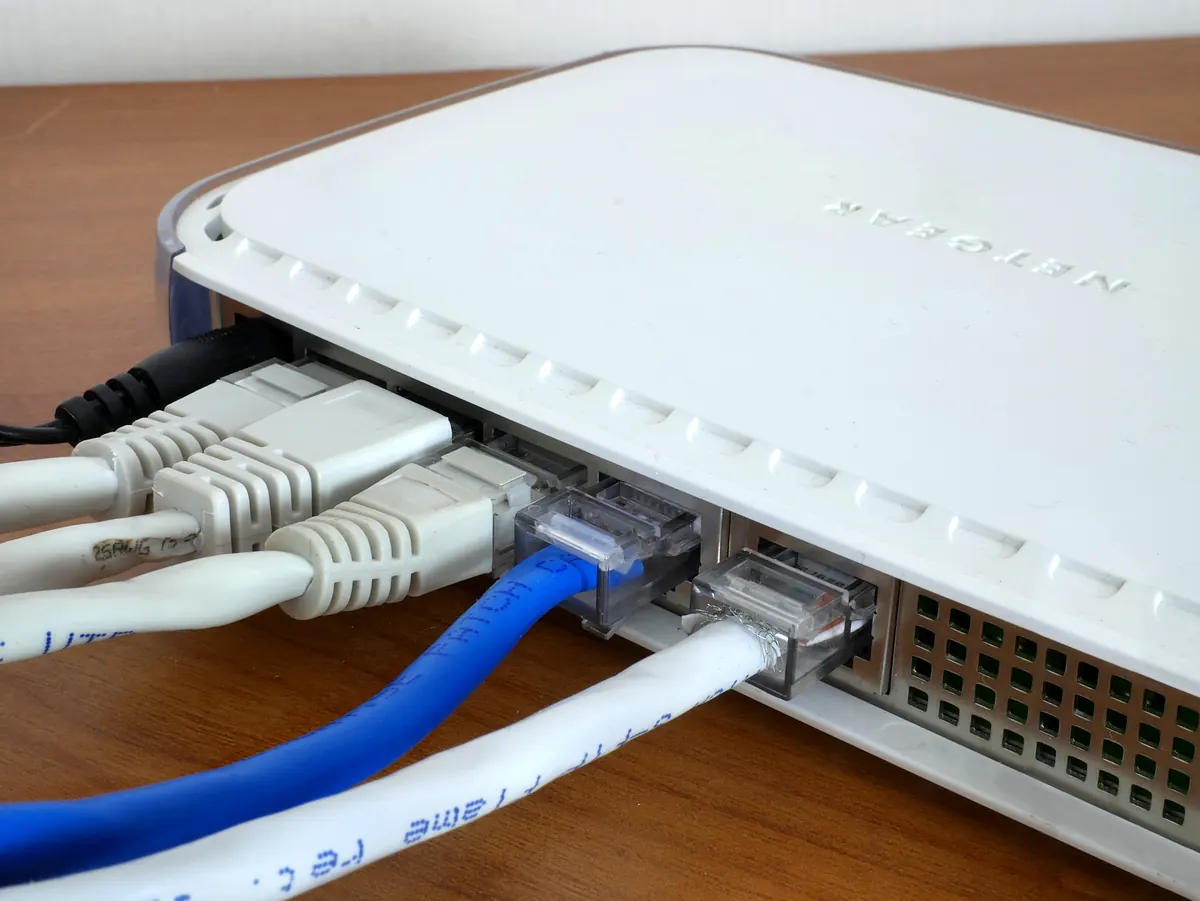

To port forward Minecraft server traffic, you add a rule in your router that sends TCP port 25565 (Java Edition) or UDP port 19132 (Bedrock Edition) to the local IP address of the computer running the server, then allow that port in the computer’s firewall. When it fails, the cause is usually CGNAT, a second router or a firewall. This guide covers each one, plus how to skip the router.
You only need port forwarding when players join from outside your home. Friends on the same Wi-Fi can connect with your local address (192.168.x.x) and no router changes. For everyone else, the router blocks unsolicited incoming connections until you tell it where to send them.
Which ports Minecraft uses
These are the defaults from server.properties, as documented on the Minecraft Wiki. If you changed server-port, forward the number you set instead.
| Edition / service | Default port | Protocol | Forward it? |
|---|---|---|---|
Java Edition (server-port) | 25565 | TCP | Yes |
Bedrock Edition, IPv4 (server-port) | 19132 | UDP | Yes |
Bedrock Edition, IPv6 (server-portv6) | 19133 | UDP | Only if your players connect over IPv6 |
Java query (enable-query, query.port) | 25565 | UDP | Only if you use server list tools that need it |
Java RCON (rcon.port) | 25575 | TCP | No. Keep remote console off the internet |
Java uses TCP and Bedrock uses UDP. Mixing them up is one of the most common reasons a rule “does nothing”. If your router asks for a protocol and you are not sure, the Wiki suggests choosing TCP/UDP or Both.
Before you start: three checks
- The server works locally. Start it and join with
localhostfrom the same computer. If that fails, port forwarding won’t help. Fix the server first. - You know two addresses. On Windows, open Command Prompt and run
ipconfig. Note the IPv4 Address (your PC, for example192.168.1.50) and the Default Gateway (your router, often192.168.0.1or192.168.1.1). - You can log in to the router. The login is usually on a sticker on the device. Without access, skip to hosting without port forwarding.
How to port forward Minecraft server ports, step by step
- Give your PC a fixed local IP. Routers hand out addresses with DHCP, so your PC may get a different one tomorrow and the rule would point to nothing. In the router, look for DHCP reservation (also called address reservation or static lease) and bind your PC’s current IP to its MAC address. Setting a static IP in Windows works too, as long as it is outside the router’s DHCP range.
- Open the router panel. Type the Default Gateway address into your browser and log in.
- Find the forwarding section. Each brand names it differently: Port Forwarding, Virtual Server, NAT, Applications & Gaming or Port Mapping. It is often under Advanced, Firewall or WAN.
- Create the rule. Fill the fields as in the table below and save. Some routers need a restart to apply it.
- Allow the port in Windows Firewall (next section).
- Test from outside your network with your public IP address and the port.
| Router field | Java Edition | Bedrock Edition |
|---|---|---|
| Name / service | minecraft | minecraft-bedrock |
| Internal (LAN) IP | Your PC, e.g. 192.168.1.50 | Your PC, e.g. 192.168.1.50 |
| External port | 25565 | 19132 |
| Internal port | 25565 | 19132 |
| Protocol | TCP (or Both) | UDP (or Both) |
| External / remote IP | Leave empty or “any” | Leave empty or “any” |
One detail that trips people up: in server.properties, leave server-ip empty. The Wiki recommends it, because that field picks which network interface the server listens on. It is not the place for your public IP.
Allow Minecraft through Windows Firewall
The first time a Java server starts, Windows usually shows a prompt for OpenJDK Platform binary (or Java). Allow it and Windows creates the rule for you. If you dismissed it, or the server still can’t be reached, create an inbound rule by hand:
- Press Start, type
wf.mscand press Enter to open Windows Defender Firewall with Advanced Security. - Select Inbound Rules, then New Rule.
- Choose Port, then TCP and Specific local ports:
25565. For Bedrock, choose UDP and19132. - Choose Allow the connection, tick the profiles you use, name it “Minecraft” and press Finish.
The same rule from PowerShell, run as administrator:
New-NetFirewallRule -DisplayName "Minecraft Java" -Direction Inbound -Protocol TCP -LocalPort 25565 -Action Allow
New-NetFirewallRule -DisplayName "Minecraft Bedrock" -Direction Inbound -Protocol UDP -LocalPort 19132 -Action Allow
Microsoft documents both methods in its Windows Firewall rules guide. A third-party antivirus with its own firewall needs the same exception.
How to check that the port is open
- Keep the server running. A port checker can only see an open port if something is listening on it.
- Find your public IP. Search “what is my IP” in your browser.
- Run an online port checker for that IP and
25565. These tools usually test TCP, so for Bedrock the reliable test is a real player joining. - Join from another network. Turn off Wi-Fi on your phone and use mobile data, or ask a friend to add
your.public.ip:25565. On Bedrock, add the server with the IP and port19132.
If the friend gets “Connection timed out”, the traffic is still being dropped before it reaches the server. Our guide to the Minecraft “connection timed out” error walks through it. If Bedrock players can’t see the server at all, see why a Bedrock server is not showing up.
Port forwarding not working? The usual causes
| Symptom | Likely cause | Fix |
|---|---|---|
| Rule is correct, port still closed | CGNAT: your ISP shares one public IP among many customers | Ask the ISP for a public IP, or skip forwarding (see below) |
| Router’s WAN IP starts with 192.168, 10. or 172.16–31 | Double NAT: the ISP modem is also a router | Forward on both devices, or put the ISP modem in bridge mode |
| Worked yesterday, not today | Your PC got a new local IP, or your public IP changed | DHCP reservation; a dynamic DNS name for the public IP |
| Port checker says closed, LAN works | Windows Firewall or antivirus | Inbound rule for TCP 25565 / UDP 19132 |
| Java works, Bedrock doesn’t | Bedrock rule set to TCP | Change the rule to UDP 19132 |
How to tell if you are behind CGNAT
Compare the WAN IP shown on your router’s status page with the IP from “what is my IP”. If they are different, something between you and the internet is translating addresses. A WAN IP between 100.64.0.0 and 100.127.255.255 is a giveaway: RFC 6598 reserves that range for carrier-grade NAT and lists “the inability to open incoming ports through the CGN” as a known limitation. Mobile internet and hotspots are almost always behind CGNAT, and many fixed-line ISPs use it too. No rule in your own router can get around it. Some ISPs will give you a public IP if you ask, sometimes for an extra fee.
Double NAT
The Minecraft Wiki warns that your modem might be acting as a router as well. If your own router’s WAN address is a private one, the ISP device is the one facing the internet, and it needs the forwarding rule too (pointing to your router), or bridge mode so that your router gets the public IP directly.
Is it safe to open ports for Minecraft?
It is a normal setup, but it exposes your home connection:
- Your home IP becomes public to everyone you share the address with. Anyone who wants to flood it can take down the internet for your whole household, not only the server.
- Scanners look for 25565. The Wiki notes that griefers scan the internet for servers on the default port. Turn on the whitelist (
white-list=true), keeponline-mode=true, and considerenable-status=falseso the server doesn’t answer in server lists. - Forward only what you need. Never forward RCON (25575) or remote desktop ports, and delete the rule when you stop hosting.
How to host a Minecraft server without port forwarding
If you have no router access (dorm, apartment Wi-Fi, a parent’s locked router), you are behind CGNAT, or you just don’t want your home IP out there, you have three options.
| Option | How it works | Limits |
|---|---|---|
| LAN only | Players on the same network join with your local IP | Nobody outside your home can join |
| A tunnel or VPN | Software on your PC relays traffic through an outside address, or puts every player on a shared virtual network | Extra latency, your PC must stay on, and with a VPN every player installs the same software |
| A hosted server | The server runs in a data center with its own public IP and port | A monthly cost |
A tunnel works for a weekend session, but a daily server brings back the PC-must-stay-on problem. We compare both paths in hosting a Minecraft server on your PC or online, and the simplest ways to get a group together are in how to play Minecraft with friends.
Skip the router: a server with its own IP
On TheGameHosting, your server already has a public IP and port when it is ready, about 60 seconds after payment. You share that address and your friends join. No router login, no firewall rules, no CGNAT, and your home IP stays private.
- Runs 24/7 in Dallas or Amsterdam without your PC on, with DDoS protection on every plan.
- Minecraft Java hosting with Paper, Purpur, Fabric, Forge and more through the Version Changer, and Minecraft Bedrock hosting for phones and consoles.
- Plugin, mod and modpack installers, backups and sFTP, from a panel that works on your phone.
Plans start at $1.90 USD/month for 2 GB, enough for a small group on Java or Bedrock. If port forwarding is the wall you hit, see the server plans and use code FULL2026 for 15% off for life.
FAQ
What port do I need to forward for a Minecraft server?
Java Edition uses TCP port 25565. Bedrock Edition uses UDP port 19132 for IPv4 and 19133 for IPv6. If you changed server-port in server.properties, forward that number instead.
Do I need to port forward to play on LAN?
No. Players on the same network join with your local IP, for example 192.168.1.50:25565. Port forwarding is only for players outside your home.
Can I port forward a Minecraft server without router access?
No. The rule has to be created on the router. Without access, your options are a tunnel or VPN, which keeps your PC on as the server, or a hosted server that already has a public IP and port.
Why is my port still closed after port forwarding?
Check, in order: the server is running, the rule points to the right local IP, the protocol is TCP for Java or UDP for Bedrock, Windows Firewall allows it, and your router’s WAN IP matches your public IP. If it doesn’t, you are behind CGNAT or double NAT.
Do I need to port forward a hosted Minecraft server?
No. A hosted server runs in a data center with its own public IP and port. On TheGameHosting you copy the address from the panel and share it. See connection timed out if a player still can’t join.
Hosting for these games
 Minecraft Java hostingPaper, Purpur, Fabric, Forge and more
 Minecraft Bedrock hostingPhones, consoles and Windows
Written by TheGameHosting Team, the people who run our servers in Dallas and Amsterdam and answer your tickets.
All posts