 TheGameHosting Team
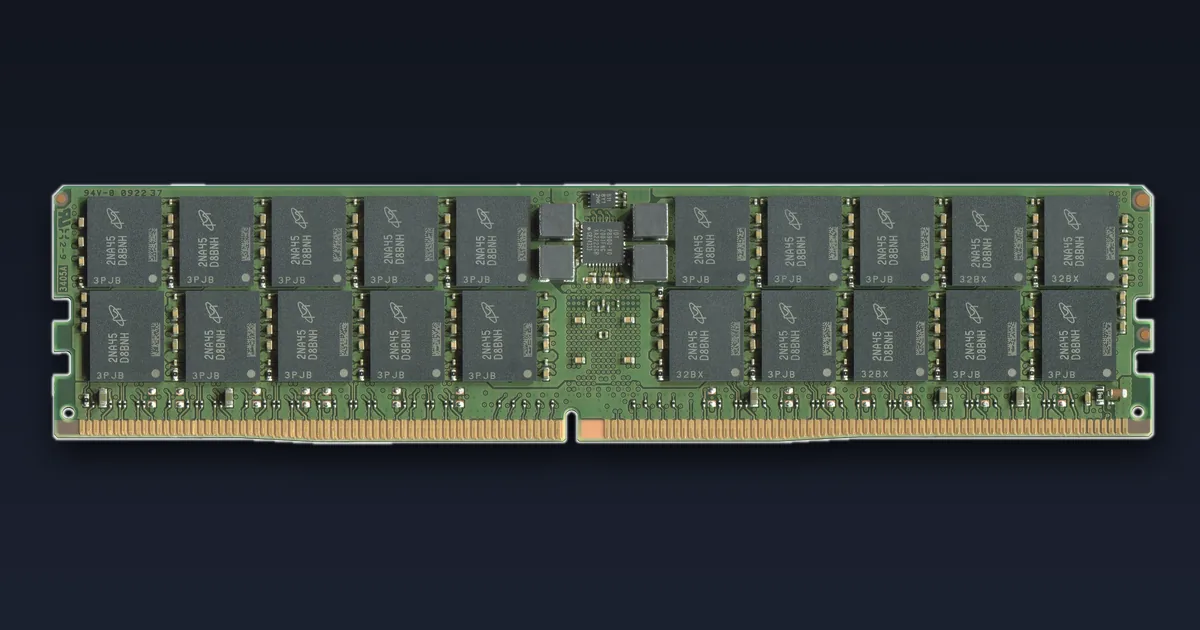
If your Minecraft server is not using allocated RAM, the first thing to know is that this is usually normal. Java only takes the memory it needs, the garbage collector frees it again, and the number you see in a panel or task manager is not the same as the Java heap. It is a real problem only in a few cases: a wrong -Xmx value, a start command that ignores your memory setting, 32-bit Java, or a Forge or NeoForge server reading user_jvm_args.txt with the memory line still commented out.
This guide shows how to tell which case you are in, how to measure memory with spark, and why giving a server more RAM rarely fixes lag on its own.
Why is my Minecraft server not using allocated RAM?
A Java server stores the world, entities and plugin data in an area called the heap. Two start flags control it:
-Xmxsets the maximum heap size. Oracle'sjavadocumentation describes it as the maximum size of the heap, equivalent to-XX:MaxHeapSize.-Xmssets the minimum and initial heap size.
If -Xms is lower than -Xmx, the JVM starts small and grows the heap only when it needs more room. With G1, the default collector in current Java, Oracle explains that the heap is resized after certain garbage collection pauses and that this "may release memory to or allocate memory from the operating system". So a server with 8 GB allowed may sit at 3 or 4 GB for hours. PaperMC says it plainly in its guide to Aikar's flags: "If it does not need the memory given to it, it will not use it."
Three more things make the numbers look odd:
- Garbage collection is a sawtooth. Memory use climbs while players load chunks, then drops when the collector cleans up. A low reading taken right after a collection says nothing about the peak.
- Process memory is not heap. Panels and system monitors show the memory of the whole Java process. PaperMC notes that "Minecraft (and Java) needs additional memory on top of that
Xmxparameter", for example for class metadata, threads and native buffers. That is why the process can show more than the heap and why the two numbers never match. - An idle server uses little. With no players online, few chunks stay loaded, so the heap stays small. Test with your usual player count before you judge.
Is it a problem? Normal vs real symptoms
| What you see | Probably | What to do |
|---|---|---|
| Memory rises and falls, TPS stays at 20 | Normal | Nothing |
| Low memory but lag with players online | CPU or main-thread bottleneck | Profile with spark |
| Heap max in spark is far below your plan | Wrong -Xmx or ignored flag | Check the start command |
Crash with OutOfMemoryError | Heap really too small | Raise -Xmx or the plan |
| Process killed with no Java error | Limit hit by non-heap memory | Leave headroom under the limit |
| Heap never passes about 1.5 GB on Windows | 32-bit Java | Install 64-bit Java |
The key test is the maximum heap, not current use. If the maximum matches what you set, the server can use that memory whenever it needs it, and low current use is fine.
How to check how much RAM your server can really use
spark is a performance profiler, and PaperMC states that starting with 1.21, Paper bundles it. On Fabric, Forge, NeoForge or older Paper you can add it as a mod or plugin. The spark docs list these memory commands:
- Open the server console. On TheGameHosting, open your server in the panel and choose Console.
- Run
spark health show --memory. spark sayshealthreports TPS, CPU, memory and disk usage, and--memoryadds details about the JVM's memory use. - Compare the heap max with the value you meant to set. If you allowed 6 GB and spark shows about 1 GB, the flag is not reaching Java.
- Run
spark gcto see the garbage collection history. Long or very frequent pauses mean the heap is under pressure. - If the server lags while memory looks fine, run
spark profiler start --timeout 600while the lag is happening and open the report link it returns after 10 minutes.
spark health show --memory
spark gc
spark profiler start --timeout 600
In the console you type commands without the slash. In game, an operator uses /spark …. On Forge or Fabric clients the command is /sparkc, but on a dedicated server it is spark.
Fix 1: -Xmx is wrong or missing
The JVM is strict about these flags. Common mistakes:
- Wrong unit.
-Xmx4Gor-Xmx4096Mis right.-Xmx4GBmakes Java stop with "Invalid maximum heap size". A bare number such as-Xmx4096means bytes, not megabytes, and Java refuses to start because the heap would be far too small. - Xms bigger than Xmx. Java refuses to start with "Initial heap size set to a larger value than the maximum heap size".
- Flag in the wrong place. JVM flags go before
-jar. Anything after the jar name is passed to Minecraft, not to Java, and the memory setting is ignored. - The flag appears twice. Start scripts that build on other scripts can add a second
-Xmx. Keep one.
A correct start line looks like this:
java -Xms6G -Xmx6G -jar server.jar --noguiPaperMC recommends setting -Xms equal to -Xmx and explains why: "if Xms is lower than Xmx you have unused memory", and "unused memory is wasted memory". Even then, Oracle notes that heap pages are normally committed as the application uses them. Aikar's flags add -XX:+AlwaysPreTouch, which makes the JVM touch every heap page at startup, so with those flags you see high memory use from the first minute. That is expected.
Fix 2: Forge and NeoForge ignore your memory setting
Newer Forge and NeoForge server installs start through run.sh or run.bat, which read JVM flags from a file called user_jvm_args.txt in the server folder. The template explains that Xmx and Xms set the maximum and minimum RAM, but the example line comes commented out with #. If you never remove the #, Java uses its own default heap.
-Xms6G
-Xmx6G
The NeoForge team adds a warning for its ServerStarterJar: JVM arguments in user_jvm_args.txt "will not be picked up by default", and you need to run java @user_jvm_args.txt -jar server.jar. If you run Forge or NeoForge on a host, check the startup command it uses and whether it reads this file. Changing memory there without knowing how the panel starts the server can lead to two conflicting values.
Java's own default can be low. Oracle documents -XX:MaxRAMPercentage with a default of 25 percent, so a JVM started without -Xmx can end up with a heap of about a quarter of the memory it detects.
Fix 3: 32-bit Java
If the server runs on your own Windows PC with a 32-bit Java, the heap cannot grow much past about 1.5 GB, whatever you put in -Xmx. Oracle's support notes describe this limit for 32-bit JDKs on Windows. Run java -version. If the output does not say 64-Bit Server VM, install a 64-bit Java and point your start script at it. Hosted Linux servers do not have this problem in practice, but it is the most common cause on home setups.
Lag is often CPU, not RAM
A Minecraft server runs the game in ticks, 20 per second, and the core of each tick happens on one main thread. When a tick takes longer than 50 ms, TPS drops below 20 and players feel lag. Extra RAM does not make that thread faster. Mob farms, redstone clocks, too many entities and a long view distance load the CPU, and spark's profiler shows which one.
If spark reports a healthy heap and low GC time but TPS still drops, more memory will not help. Use our Minecraft server lag fix guide to measure TPS and MSPT, and see the best Minecraft server optimization mods for Fabric and NeoForge servers.
Why too much RAM does not help
PaperMC is direct about this: "more memory does not mean better performance above a certain point", and buying 32 GB for a server "will only waste your money with minimal returns".
Two rules from the same guide:
- Leave headroom. Reduce
-Xmsand-Xmxby about 1000–1500 MB below the total memory available, because Java needs memory outside the heap. Their example: with 8 GB, use 6500 MB. - Never set
-Xmxto the full limit. If the heap plus Java's own overhead passes the limit, the system can kill the process with no Java error at all.
If you are unsure how much your world needs, our guide on how much RAM a Minecraft server needs has starting points by player count and server type.
Memory and lag on TheGameHosting
On TheGameHosting your plan sets the memory limit of your server, from 2 GB to 64 GB of DDR5 RAM, and the panel shows memory use live in Console. You do not need to guess: run spark health show --memory, compare it with your plan, and if the numbers do not add up, open a ticket. Our support team answers 24/7 by chat, email and tickets, in English and Spanish, and checks the case with you.
Because lag is so often a main-thread problem, the CPU matters as much as the RAM. Our nodes run AMD 9950X and 7950X3D processors at up to 5.7 GHz with NVMe storage, in Dallas and Amsterdam. Use Version Changer to switch to Paper or Purpur, Files to edit config files, and Backups before you change anything. See the Minecraft server hosting page for everything included.
Plans start at $1.90 USD per month for 2 GB. Compare every size on Pricing, pick the RAM your world needs, and your server is ready in about 60 seconds after payment.
FAQ
Why is my Minecraft server not using all the RAM I allocated?
Java grows the heap only when it needs more room and the garbage collector frees memory again, so low use is normal. Check the heap maximum with spark health show --memory; if it matches your -Xmx, the server can use the memory when it needs it.
How do I make my Minecraft server use more RAM?
Set -Xms and -Xmx to the same value before -jar in the start command. On Forge or NeoForge, put them in user_jvm_args.txt without the #. The server still only fills that heap when it has something to store.
Will more RAM fix Minecraft server lag?
Only if the heap is too small, which shows up as long garbage collection pauses or OutOfMemoryError. Most lag comes from the main thread, so profile with spark before you add memory.
Why does my panel show more memory than -Xmx?
Java uses memory outside the heap for class data, threads and native buffers. PaperMC recommends leaving 1000–1500 MB of headroom below the total limit for that reason.
Why does my Forge server ignore -Xmx?
Newer Forge and NeoForge installs read memory flags from user_jvm_args.txt, and the example line ships commented out. Remove the #, or check which start command your server actually uses.
What is the RAM limit for 32-bit Java?
A 32-bit JVM on Windows usually cannot use a heap much larger than about 1.5 GB. Install 64-bit Java; java -version should show 64-Bit Server VM.
Hosting for this game

Written by TheGameHosting Team, the people who run our servers in Dallas and Amsterdam and answer your tickets.
All posts