

Hytale

Hytale Server Hosting

Start a Hytale dedicated server for your friends or your community and keep your world online around the clock. Every plan runs on AMD 9950X/7950X3D CPUs with DDR5 RAM, with full file access for your mods and worlds.

  • Dedicated Hytale server
  • Full sFTP for mods and worlds
  • Backups and schedules
  • Unlimited slots

Plans from $3.69 USD / month

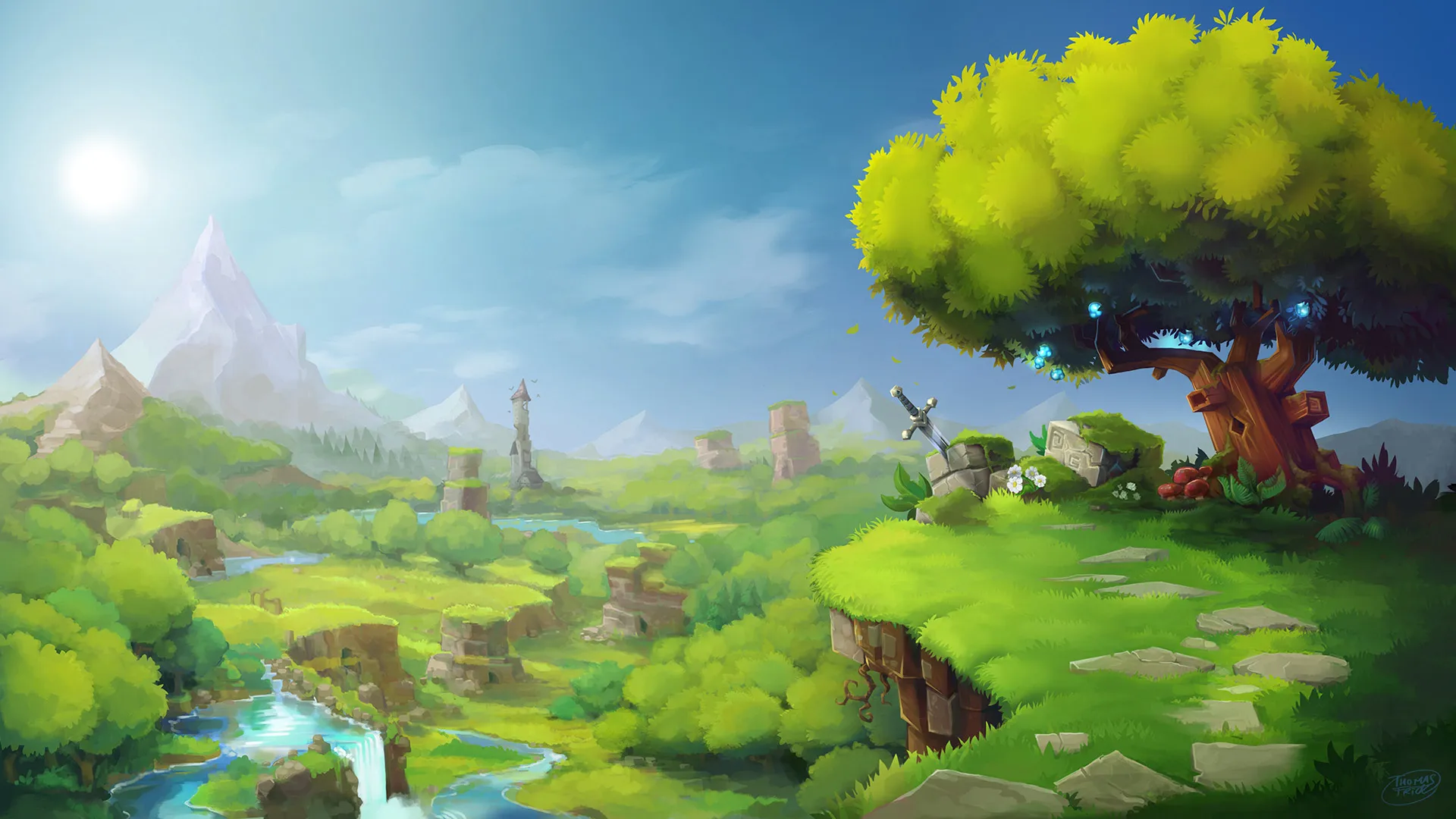
Hytale key art: a green valley with a giant tree, waterfalls and mountains

HytaleRequires 4 GB RAM · runs on 8 of 9 plans

What a Hytale server runsBuilt by Hypixel Studios, with server-side modding at its core

  • Your own worldOnline 24/7, not only while you play
  • Server-side modsPlayers join without installing them
  • Adventure and creativeExplore together or build freely
  • Friends or a communityNo slot cap from us

Use code FULL2026 at checkout for 15% off for life

Swipe or tap a plan

Slide to pick your RAM Use the arrow keys too

Every plan includes

    Your Hytale server, managed from one panel

    Screenshots of the real panel you get. Upload mods, roll back a world or move to another location without a command line.

    File Manager in the TheGameHosting panel listing a server's folders and files, with search, upload and new file buttons

    Try the live panel demoWant to click around first? The panel demo on our home page runs in your browser.

    Everything included with your Hytale server

    Every plan has the same tools and hardware. You only choose how much RAM your world gets.

    Play your way

    • Always onlineYour world keeps running when you log off.
    • Unlimited slotsSmall group or big community, we don't cap players.
    • Mods and pluginsUpload them to the server; players don't need to install them.
    • Game ChangerSwitch the plan to Minecraft or another game later.

    Manage it easily

    • File manager and full sFTPUpload mods and worlds, or edit configs in the browser.
    • Backup SystemSave your world before every update.
    • SchedulesPlan restarts and backups on a timer.
    • Location ChangerMove between Dallas, TX and Amsterdam, NL.

    Fast and protected

    • AMD 9950X/7950X3DFast single cores for a smooth world tick.
    • DDR5 RAM and NVMeDedicated DDR5 and Samsung NVMe for quick world loading.
    • DDoS protectionYour community stays online when someone floods the server.
    • Ready in 60 secondsYour Hytale server is up within 60 seconds after payment.

    Hytale server hosting for friends and communities

    Hytale is the block-based adventure from Hypixel Studios, built for exploring, fighting and building together. Hosting it yourself means keeping your own PC on all night; a Hytale server from us keeps the world running for everyone, whether two friends drop in or a whole community.

    You get the server files, full sFTP access and a panel to start, stop and back up the world. There is no slot cap from us, so the only real choice is how much RAM your world needs, and your server is ready within 60 seconds after payment.
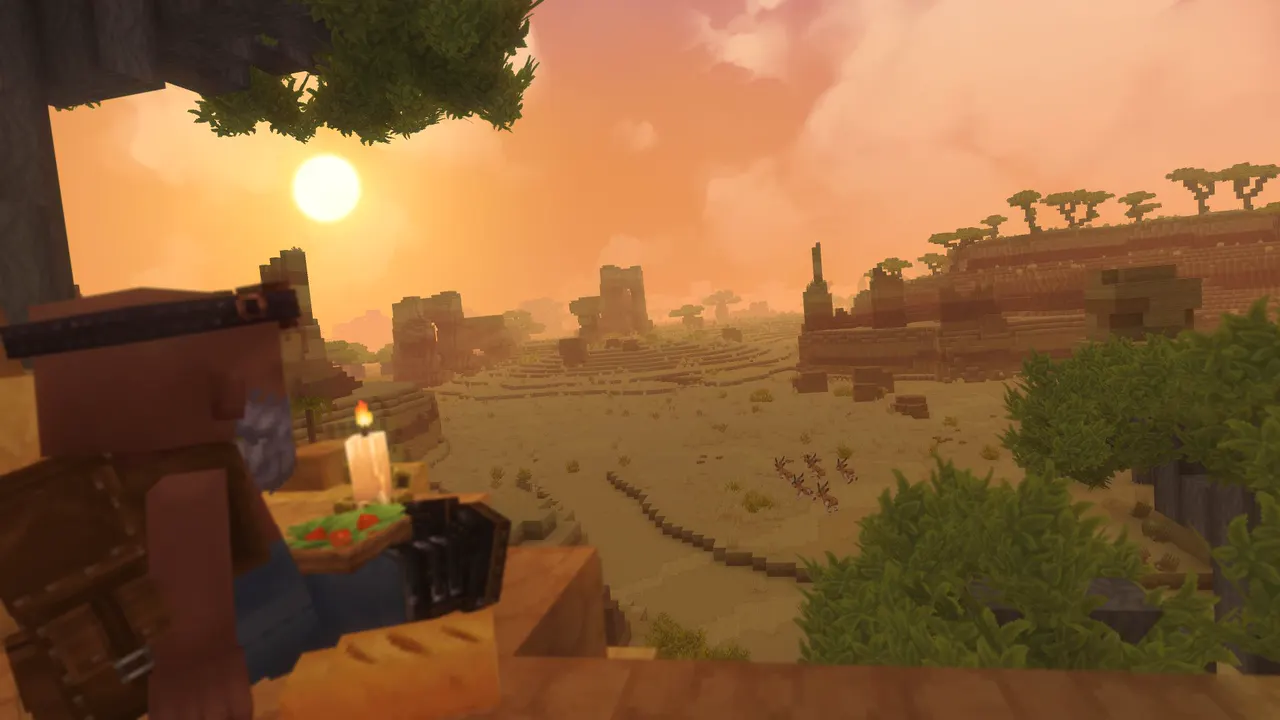
    Hytale screenshot: a player holding a candle and berries looks over a blocky savanna at sunset

    Mods and plugins, delivered by the server

    Hytale was designed around server-side modding. Mods and content live on the server, so friends can join a modded world without hunting down the same files on their own machine.

    Installing a mod

    Upload the mod files to the server with the file manager or over sFTP, follow the mod's own instructions for where it goes, then restart. Make a backup first, because mods can change a world in ways that are hard to undo.

    Keeping mods in step with the game

    Hytale is in early access and updates often. After a game update, check that your mods have caught up before you restart a big world, and keep a backup from before the update in case you need to roll back.

    File Manager in the TheGameHosting panel listing a server's folders and files, with search, upload and new file buttons
    The file manager in our panel, where mods and worlds go. sFTP works too.

    Backups, schedules and a world you can trust

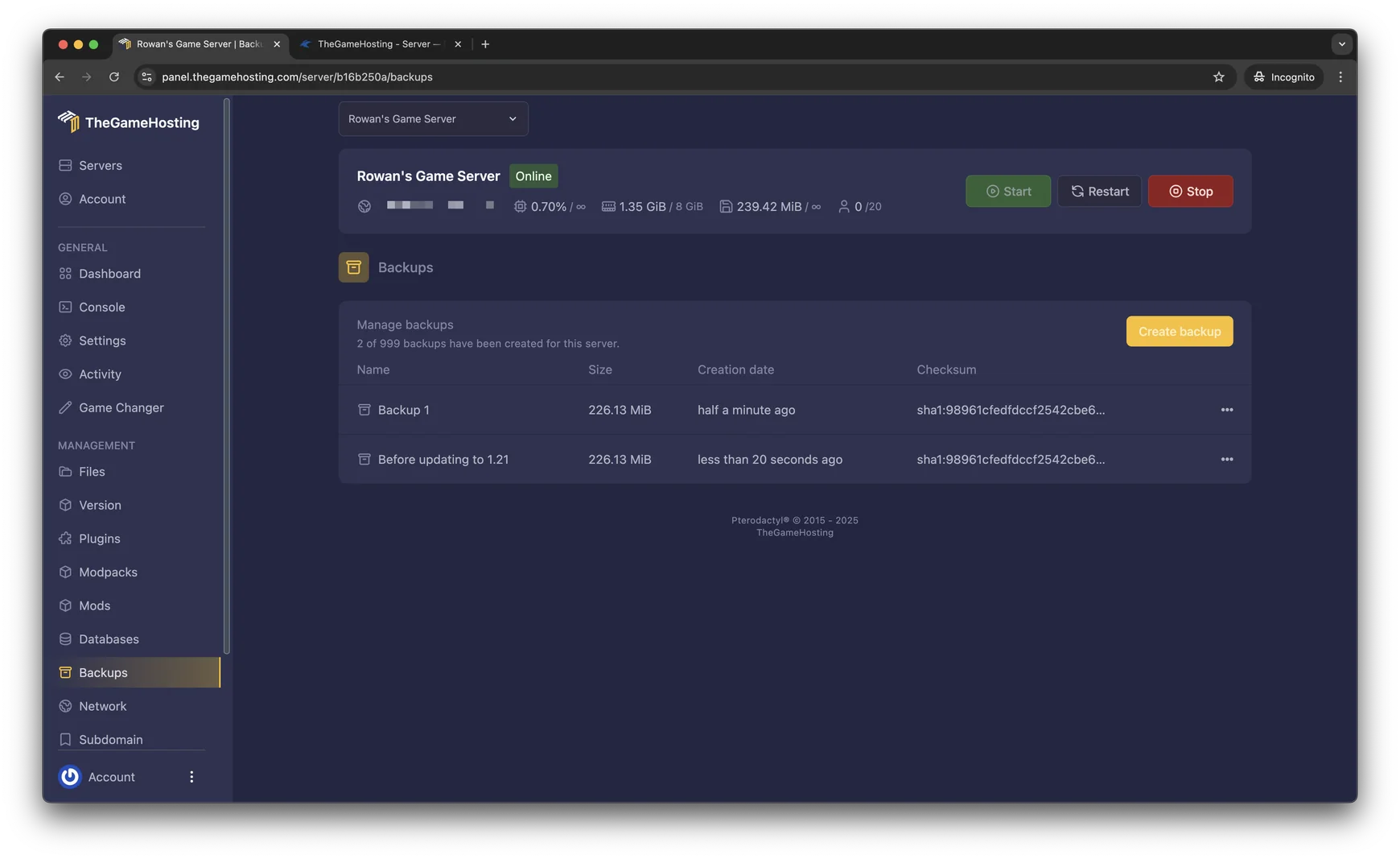
    Big builds deserve a safety net. The Backup System in the panel makes a copy of your server in one click and restores it just as fast, which is exactly what you want before a game update, a new mod or a risky building project.

    • Create a backup before every update or mod change.
    • Use the panel's Schedules to restart the server or make a backup at a set time.
    • Download a backup over sFTP to keep your own copy of the world.

    Want to play with friends on Minecraft too? Your plan can switch games, and our Minecraft server hosting page shows what that looks like.

    Backups page in the TheGameHosting panel with two backups, their size, date and checksum, and a Create backup button
    Backups in our panel, each with its size, date and checksum.

    Playing together on your Hytale server

    Once the server is running, share its address and port from the panel with your friends and they can join from the game's server list. Keep the world private with the game's own permission and whitelist tools, or open it up for a community.

    • Small groups of friends usually fit on the 4 GB or 6 GB plan.
    • Public servers, mods and long view distances call for more RAM.
    • Need help with the first start or with permissions? Our support team is available 24/7/365.

    Looking for something similar? Compare Minecraft Bedrock server hosting for phones and consoles.

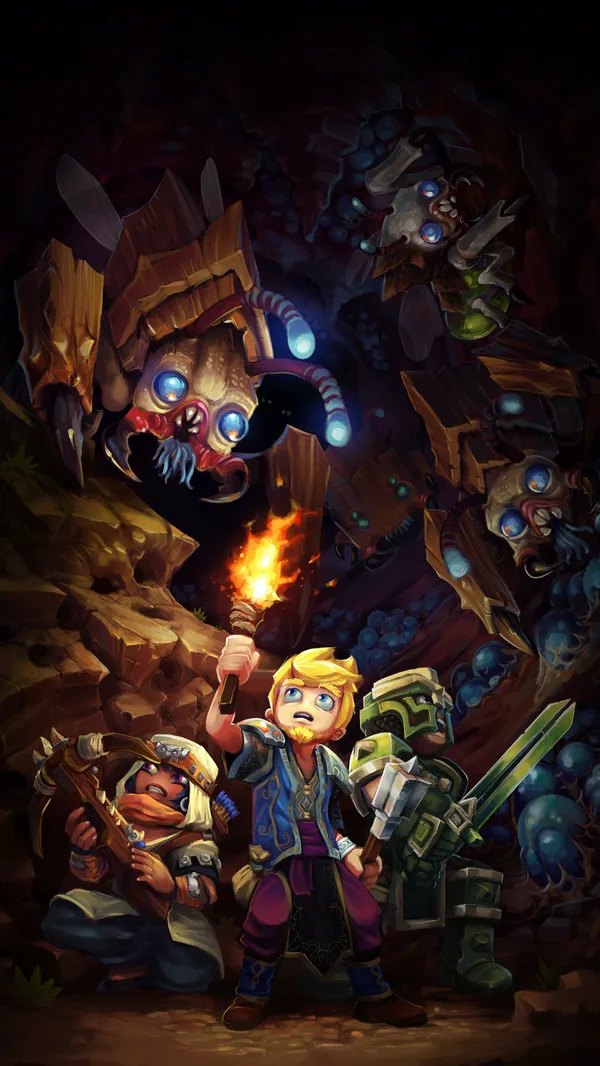
    Hytale cover art: adventurers with a torch in a cave full of creatures

    How much RAM does a Hytale server need?

    Hytale needs at least 4 GB of RAM on our list, so it runs on every plan from 4 GB up. Memory use grows with what your world is doing:

    • Players spread out across the map, each loading their own area.
    • A longer view distance keeps more of the world in memory.
    • Mods with new creatures, blocks or systems add to the base load.

    We start you on 6 GB for a little headroom, and you can pick any size on the slider. We don't cap slots, so RAM is what sets your ceiling.

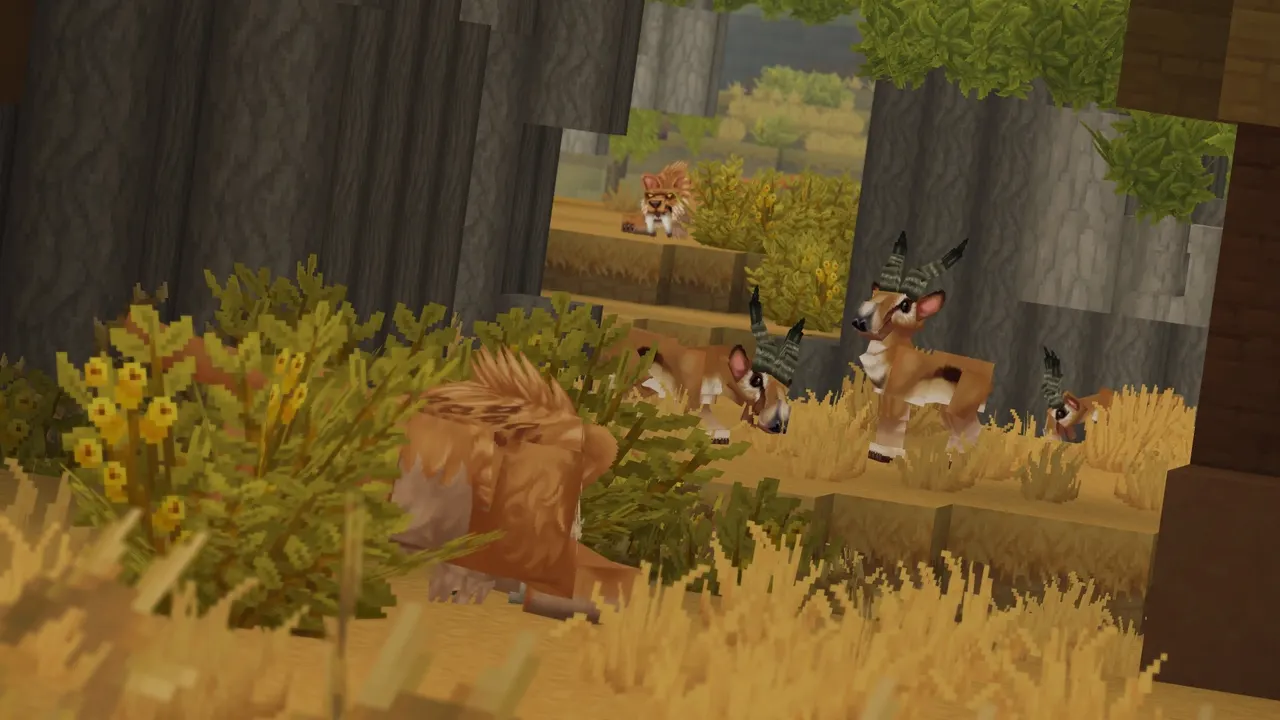
    Hytale screenshot: antelope and a lion among tall golden grass and blocky trees

    Hytale requires 4 GB RAMRuns on 8 of 9 plans, from 4 GB

    • 4 GB
    • 6 GB
    • 8 GB
    • 10 GB
    • 12 GB
    • 16 GB
    • 32 GB
    • 64 GB

    Hardware we own, in Dallas and Amsterdam

    Your Hytale world runs on servers we bought and manage ourselves. Every plan uses AMD 9950X/7950X3D processors up to 5.7Ghz with DDR5 RAM, so the world keeps ticking smoothly in busy fights, and Samsung NVMe storage loads new terrain quickly as players explore.

    We run them in two places, Dallas, TX in the United States and Amsterdam in the Netherlands, each on a 10 Gbps network with UPS backup power, advanced cooling and DDoS protection.

    • AMD 9950X/7950X3D up to 5.7Ghz
    • DDR5 RAM
    • Samsung NVMe Storage
    • 10 Gbps Network
    • UPS Backup Power
    • Dallas, TX & Amsterdam, NL

    Real people on support

    Our team is available 24/7/365. Ask about a mod that won't load, a world you want to move or how to set permissions, and a person answers.

    • Live chat
    • Email
    • Ticket system
    Contact support

    Hytale hosting questions

    Can't find your answer? Ask our support team.

    How fast is my Hytale server ready?

    Your Hytale server is ready within 60 seconds after payment. Log in to the panel, start the server and share its address with your friends.
    How much RAM does a Hytale server need?

    Hytale needs at least 4 GB of RAM, so it runs on our 4 GB plan and everything above it. More players, mods and a longer view distance use more memory. We start you on 6 GB, and there is no slot limit, so RAM is what sets your ceiling.

    Can I add mods to my Hytale server?

    Yes. Upload the mod files with the file manager or over sFTP, place them where the mod's instructions say and restart the server. Hytale is built around server-side modding, so players can join without installing the mods themselves. Make a backup first.

    How do my friends join?

    Share the server address and port shown in our panel. Your friends add it in the game's server list and join. You can keep the server private with the game's permission and whitelist tools.

    What happens when Hytale updates?

    Hytale is in early access and updates often. Make a backup before you update, and check that your mods support the new version before you restart a big world.

    Can I upload a world I already have?

    Yes. Upload your world files through the file manager or over sFTP and restart the server. Our support team can help you move it.

    Can I switch to another game later?

    Yes. Open the Game Changer and pick any other game your plan runs, like Minecraft or Terraria. It is the same plan, so there is nothing new to buy. Make a backup before you switch.

    Where are your Hytale servers hosted?

    In Dallas, TX (United States) and Amsterdam (Netherlands), on hardware we own in both locations. Choose the location nearest your community for the lowest ping.

    Do you have a discount code?

    Use promo code FULL2026 at checkout for 15% off for life.

    Is TheGameHosting affiliated with Hypixel Studios?

    No. TheGameHosting is an independent game server host and is not connected to Hypixel Studios.

    Start your Hytale server today

    Ready within 60 seconds after payment, with full sFTP for your mods and worlds. The same plan can switch to any other game on our list.

    Use promo code FULL2026 at checkout for 15% off for life.