
Satisfactory dedicated server

Satisfactory Server Hosting

Your factory, open to the whole crew. A Satisfactory dedicated server keeps your save online so friends can join and keep building on their own schedule, managed straight from the in-game Server Manager and running on AMD 9950X/7950X3D with DDR5.
  • Upload your existing save
  • In-game Server Manager
  • Mods that support servers
  • No slot fees

Plans from $9.99 USD / month

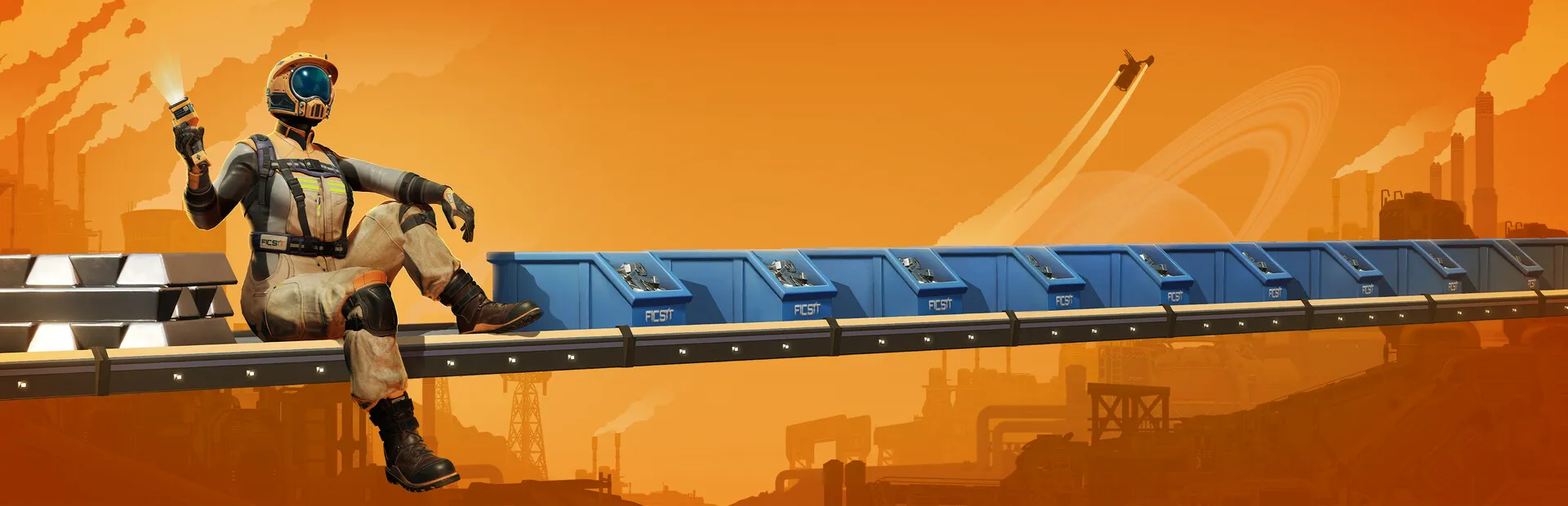
Satisfactory key art: a pioneer in an orange suit sitting on a conveyor belt against an orange sky
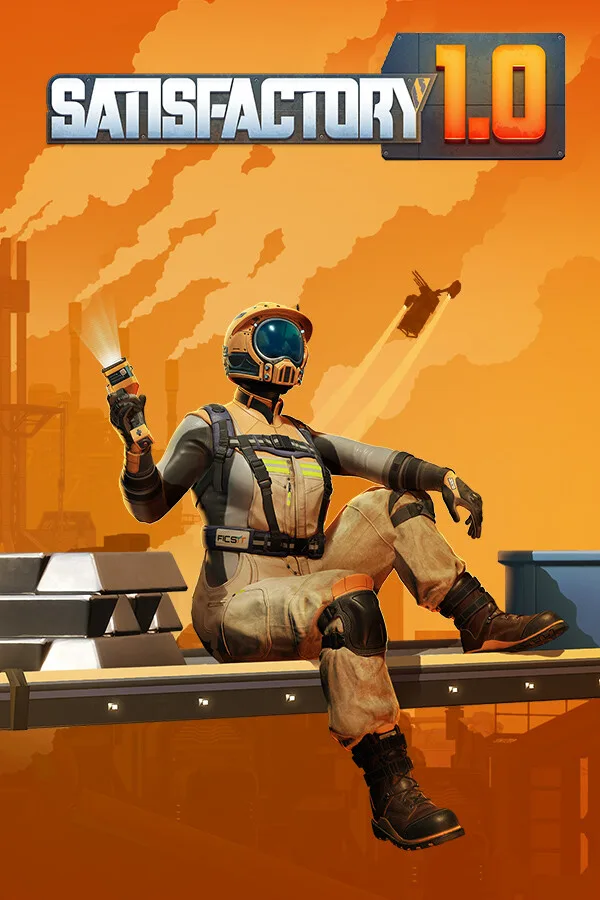
Satisfactory 1.0 cover art: a pioneer on a conveyor belt with the game logo

SatisfactoryRequires 12 GB RAM · runs on 4 of 9 plans

Run the factory your wayMost of it happens in the in-game Server Manager; the rest in our File Manager or over sFTP

  • Server ManagerClaim, name, admin password
  • Save uploadBring your solo factory
  • Auto-pausePause or run when empty
  • ModsServer-ready mods only

Use code FULL2026 at checkout for 15% off for life

Swipe or tap a plan

Slide to pick your RAM Use the arrow keys too

Every plan includes

    A Satisfactory server control panel for files and backups

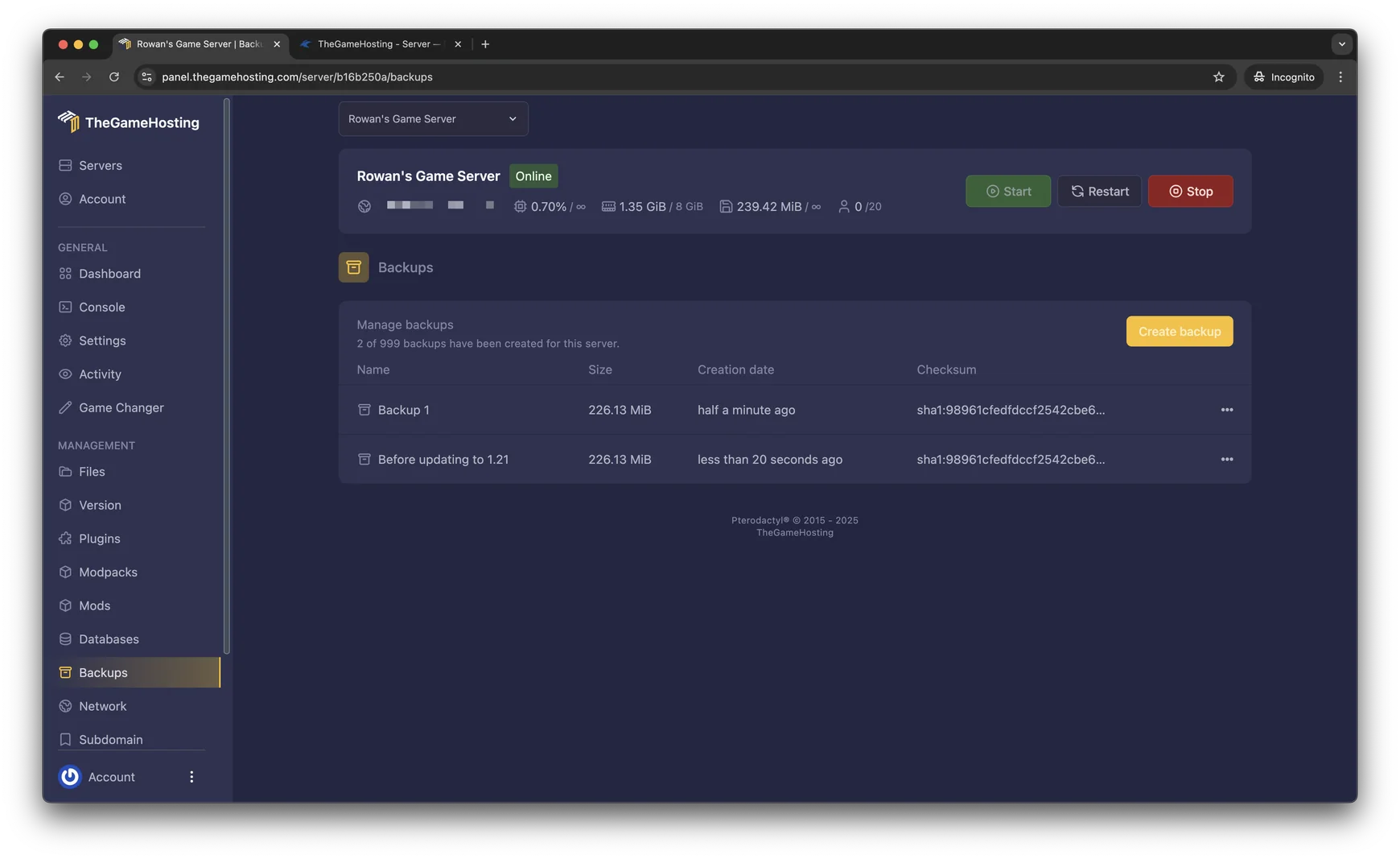
    Our real panel, in screenshots. It sits next to the in-game Server Manager and handles files, backups and locations.

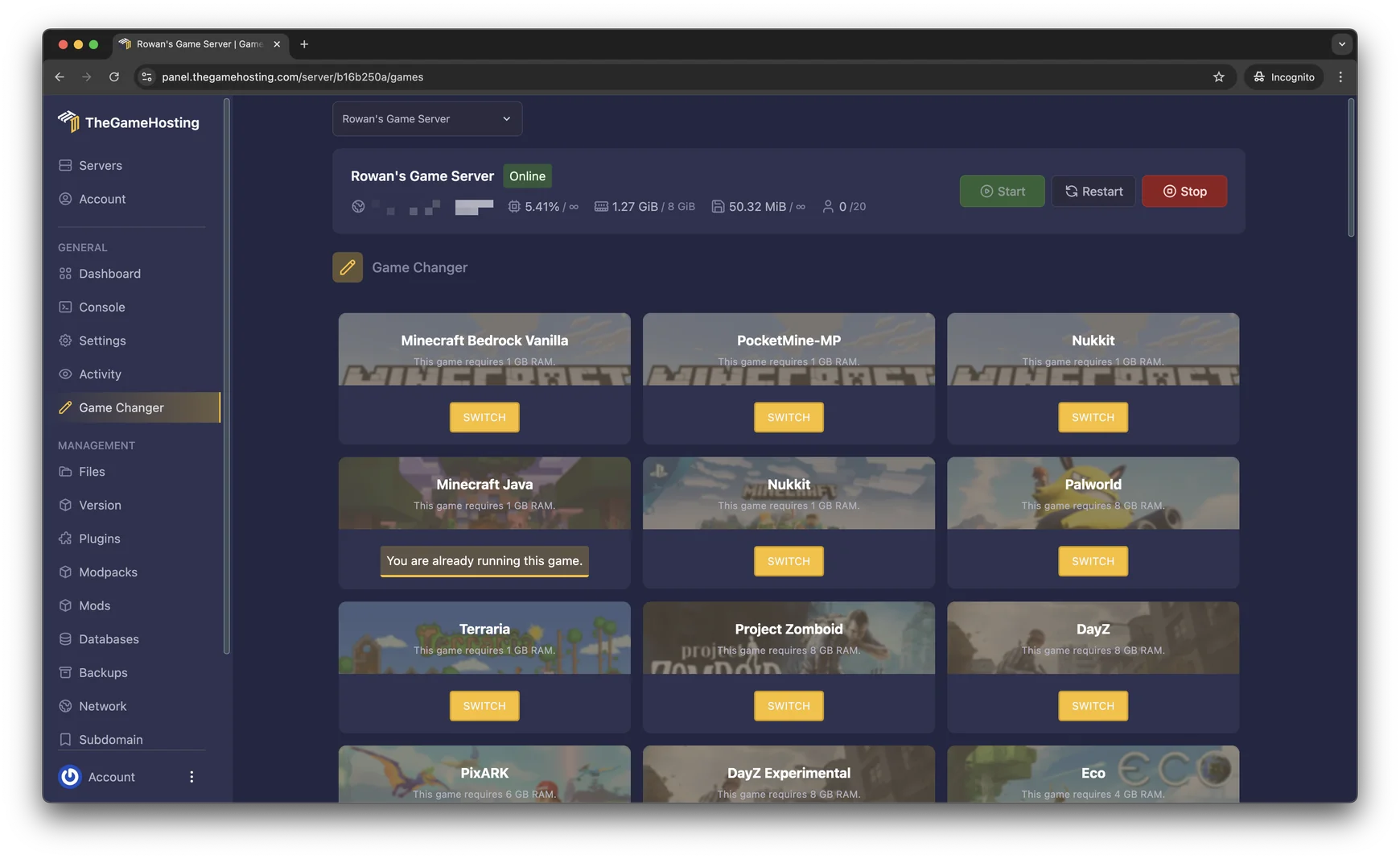
    Game Changer in the TheGameHosting panel: a grid of games, each with its RAM requirement and a Switch button

    Try the live panel demoCurious how the panel feels? The home page demo runs a Minecraft server, and Files, Backups and the Game Changer work the same for Satisfactory.

    Everything included with your Satisfactory server

    Every plan comes with the full panel and the same hardware. You only choose how much RAM your factory needs.

    Built for Satisfactory

    • Server Manager readyClaim the server and manage saves from the game’s own menu.
    • Save uploadsMove a single-player factory onto the server and keep going.
    • Server-ready modsRun mods that support dedicated servers.
    • No slot feesWe don’t charge per player on top of the game’s own limit.

    Manage it easily

    • File manager and full sFTPUpload saves or edit config files in the browser or over sFTP.
    • Backup SystemBack up the factory and restore it from the panel.
    • Location ChangerSwitch between our United States and Europe locations.
    • Game ChangerTry another game on the same plan, like Factorio or Valheim.

    Fast and protected

    • AMD 9950X/7950X3DUp to 5.7Ghz, so a late-game factory keeps simulating smoothly.
    • DDR5 RAM and NVMeDedicated DDR5 memory and Samsung NVMe storage.
    • DDoS protectionEvery server sits behind our DDoS protection.
    • Ready in 60 secondsYour server is ready within 60 seconds after payment.

    Satisfactory server hosting for shared factories

    In a hosted co-op game the factory only exists while the host is online. If they are busy, nobody can fix that broken belt line or finish the next Space Elevator part. A Satisfactory dedicated server keeps the save available all the time, so everyone builds when it suits them.
    Pick a plan with at least 12 GB of RAM and the server is ready within 60 seconds after payment. Add it in the game’s Server Manager with the address from your panel and you are in. Choose in the server settings whether the game pauses when nobody is online or keeps the factory running.

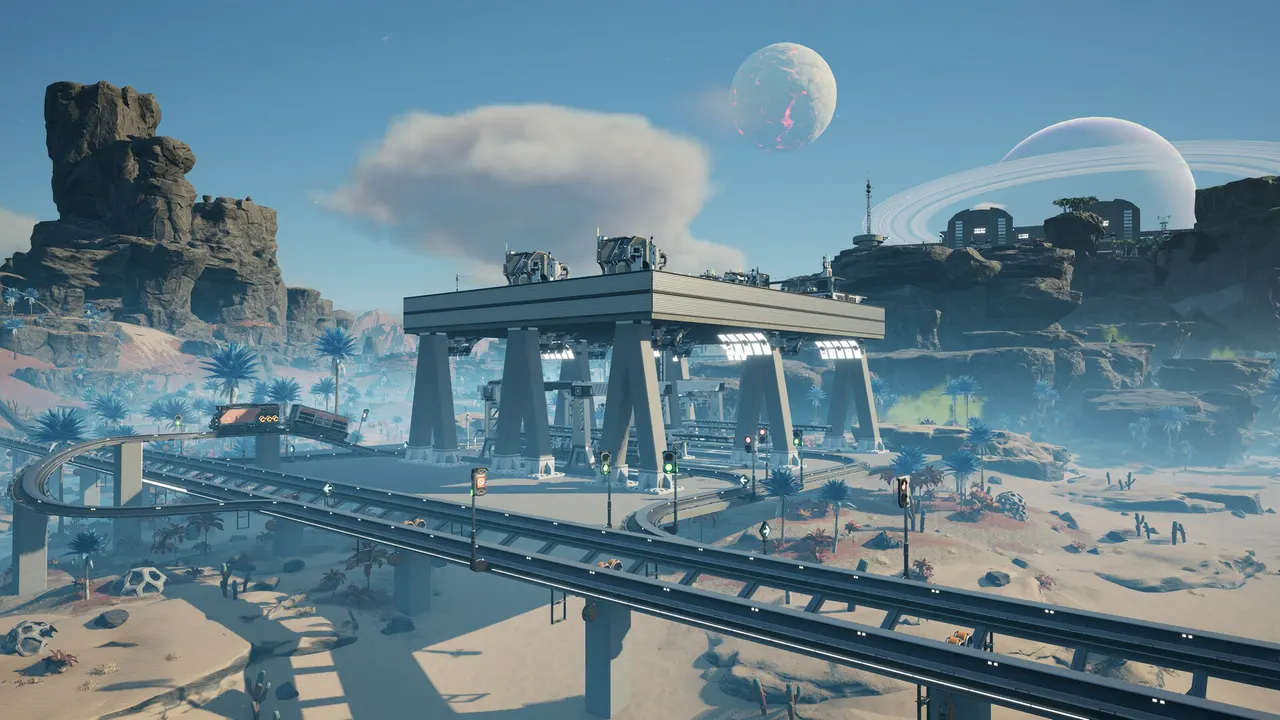
    Satisfactory screenshot: a factory and conveyor belts on a rocky plateau under an alien sky

    Upload your save and manage it in game

    Satisfactory puts most server tasks inside the game itself, in the Server Manager on the main menu. Our panel covers the rest: files, backups and the server location.

    Claim the server in the Server Manager

    The first time you connect, you claim the server, give it a name and set an admin password. After that you can start a new game, load a session and change server settings without leaving the game.

    How to upload a Satisfactory save to your server

    In the Server Manager, open Manage Saves and choose Upload Save to send a file from your PC. Prefer files? Copy the .sav into the server’s save folder with the File Manager or sFTP.

    Back up big factories

    The game keeps its own autosaves, and a panel backup gives you a full copy of the server on top of that. Make one before a game update or a new mod.

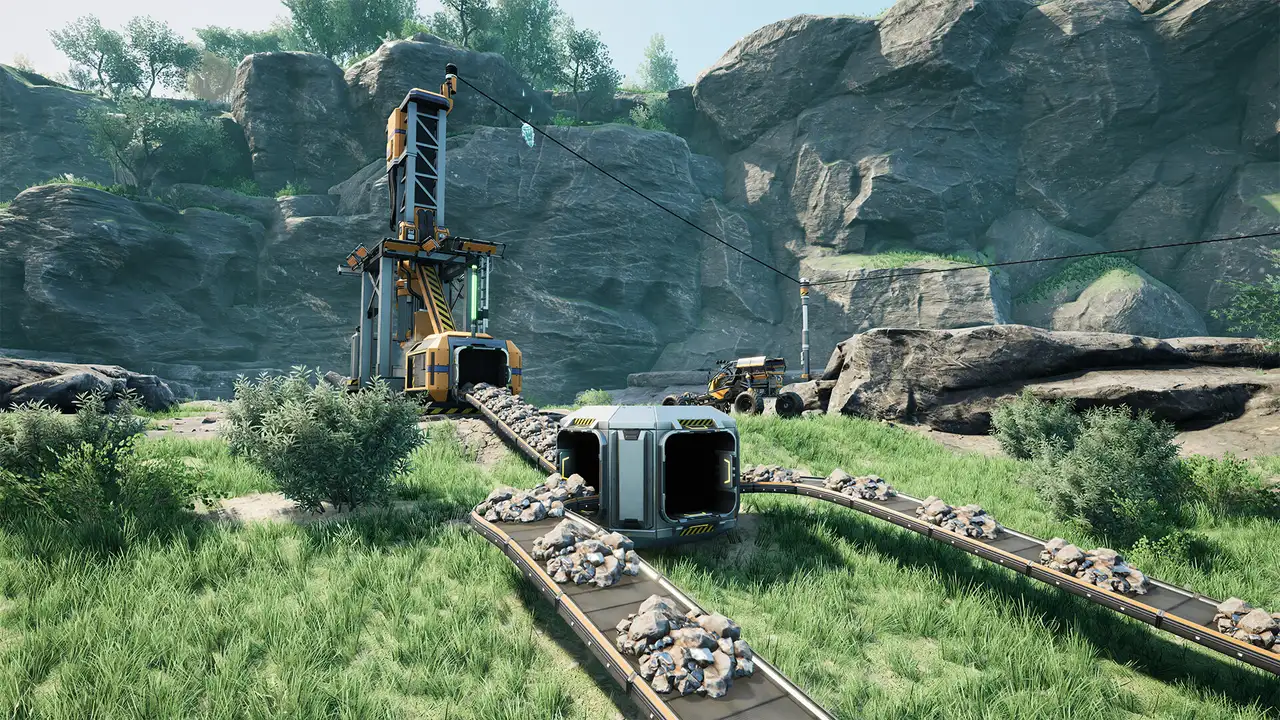
    Satisfactory screenshot: a mining machine and conveyor belts in a green valley
    File Manager in the TheGameHosting panel with server folders and upload buttons
    Backups page in the TheGameHosting panel with a Create backup button

    Mods on a Satisfactory dedicated server
    Satisfactory mods run on the Satisfactory Mod Loader and are usually managed with the Satisfactory Mod Manager. Before adding mods to a server, keep three things in mind:

    • Not every mod works on a dedicated server, so check the mod page for server support.
    • Every player needs the same mods, at the same versions, as the server.
    • Stop the server before installing or updating mods, and back up first.

    The game sets a default player limit, which many groups raise in the server’s config files. We don’t charge per slot, so the limit is up to you and your RAM.

    Game Changer in the TheGameHosting panel: a grid of games, each with its RAM requirement and a Switch button

    How much RAM does a Satisfactory server need?

    On our plans Satisfactory needs at least 12 GB of RAM, so it runs on 4 of our 9 sizes, starting with 12 GB. The factory itself is what grows:

    • Every machine, belt and item on a belt is simulated, so late-game saves need more.
    • More players spread across the map keep more of it loaded.
    • Mods that add buildings or logistics add memory use too.

    Starting a new world? 12 GB is a good place to begin, and you can talk to our support team before your factory outgrows it.

    Satisfactory requires 12 GB RAMRuns on 4 of our 9 plans, from 12 GB

    • 2 GB (too small)
    • 4 GB (too small)
    • 6 GB (too small)
    • 8 GB (too small)
    • 10 GB (too small)
    • 12 GB
    • 16 GB
    • 32 GB
    • 64 GB

    Hardware we own, in Dallas and Amsterdam

    Your Satisfactory factory runs on servers we bought and look after ourselves. The game simulates every machine and conveyor in your save, and that work grows with each new production line, so every plan runs on AMD 9950X/7950X3D processors up to 5.7Ghz with DDR5 RAM and Samsung NVMe storage for quick saves and loads.

    We have hardware in Dallas, TX (United States) and Amsterdam (Netherlands), on a 10 Gbps network with advanced cooling, UPS backup power and DDoS protection for every server.

    • AMD 9950X/7950X3D up to 5.7Ghz
    • DDR5 RAM
    • Samsung NVMe Storage
    • 10 Gbps Network
    • UPS Backup Power
    • Dallas, TX & Amsterdam, NL

    Real people on support

    Our team is available 24/7/365. Ask about claiming your server, uploading a save or a mod that will not load, and a person answers.

    • Live chat
    • Email
    • Ticket system
    Contact support

    Satisfactory hosting questions

    Can't find your answer? Ask our support team.

    How fast is my Satisfactory server ready?

    Your server is ready within 60 seconds after payment. Add it in the in-game Server Manager with the address from your panel and claim it.

    How do I upload my Satisfactory save to the server?

    In the in-game Server Manager, open Manage Saves and choose Upload Save. You can also copy the .sav file into the server’s save folder with the File Manager or over sFTP.

    How much RAM does a Satisfactory server need?

    On our plans Satisfactory needs at least 12 GB of RAM, so it runs on the 12 GB plan and up. Bigger factories, more players and mods all use more memory.

    How many players can join my Satisfactory server?

    The game sets a default player limit that many groups raise in the server’s config files. We don’t limit slots or charge per player on top of that.

    Does the factory keep running when nobody is online?

    That is your choice. The server can pause the game when nobody is connected, or keep running so the factory keeps producing. Change it in the server settings from the Server Manager.

    Can I use mods on a Satisfactory dedicated server?

    Yes, with mods that support dedicated servers. Every player needs the same mods and versions as the server. Stop the server and make a backup before you add or update mods.

    Can I switch to another game later?

    Yes. Open the Game Changer and pick another game your plan runs, like Factorio, Valheim or Palworld. It is the same plan, so there is nothing new to buy. Make a backup before you switch.

    Where are your Satisfactory servers hosted?

    On our own hardware in Dallas, TX (United States) and Amsterdam (Netherlands). Pick the one closer to your crew; both have AMD 9950X/7950X3D CPUs, DDR5 RAM, Samsung NVMe storage and 10 Gbps networking.

    Do you have a discount code?

    Use promo code FULL2026 at checkout for 15% off for life.

    Is TheGameHosting affiliated with Coffee Stain Studios?

    No. This site is not affiliated with Coffee Stain Studios.

    Start your Satisfactory server today

    Ready within 60 seconds after payment. Upload your factory and keep building on hardware we own in Dallas and Amsterdam.

    Use promo code FULL2026 at checkout for 15% off for life.