 TheGameHosting Team
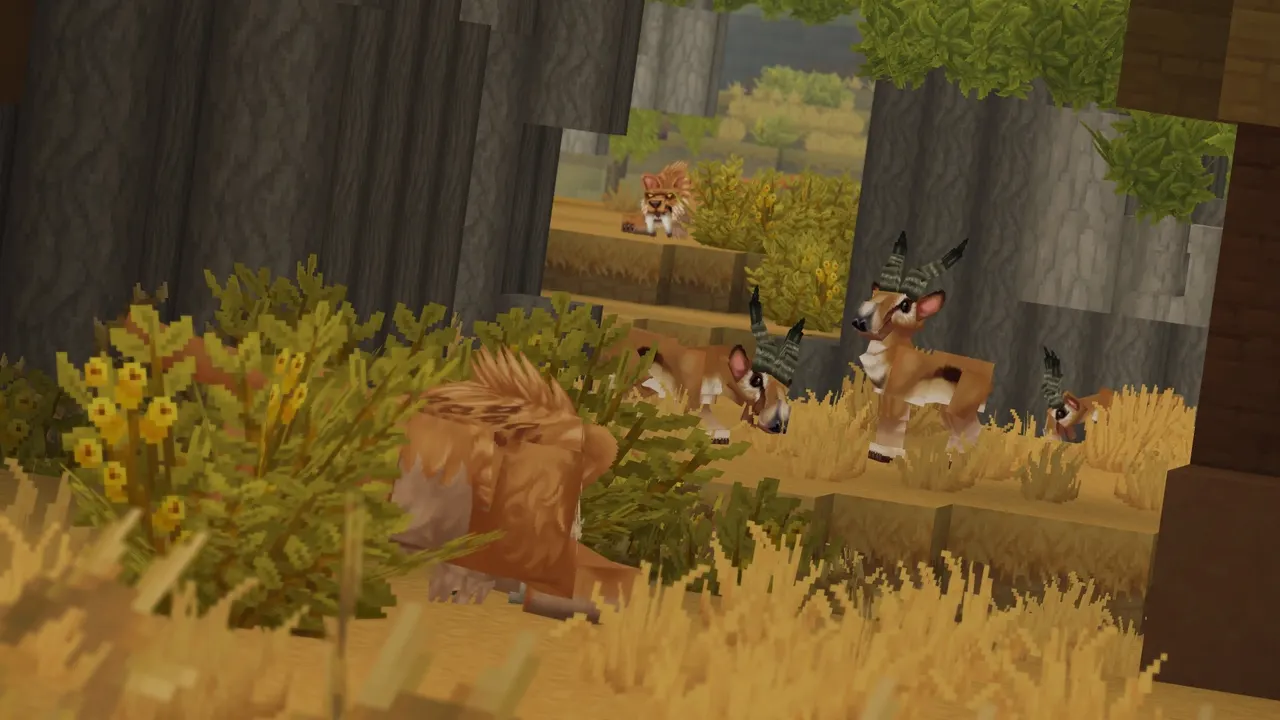
Hytale server mods live on the server, not on your players' PCs. You download a mod as a .zip or .jar, put it in the mods/ folder of the server, restart, and everyone who joins gets the modded world without installing anything. This guide covers the types of mods, where the mods folder sits among the Hytale server files, the step-by-step install, how to read startup errors, and how to keep mods working when Hytale updates.
Hytale has been in Early Access since January 13, 2026, and Hypixel Studios says modding is in early access too, with uneven tools and possible crashes. Every fact below comes from the official Server Manual, the Hytale documentation and the hytale.com blog.
How Hytale server mods work
Hytale was built for server-side modding. In the official post on its modding strategy, Hytale's Technical Director writes that you “should be able to join any modded Hytale server without downloading external mods or juggling client packs”, and that the studio does not intend to support client mods at all. The Hytale documentation says the same thing about asset packs: they exist entirely on the server, and only the server or world host has to download them.
So there is no modpack to send your friends: you manage the mods in one place.
Types of Hytale mods
Hypixel Studios groups Hytale modding into four technical categories:
| Type | Format | What it changes |
|---|---|---|
| Server plugins | Java .jar files | Server logic: minigames, economies, commands, new systems |
| Data assets | JSON files | Blocks, items, NPCs, world generation, drop tables |
| Art assets | Models, textures, sounds | How things look and sound; models are made in Blockbench |
| Save files | Worlds and prefabs | Whole worlds or prebuilt structures |
Most downloads are either a plugin (.jar) or an asset pack (a .zip or folder with a manifest.json inside, which overrides or adds game assets). Both go in the same folder.
Hytale server files: where the mods folder is
The Server Manual lists what a running Hytale server creates in its working folder. The mods folder sits next to config.json and the universe save folder:
| Path | What it holds |
|---|---|
mods/ | Installed mods (plugins and asset packs) |
universe/ | World and player save data; each world lives in universe/worlds/ |
logs/ | Server log files |
config.json | Server configuration |
permissions.json | Permission configuration |
whitelist.json | Whitelisted players |
bans.json | Banned players |
.cache/ | Cache for optimized files |
The server itself is HytaleServer.jar, which loads the game content from Assets.zip. In the official installer's layout, these files sit inside a Server/ folder, with Assets.zip one level up. If you see config.json and universe/ but no mods/ yet, create a folder named mods beside them.
How to add mods to a Hytale server
This works the same for plugins and asset packs. On TheGameHosting every step happens in the panel, so you need no FTP client, although sFTP works too if you prefer it.
- Make a backup. In the panel, open Backups and create one. Hypixel's own modding post warns that crashes can cost you data, and a backup lets you roll the world back in one click.
- Download the mod as a
.zipor.jar. The Server Manual names CurseForge as a source. Pick the file made for the Hytale version your server runs. - Read the mod page for dependencies. If the mod needs another mod to work, download that one too.
- Stop the server from the Console page.
- Open Files, go into the
modsfolder and drag the files from your PC into the browser window. Upload.jarand.zipfiles as they are; do not unzip them unless the mod's instructions say so. - Start the server and watch the Console while it boots. Errors about a mod show up here.
- Join the server and check that the new content is there. Your players connect as usual, with nothing to install.
Add mods one or two at a time, so you know which one broke the boot if something fails.
Where to download Hytale mods
CurseForge is Hytale's modding partner. The Hytale launch post credits the partnerships with Blockbench and CurseForge for modding support on day one, and the official modding contest ran with CurseForge. Since Update 6 the game also has an in-game Mod Browser on the main menu, with featured, popular and recently updated mods, and Hypixel says there will be no paid mods in it. When a creator does not allow in-game downloads, the game points you to CurseForge instead.
The Mod Browser installs mods on your own PC, for your single-player worlds. The documentation does not describe it installing mods on a remote dedicated server, so for a hosted server, download the file and upload it as shown above.
Check that a mod loaded, or why it did not
Read the startup output in the Console first, then the files in logs/. Messages worth knowing:
- MOD_ERROR (code 9). This is the exit code for a server stopped by a mod problem. Since Update 4 the game offers a shortcut to its Mod Management screen when it sees this exit, and the Update 8 pre-release notes add a message that names the mods involved when the asset pack load order fails. On a dedicated server, read the lines just above the error.
- A core plugin failed to load. Since Update 6 the server stops instead of running on in a broken state. Remove the last mod you added and start again.
- “missing or invalid manifest.json”. The pack is not packaged the way the server expects. Re-download it, or check whether you unzipped something that should have stayed a
.zip. - A mod targets a different game version. The mod manager shows a warning icon when a mod was made for another version of Hytale. Update the mod, or remove it until its author does.
To take a mod out, stop the server, remove its file from mods/ in Files and start again. If it already added blocks or creatures to your world, restoring your backup is the clean way back.
Early plugins
Some mods are early plugins, which the server only loads with the --accept-early-plugins flag. The Server Manual warns they are unsupported and may cause stability issues. Skip it unless a mod's page asks for it, and if one does, our support team can help.
Configure Hytale server mods
Plugins can keep their settings inside mods/. Hypixel's Update 7 patch notes show it with the built-in Asset Editor plugin, whose settings file is mods/Hytale_AssetEditor/config.json. Each mod's page tells you which file it uses and what each option does.
The Server Manual has one rule worth remembering: config files are read when the server starts and written when something changes in game, so manual changes made while the server is running are likely to be overwritten. Stop the server, edit the file in Files, then start it.
Keep mods working when Hytale updates
Hytale updates often during Early Access, and every update is a risky moment for a modded server. Three official facts explain why:
- Client and server must match exactly. The Server Manual says the protocol uses a hash, and when the hashes do not match the connection is rejected. When a new version comes out, the server has to update or players on the new version cannot join.
- Mods declare which versions they support. Plugins and asset packs carry a
ServerVersionin their manifest. Since Update 5, authors declare a range such as^0.5.0. - Some updates break plugins. The Update 8 pre-release notes, for example, say a plugin jar built against an older server throws
NoSuchFieldErroruntil it is rebuilt.
A safe routine: make a backup, update the server, then update every mod to a file made for the new version before you restart a big world. If a mod has not caught up yet, take it out of mods/ and wait. Our guide to installing mods on a Minecraft server uses the same backup-first habit.
Bring a modded single-player world to your server
Upload the world through Files or sFTP, and bring its mods with it. The Hytale documentation says packs created with the in-game Asset Editor are saved inside that world. On a PC, a save lives under %appdata%\Hytale\UserData\Saves\, with its own mods folder. Copy those packs into the server's mods/ folder too, or the world will be missing content when it loads.
How much RAM does a modded Hytale server need?
The Server Manual says a Hytale server needs at least 4 GB of memory and Java 25. RAM use grows mainly with the loaded world area: view distance and players exploring in different directions. CPU use grows with player and entity counts, which is where mods that add creatures and NPCs show up. The manual recommends keeping the maximum view distance at 12 chunks (384 blocks).
On TheGameHosting, Hytale runs on every plan from 4 GB, and we start you on 6 GB for headroom; several plugins and a group exploring apart are a good reason to pick more.
Run your modded Hytale server on TheGameHosting
Mods make a server heavier and more fragile. Run it on your own PC and the world goes offline when you turn the computer off, and you need to forward UDP port 5520 on your router. On TheGameHosting the server runs 24/7 on hardware we own in Dallas and Amsterdam, with AMD 9950X or 7950X3D CPUs up to 5.7 GHz, DDR5 RAM and NVMe storage, so a modded world keeps ticking when your friends are online and you are not.
Everything in this guide happens in one panel: Files to drag mods into mods/, Backups before every new mod or game update, Console to read startup errors, and Schedules for timed restarts and backups. DDoS protection is included on every plan, and there is no charge per player slot. See the Hytale server hosting page for what your server includes, or compare RAM sizes on our game server plans.
Hytale plans start at $3.69 USD a month for 4 GB, and the server is ready about 60 seconds after payment. Choose yours on Pricing, upload your first mod, and once it runs, our Hytale server commands guide helps you manage players and permissions.
FAQ
Do players need to install mods to join a modded Hytale server?
No. Hytale modding is server-side: the official documentation says only the server or world host has to download asset packs and mods, and Hypixel Studios does not plan to support client mods.
Where is the mods folder on a Hytale server?
It is the mods/ folder in the server's working folder, next to config.json and universe/. If it is not there yet, create it and put your .jar and .zip files inside.
What are the Hytale server files?
The server is HytaleServer.jar plus the game content in Assets.zip. When it runs it creates config.json, permissions.json, whitelist.json, bans.json, logs/, mods/ and universe/, where your worlds are saved.
Can I use the in-game Mod Browser for my dedicated server?
The Mod Browser installs mods on your own PC. For a hosted server, download the mod file, usually from CurseForge, and upload it to the server's mods/ folder.
Why does my Hytale server not start after adding a mod?
Read the Console output. Check for a mod made for another Hytale version, a required mod you did not upload, or a broken manifest. Remove the last mod you added, start again, and restore a backup if the world was affected.
Do Hytale mods break when the game updates?
They can. Client and server must run the same version, and some updates change the code plugins depend on. Update the server and every mod together, and keep a backup from before the update.
Hosting for this game

Written by TheGameHosting Team, the people who run our servers in Dallas and Amsterdam and answer your tickets.
All posts