 TheGameHosting Team
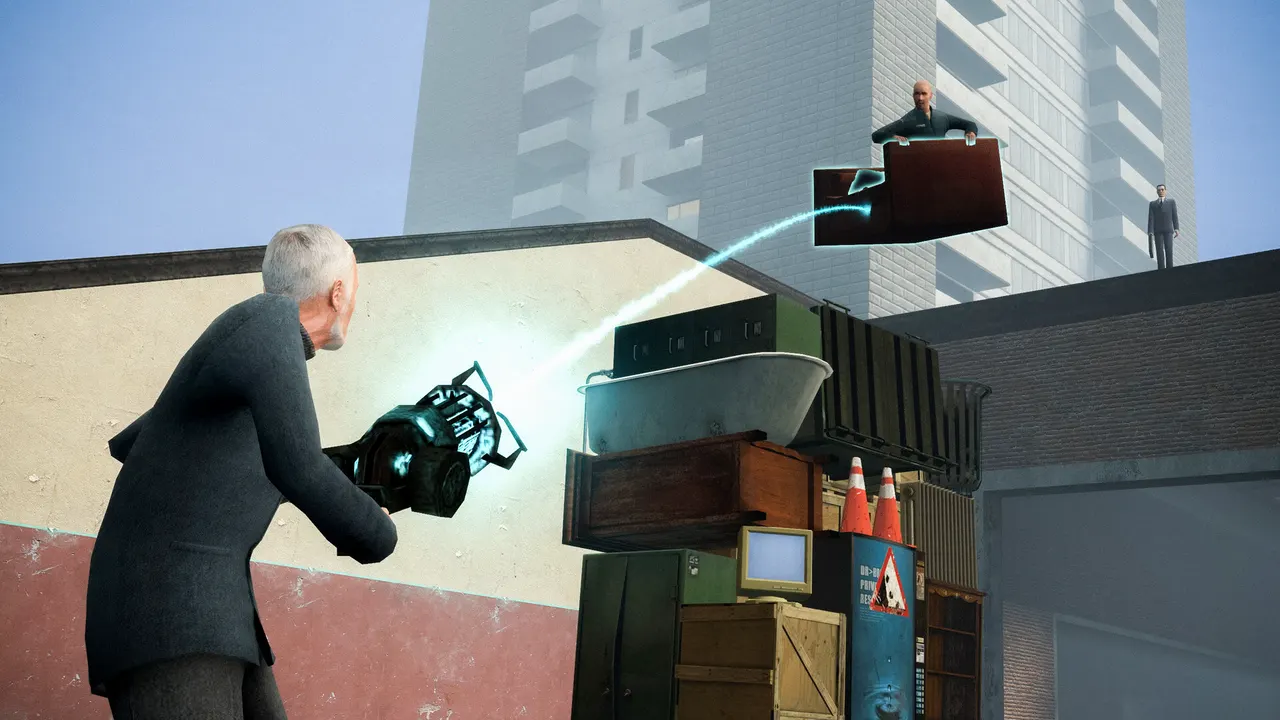
To make a GMod server, download the Garry's Mod dedicated server (SteamCMD app 4020), start srcds with -game garrysmod, a map and a gamemode, put your server name and passwords in server.cfg, add a Steam Game Server Login Token (GSLT) and open port 27015. That is the whole job on your own PC. If you would rather skip the setup and keep the server online when your PC is off, you can rent one that comes installed. Both routes are below.
What you need before you make a GMod server
- A Windows or Linux machine. Facepunch documents both. On Linux, SteamCMD is a 32-bit program, so a 64-bit system needs the 32-bit libraries listed in the wiki.
- SteamCMD, Valve's command-line tool for downloading dedicated servers. The server download uses an anonymous login, so you do not need to own the game to install it.
- A Steam account that owns Garry's Mod, to create the login token in step 5. Every player who joins also needs Garry's Mod on Steam.
- Disk space for addons. A sandbox server with a few addons stays small. A roleplay or TTT server with a big Workshop collection grows fast.
- Memory. Facepunch does not publish a fixed RAM figure. On our plans, Garry's Mod needs at least 3 GB, and every addon, map and extra player pushes that number up.
Step 1: download the Garry's Mod dedicated server
The Garry's Mod dedicated server is app 4020 in SteamCMD. This is the Windows command from Facepunch's Downloading and Hosting a Dedicated Server page:
steamcmd.exe +login anonymous +force_install_dir c:\my_garrysmod_server\ +app_update 4020 validate +quitOn Linux the same line looks like this, and the server ends up in ~/gmodds/:
steamcmd +login anonymous +force_install_dir ../gmodds +app_update 4020 validate +quitRun the same command again whenever Garry's Mod updates. Facepunch notes that force_install_dir can cause trouble when updating; if an update fails, try a different install folder or set the folder before you log in.
Step 2: start the server with srcds
Garry's Mod runs on Valve's Source Dedicated Server, the same family of server as the one in our CS2 server guide, so the program is srcds.exe on Windows and srcds_run on Linux. Facepunch's Linux example is:
cd ~/gmodds/
./srcds_run -game garrysmod +maxplayers 32 +map gm_construct
On Windows, put a line like this in a .bat file next to srcds.exe:
srcds.exe -console -game garrysmod +maxplayers 16 +gamemode sandbox +map gm_construct +host_workshop_collection 123456789 +sv_setsteamaccount YOUR_GSLTWhat each part does:
| Option | What it does |
|---|---|
-game garrysmod | Loads Garry's Mod (the garrysmod folder) |
-console | Opens the text console instead of the server window on Windows |
+maxplayers 16 | Player slots |
+gamemode sandbox | The gamemode, by its folder name in garrysmod/gamemodes/ |
+map gm_construct | The map loaded on start |
+host_workshop_collection | The Workshop collection the server downloads (step 4) |
+sv_setsteamaccount | Your GSLT (step 5) |
-port 27015 | Optional. Changes the game port; 27015 is the Source default |
-tickrate | Optional. Facepunch gives a default of 66.6666 and recommends 30 to 128 |
Wait until the console stops printing and shows the map loaded. Then open Garry's Mod, press the ~ key to open the developer console and type connect followed by the IP of the machine. On the same PC, connect localhost works.
Step 3: set up the GMod server.cfg
Settings that do not belong on the command line go in garrysmod/cfg/server.cfg. Create the file if it is not there. Source servers run it when the server starts and again on every map change, so it is the right place for your server name and passwords. A starting point:
hostname "My GMod Server | Sandbox"
sv_password ""
rcon_password "change-this-to-a-long-password"
sv_loadingurl ""
sbox_maxprops 200
sbox_noclip 1
sbox_godmode 0
sbox_playershurtplayers 1| Setting | What it controls |
|---|---|
hostname | The name in the server browser and on the loading screen |
sv_password | Join password. Leave it empty for a public server |
rcon_password | Remote console password. Set a long one or leave RCON off |
sv_loadingurl | A web page shown while players load in |
sbox_maxprops | Props each player can spawn in Sandbox |
sbox_noclip | Whether players can fly through walls in Sandbox |
sbox_godmode | Turns damage off for everyone |
sbox_playershurtplayers | Whether players can damage each other |
GMod gamemodes: Sandbox, TTT, DarkRP and more
A fresh install has two gamemodes: Sandbox, the default, and Trouble in Terrorist Town, whose folder is terrortown. You choose one with +gamemode and the folder name, so TTT is +gamemode terrortown.
Community gamemodes such as DarkRP, Prop Hunt or Murder are not in the base install. Add them in one of two ways: put the gamemode in your Workshop collection, or upload its folder to garrysmod/gamemodes/. Then start the server with that folder name and a map made for that gamemode. If players spawn into a Sandbox HUD on a roleplay map, the +gamemode name does not match the folder.
Step 4: add addons with a Workshop collection
The cleanest way to run addons is a Steam Workshop collection. Facepunch's Workshop for Dedicated Servers page describes it:
- Create a collection on the Garry's Mod Workshop and add your maps, gamemode and addons. Collections inside the collection are downloaded too.
- Set it to Public or Unlisted. A private collection cannot be read by
srcds. - Copy the number at the end of the collection URL.
- Add
+host_workshop_collectionand that number to the start command, then restart.
The server downloads the collection and checks it for updates on every restart. To stop automatic updates, set host_workshop_autoupdate 0; Facepunch notes this protects you from an addon update you did not want, but old map versions can stop players from joining.
Players download the map and the gamemode on their own when the map is in your collection. Other addons with models or materials must be marked for download with resource.AddWorkshop in a server-side Lua file:
resource.AddWorkshop("123456789") -- addon ID from the Workshop URL
resource.AddWorkshop("987654321")
Only mark addons that contain content. Lua-only addons download through a separate process, and marking them anyway slows down joins. Facepunch puts the limit for one Workshop download at about 2 GB. The other option, FastDL, uses a web server set in sv_downloadurl and downloads files one by one.
Step 5: add a GSLT so your GMod server shows in the list
Since May 2020, every Garry's Mod server should have a Steam Game Server Login Token. Facepunch says servers without one are heavily penalized in server list ranking.
- Open steamcommunity.com/dev/managegameservers with the Steam account that owns Garry's Mod.
- Enter app ID 4000. That is the game, not the server tool (4020).
- Write a memo that tells your servers apart and create the token.
- Add
+sv_setsteamaccountand the token to the start command, then restart.
Use one token per server. Sharing a token between two servers causes Connection to Steam servers lost. (Steam error code 6) and kicks players. Changing your Steam password invalidates every token, and an invalid token stops the server from starting. The steps match the ones in our CS2 GSLT guide, only with app ID 4000.
Step 6: open the GMod server port
A Garry's Mod server listens on port 27015 unless you change it with -port. Players and the server browser reach it over UDP; remote admin tools use the same port number over TCP. Forward 27015 on your router to the PC that runs the server and allow it in the firewall. If you host a second server on the same machine, give it another port and forward that too.
That is where a home server gets costly. Players can only join while your PC is on, and your home IP is the address every player sees:
| Your own PC | A hosted GMod server | |
|---|---|---|
| Uptime | Only while your PC is on | Online 24/7 without your PC |
| Router | You forward 27015 yourself | No port forwarding: the panel shows IP and port |
| Attacks | Your home IP is public | DDoS protection included |
| Hardware | Whatever you own | AMD Ryzen 9950X / 7950X3D up to 5.7 GHz, DDR5, NVMe |
| Cost | Electricity and hardware | From $3.69 USD/month (4 GB) |
How to make a GMod server with TheGameHosting
The server runs the same Facepunch files and reads the same server.cfg. What changes is that the machine, the network and the router side are already done:
- Pick a plan. Garry's Mod needs at least 3 GB, so the 4 GB plan ($3.69 USD/month) is the starting point; a large DarkRP collection is happier with more. Slots are unlimited. See Garry's Mod server hosting.
- Choose Dallas or Amsterdam. Dallas suits players in the Americas, Amsterdam suits Europe, and the Location Changer moves the server later if your players change.
- Start it. The server is ready about 60 seconds after payment. Check the Startup tab for the map, gamemode, collection and token fields, or ask us in chat where each one goes.
- Edit
server.cfgin Files, right in the browser, or upload a gamemode folder over SFTP. - Join with the IP and port shown in the panel:
connectfollowed by that address.
After that, set a Schedule for a nightly restart so Workshop updates load, and take a Backup before you change gamemode or collection. If you want to try another game later, the Game Changer switches the same plan to it.
Common GMod server problems
- The server is not in the list. Check the GSLT first, then the port, then that
sv_lanis not set to 1. A server with+hide_server 1is hidden on purpose. - Players see missing textures or errors. The addon with the content is not marked with
resource.AddWorkshop, or the collection is private. - The server will not start after a password change. Your token was invalidated. Regenerate it and update the start command.
- Players are kicked with Steam error code 6. Two servers share one token. Create a second one.
If you only want to know what a dedicated server is and why players can join it while you are offline, read what a dedicated server means.
Your GMod server, minus the setup
Making a GMod server yourself teaches you how srcds, server.cfg and Workshop collections fit together, and everything above still applies on a hosted server. What you skip with TheGameHosting is the part that keeps a home server small: the PC that has to stay on, the router you have to open and the home IP you have to expose. Pick the RAM you need on our game server plans and pricing page, use code FULL2026 for 15% off for life, and your Garry's Mod server is online in about a minute.
FAQ
How much RAM does a GMod server need?
Facepunch does not publish a fixed number. It depends on the gamemode, the addons and the player count. On TheGameHosting, Garry's Mod needs at least 3 GB, so it starts on the 4 GB plan at $3.69 USD/month. Large DarkRP or TTT collections need more.
Is a Garry's Mod dedicated server free?
The server software is free: SteamCMD downloads app 4020 with an anonymous login. You still need a machine that stays on, and every player needs to own Garry's Mod on Steam. You also need a Steam account that owns the game to create a GSLT.
Where is server.cfg in GMod?
In garrysmod/cfg/server.cfg inside the server folder. Create it if it does not exist. It runs when the server starts and on every map change.
How do I add a Workshop collection to my GMod server?
Make the collection Public or Unlisted, copy its ID from the URL and add +host_workshop_collection and the ID to the start command. The server downloads and updates it on each restart.
Why is my GMod server not showing in the server list?
The usual causes are a missing or invalid GSLT, port 27015 not forwarded, sv_lan 1, or +hide_server 1. Facepunch says servers without a GSLT are heavily penalized in list ranking.
What app ID do I use for a Garry's Mod GSLT?
Use 4000, the app ID of the game. 4020 is the dedicated server tool you download with SteamCMD.
Hosting for these games
 Garry's Mod hostingFrom 4 GB · $3.69/month
 Counter-Strike 2 hostingSame plans, Game Changer
 Unturned hostingFrom 2 GB · $1.90/month
Written by TheGameHosting Team, the people who run our servers in Dallas and Amsterdam and answer your tickets.
All posts