Starbound dedicated server

Starbound Server Hosting

Starbound server hosting for crews who want a universe of their own. Explore, build colonies and run big mod packs together on a server that stays online, with AMD 9950X/7950X3D CPUs, DDR5 RAM and room for every planet you visit.

  • .pak mods over sFTP
  • Server accounts
  • Universe backups
  • Unlimited slots

Plans from $3.69 USD / month

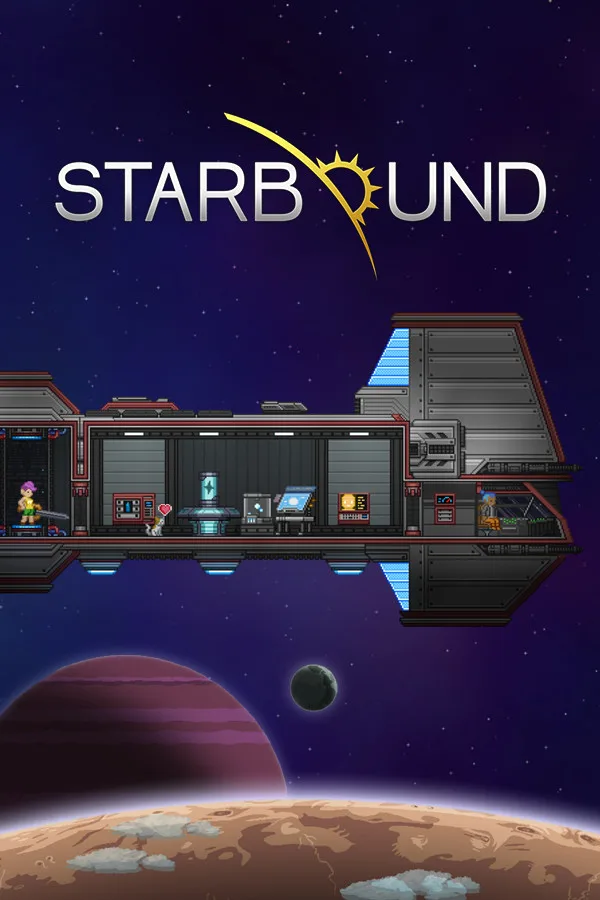
Starbound cover art: a player spaceship above a planet

StarboundRequires 4 GB RAM · runs on 8 of 9 plans

Flight checkA Starbound server in four lines

  • 4 GB RAM minimum8 of 9 plans, from $3.69 USD
  • Mods as .pak filesUpload them to the mods folder
  • Private or openAccounts and passwords in config
  • Unlimited slotsYou set maxPlayers, not us

Use code FULL2026 at checkout for 15% off for life

Swipe or tap a plan

Slide to pick your RAM Use the arrow keys too

Every plan includes

    Manage your Starbound server from the panel

    Taken from our live panel. Mods, configs and universe backups without touching a command line.

    File Manager in the TheGameHosting panel with the server's folders, a search box and upload buttons

    Try the live panel demoWant to click around first? The demo on our home page shows the same panel in your browser.

    Everything included with your Starbound server

    Same panel, same hardware and same support on every plan. Pick the RAM, the rest is included.

    Your universe

    • Mods supportedStarbound loads .pak mods from the server mods folder.
    • Accounts and passwordsLock the server to named accounts in the config.
    • Bring your universeUpload an existing universe folder over sFTP.
    • Unlimited slotsSet the player limit yourself.

    Manage it easily

    • File manager and full sFTPEdit configs and manage mod files without extra tools.
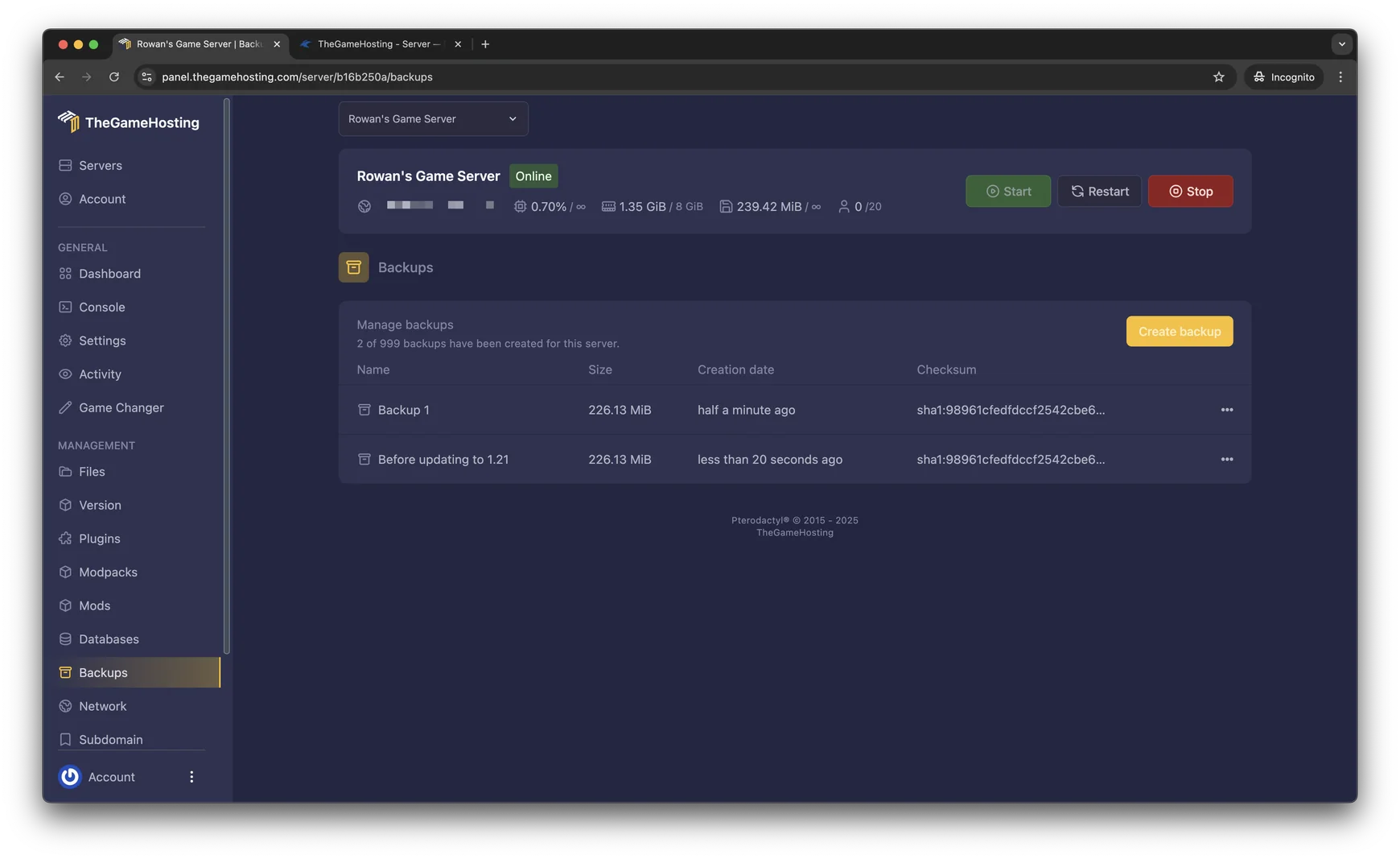
    • Backup SystemCreate and restore universe backups from the panel.
    • Game ChangerChange the game on your plan at any time.
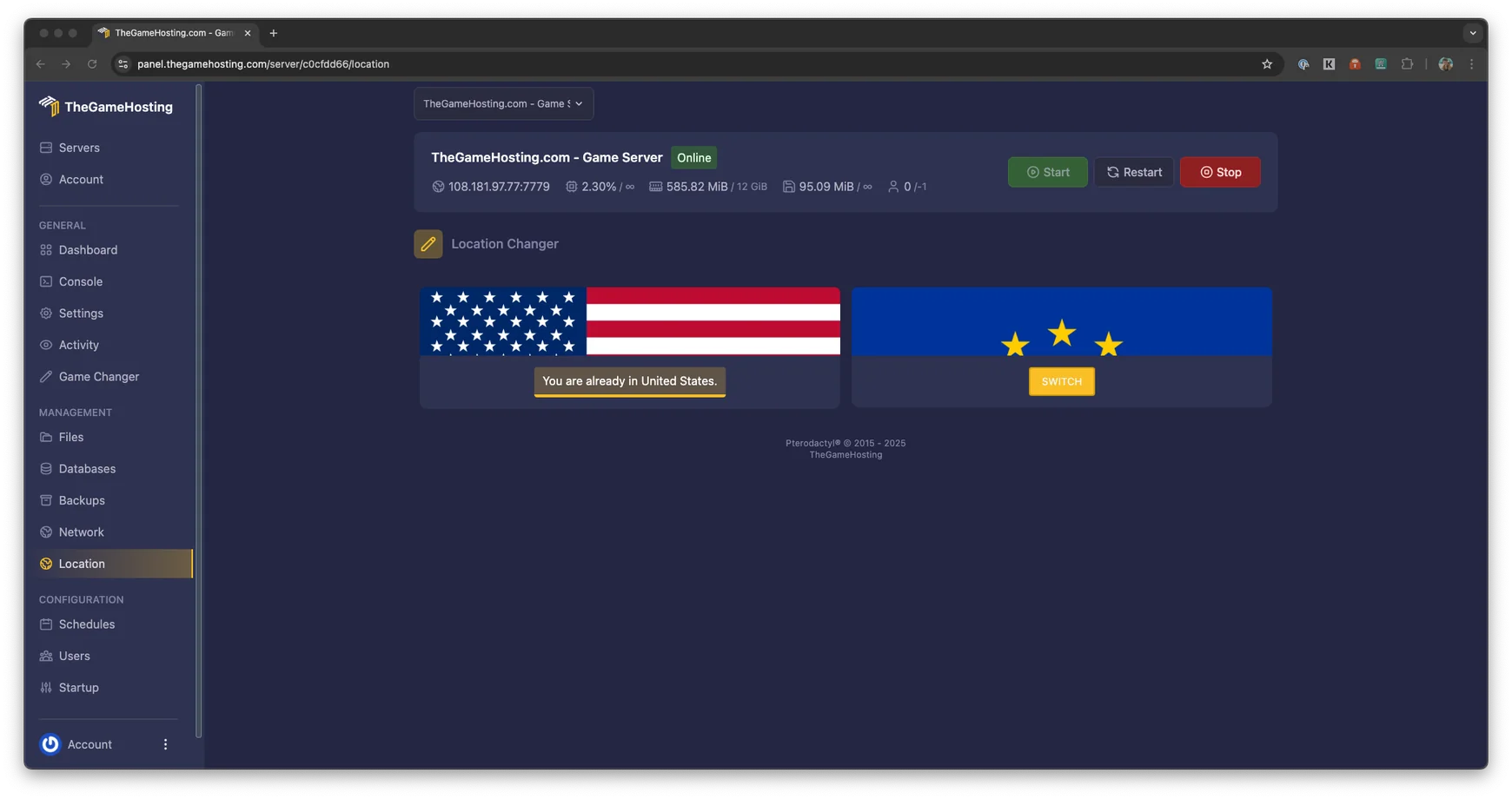
    • US and Europe locationsDallas, TX and Amsterdam, NL.

    Fast and protected

    • AMD 9950X/7950X3DUp to 5.7Ghz for busy planets and big mod packs.
    • DDR5 RAM and NVMeSamsung NVMe keeps world loads quick.
    • DDoS protectionStandard on every server.
    • Ready in 60 secondsWithin 60 seconds after payment.

    Starbound server hosting for the whole crew

    Playing Starbound through one friend's game works until that friend logs off and takes the universe with them. A Starbound dedicated server keeps your colonies, ships and quest progress online, so everyone can explore on their own schedule and come back to the same universe.
    Order a plan and the server is ready within 60 seconds after payment. Starbound needs at least 4 GB of RAM on our servers, so plans start at $3.69 USD a month, with unlimited slots, full sFTP access, backups and DDoS protection on every one.
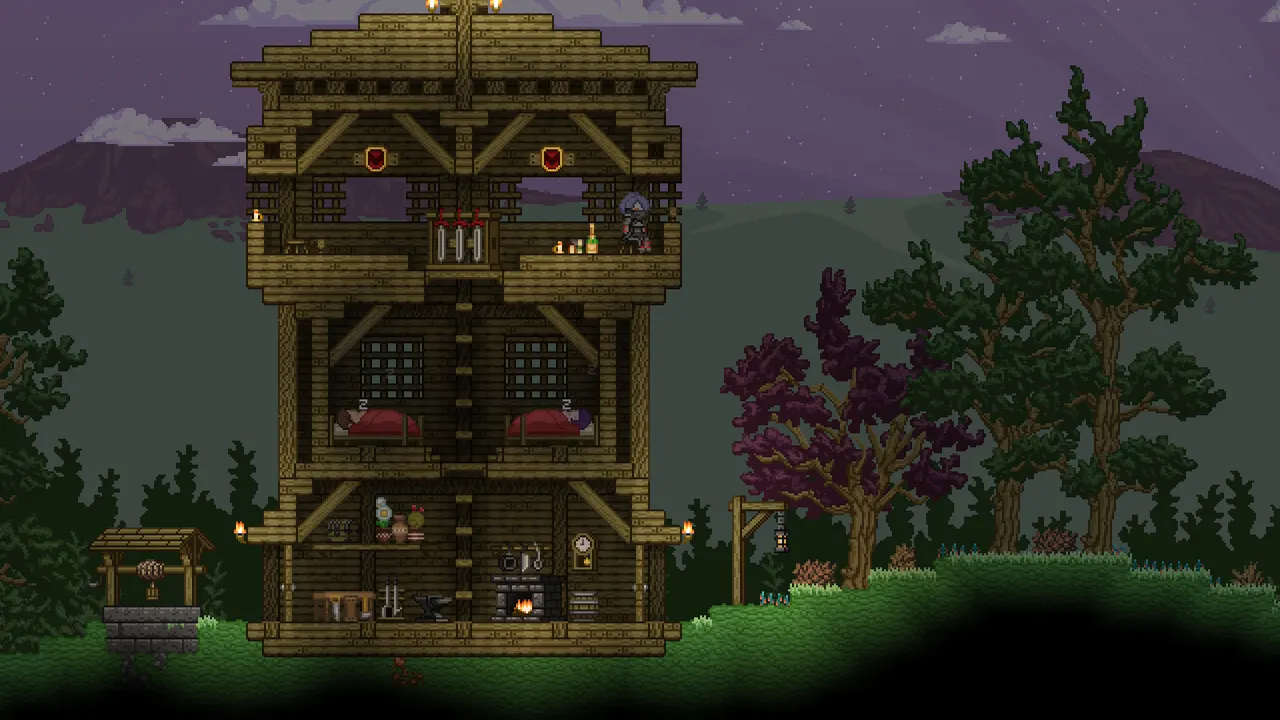

    Starbound screenshot: a tall wooden tower built in a pixel-art forest

    Installing mods on a Starbound server

    Mods are a big part of Starbound, from new races and biomes to huge overhauls. On a dedicated server, each mod is a .pak file in the server's mods folder. Upload the files over sFTP or through the file manager and restart the server to load them.

    Steam Workshop mods on a dedicated server

    Workshop subscriptions only download to your own PC. To run the same mods on the server, copy the .pak files from your Workshop download folder and upload them. Players should install the same content mods, or they will run into missing items and errors.

    Frackin' Universe and other big packs

    Overhauls such as Frackin' Universe add hundreds of items, planets and systems. They work best on a fresh universe and need more memory, so take a backup first and give them a bigger plan.

    Starbound key art: a planet horizon under a starry purple sky
    Backups page in the TheGameHosting panel listing two backups with their size, creation date and checksum
    Location Changer in the TheGameHosting panel: the server runs in the United States, with a Switch button for Europe

    Accounts, passwords and server settings

    Starbound keeps its server settings in starbound_server.config. That is where you set the server name, the maximum number of players and who may connect. Turn off anonymous connections and add accounts with passwords to keep the server private, or leave it open for a public community.

    • Stop the server before you edit the config, then start it again.
    • Give your admins accounts with admin rights in the same file.
    • The universe lives in its own folder, which makes backups and moves easy.

    If your group fancies another 2D adventure, the Game Changer can switch your plan to Terraria or Core Keeper. Back up the universe before you switch.

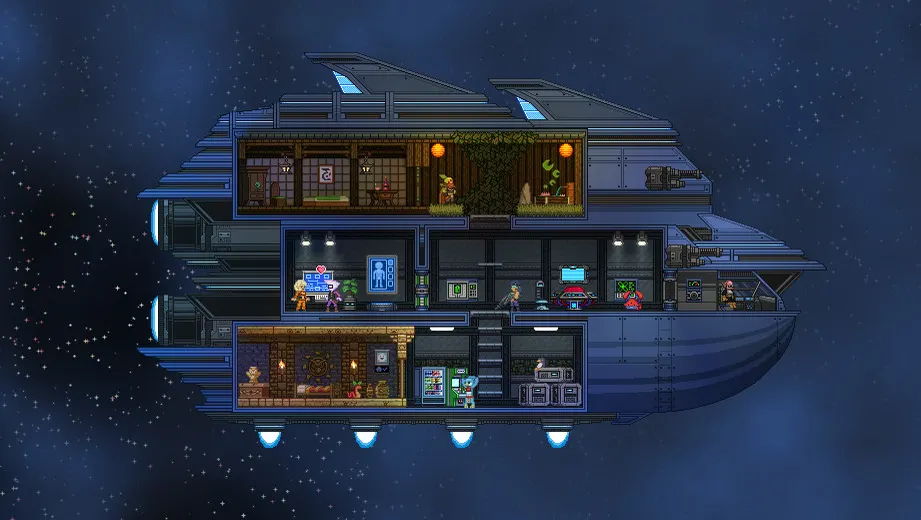
    Starbound screenshot: a player spaceship with rooms and crew in deep space

    How much RAM does a Starbound server need?

    Starbound needs at least 4 GB of RAM on our servers, so 8 of our 9 plans run it, from 4 GB up to 64 GB. The amount you want depends on mods and on how much of the universe is in use at once:

    • A vanilla universe for a few friends runs well on the smaller plans.
    • Players spread across many planets keep more worlds loaded at the same time.
    • Large overhauls such as Frackin' Universe call for a bigger plan.

    We do not cap slots, so RAM sets the limit. Tell our support team which mods you plan to run and we will help you pick a size.

    TheGameHosting 3D character in a yellow hoodie holding a game controller

    Starbound requires 4 GB RAM8 of our 9 plans run it, from 4 GB

    • 4 GB
    • 6 GB
    • 8 GB
    • 10 GB
    • 12 GB
    • 16 GB
    • 32 GB
    • 64 GB

    Hardware we own, in Dallas and Amsterdam

    Your universe runs on servers we own and look after ourselves, not on rented hardware. Every plan uses AMD 9950X/7950X3D processors up to 5.7Ghz with DDR5 RAM and Samsung NVMe storage, so planets load quickly when someone beams down, even with a big mod pack.

    Your server can live in Dallas, TX (United States) or Amsterdam (Netherlands). Both locations share the same 10 Gbps network, advanced cooling, UPS backup power and DDoS protection.

    • AMD 9950X/7950X3D up to 5.7Ghz
    • DDR5 RAM
    • Samsung NVMe Storage
    • 10 Gbps Network
    • UPS Backup Power
    • Dallas, TX & Amsterdam, NL

    Real people on support

    Our team is here 24/7/365. Whether a mod stops the server from starting, players cannot connect or you are moving a universe from home, a person answers.

    • Live chat
    • Email
    • Ticket system
    Contact support

    Starbound server questions

    Can't find your answer? Ask our support team.

    How soon can I play on my Starbound server?

    Your server is ready within 60 seconds after payment. Log in with the details we email you and start it from the panel.

    How much RAM does a Starbound server need?

    Starbound needs at least 4 GB of RAM on our servers, so plans start at $3.69 USD a month. Large mod packs and players spread over many planets use more memory.

    How do I install mods on my Starbound server?

    Upload each mod as a .pak file to the mods folder on the server through the file manager or over sFTP, then restart. Players should have the same content mods installed.

    Can I use Steam Workshop mods?

    Yes, by uploading them. Workshop subscriptions only download to your PC, so copy the .pak files from your Workshop download folder and upload them to the server mods folder.

    Can I run Frackin' Universe?

    Yes. Upload its .pak files like any other mod, ideally on a fresh universe, and make sure every player has the same version. Big overhauls need more RAM, so a larger plan helps.

    How do I make my Starbound server private?

    Edit starbound_server.config: disable anonymous connections and add server accounts with passwords. Only players with an account can then join.

    Can I switch to another game?

    Yes. The Game Changer moves your plan to another game it runs, such as Terraria or Core Keeper, with no new plan to buy. Make a backup before switching.

    Where are your Starbound servers located?

    Dallas, TX (United States) and Amsterdam (Netherlands). We own the hardware in both: AMD 9950X/7950X3D CPUs, DDR5 RAM, Samsung NVMe storage and a 10 Gbps network.

    Do you have a discount code?

    Use promo code FULL2026 at checkout for 15% off for life.

    Is TheGameHosting affiliated with Chucklefish?

    No. This site is not affiliated with Chucklefish, the developer and publisher of Starbound.

    Start your Starbound server today

    Ready within 60 seconds after payment, with the same plan that runs every other game we host.

    Use promo code FULL2026 at checkout for 15% off for life.