 TheGameHosting Team
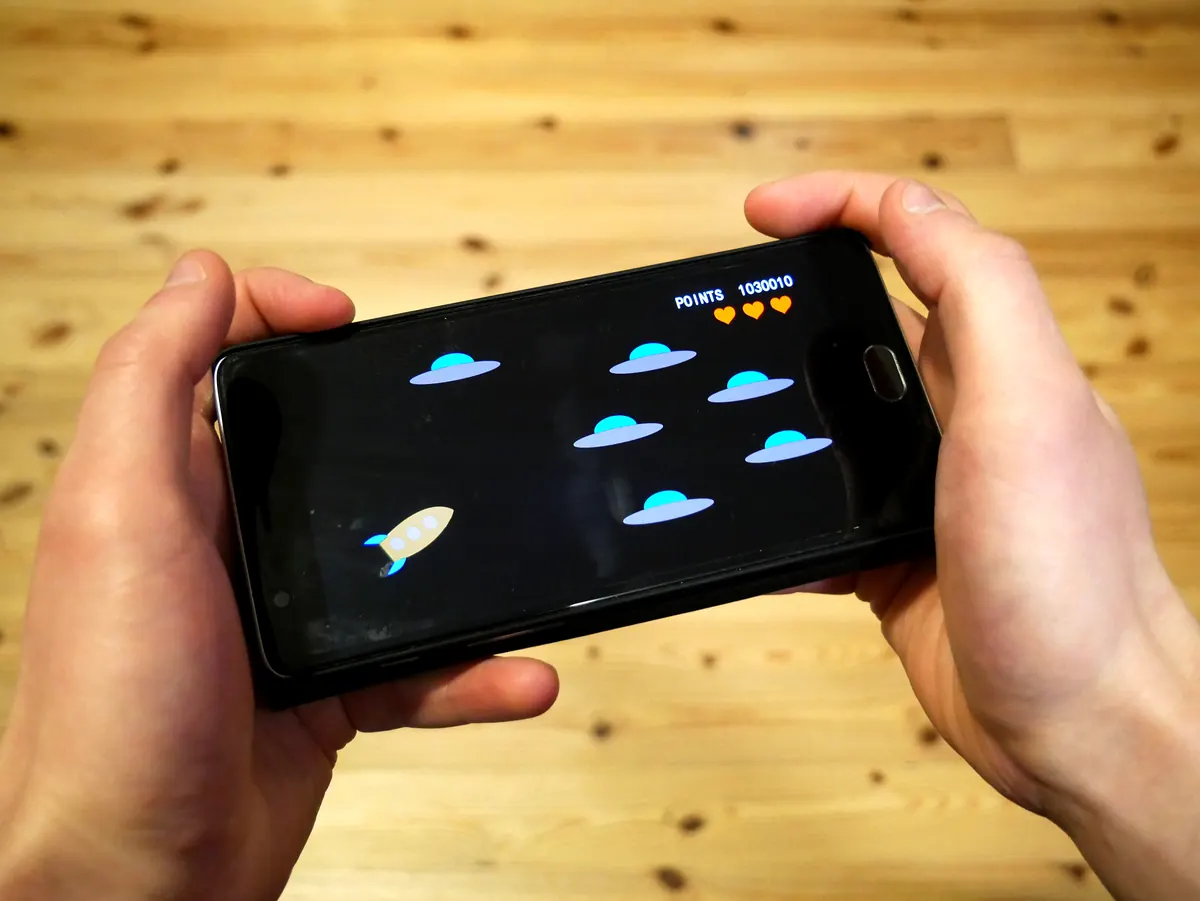

You can make a Minecraft server on mobile in two ways: open your Bedrock world to friends straight from your phone, or rent a server and run it entirely from your phone’s browser. What a phone can’t do is run Mojang’s official Bedrock Dedicated Server, which is built for Windows and Linux computers. This guide covers both options, with the limits of each and every tap from plan to first join.
Everything here works on Android, iPhone and iPad. Minecraft on phones and tablets is Bedrock Edition: Java Edition is only made for computers (Windows, macOS and Linux). That matters later, when you choose what kind of server to run and who can join it.
Can you make a Minecraft server on mobile?
Yes, but “server” can mean three different things, and only one of them keeps the world online after you put the phone down.
| Option | Where the world runs | Players at once | Online when |
|---|---|---|---|
| Open your Bedrock world to friends | Your phone | 5 or 8, depending on the device (up to 40 with /setmaxplayers) | Only while you are playing |
| Bedrock Dedicated Server on your own computer | A Windows or Ubuntu PC at home | max-players default is 10 | While the PC is on and the port is forwarded |
| Hosted server you manage from the phone | A data center | No slot limit from us; RAM sets the ceiling | 24/7, phone on or off |
The player numbers come from the Minecraft Wiki and Microsoft’s server.properties reference.
Why a phone can’t run the official server
Mojang releases Bedrock Dedicated Server (BDS) for Windows and Ubuntu Linux only. Microsoft lists Windows 10 (version 1703) or later, Windows Server 2016 or later, and Ubuntu as the supported systems, and the Minecraft Wiki notes the Linux build is for x86-64 processors. Phones use ARM chips and run Android or iOS, so there is no official server build for them. Unofficial apps that try to fill the gap are not supported by Mojang, and they still depend on your phone staying on, charged and connected.
Option 1: open your Bedrock world from your phone
This is the quickest way to play together and needs nothing but the game. Your phone is the host: it runs the world and your friends connect to it.
- Sign in with a Microsoft account in Minecraft. The Wiki notes that the host must be signed in and online for friends to join over the internet.
- Check the world’s multiplayer setting. Open the world’s settings and go to Multiplayer. Multiplayer Game is on by default for new worlds, and the default access is Friends, so your Xbox network friends can join.
- Add your friends by Gamertag from the game’s friends list.
- Start the world and invite them. Send invites from the pause menu, or let them join you from their friends list.
- Need more slots? With cheats allowed in the world, run
/setmaxplayers 10. The Wiki gives 40 as the maximum, and the command doesn’t exist on Xbox.
Friends on the same Wi-Fi can also join without the internet if you turn on Visible to LAN Players. The full list of ways to get a group together, for both editions, is in how to play Minecraft with friends.
The limits of hosting on a phone
- The world closes when you leave. It lives on your phone, so nobody can build while you sleep or are in class.
- Your phone does all the work. Every player adds load on the same processor and battery you play with, and a call or a dead battery ends the session for everyone.
- Everyone needs the same game version as the host.
Running a server on a home computer instead removes the first limit but adds others: the PC has to stay on, and friends outside your home need you to port forward the Minecraft server in your router, which some internet connections don’t allow. Our guide on how to make a Minecraft Bedrock server covers that route step by step.
Option 2: a Minecraft server on mobile that stays online
A hosted server fixes the phone’s weak spots. The world runs on a server in a data center, so it stays up when your phone is locked, off or out of battery. You still do everything from the phone: the TheGameHosting panel is a website, so it opens in Chrome, Safari or any mobile browser, with no app to install and no computer needed.
On TheGameHosting, one plan runs every game, and Minecraft Bedrock and Java both need just 1 GB of RAM, so even the 2 GB plan runs them. Your server has its own public IP and port, so there is no router to touch, and it runs on AMD 9950X/7950X3D CPUs with DDR5 RAM in Dallas or Amsterdam, with DDoS protection on every plan.
How to make a Minecraft server on mobile, step by step
- Pick a plan. Open the game server plans on your phone and choose the RAM. Plans start at $1.90 USD/month for 2 GB; more players, add-ons or plugins call for more RAM.
- Pay. Enter
FULL2026at checkout for 15% off every payment for life. The server is ready about 60 seconds after payment, and the access details arrive by email. - Open the panel. Log in from the browser. Tip: use your browser’s Add to Home screen option so the panel opens like an app.
- Choose Bedrock or Java. In Game Changer, pick Minecraft Bedrock Vanilla (Mojang’s official server), PocketMine-MP or Nukkit. For a Java server, switch to Minecraft Java and pick Paper, Purpur, Fabric, Forge or another platform in Version Changer. Make a backup first if the server already holds a world.
- Start the server from the Console and wait until the log says it has started.
- Copy the address. The panel shows the server’s IP and port, for example
203.0.113.25:19140. - Add it in Minecraft. Open Play, go to the Servers tab, scroll down and tap Add Server. Put the IP in Server Address and the number after the colon in Port, save and join. The details are in how to add a server in Minecraft Bedrock.
Send your friends the same IP and port. Bedrock players on Android, iPhone, iPad and Windows add it the same way; console players need an extra step, explained in how to join a Bedrock server on Xbox, PlayStation and Switch.
Managing your server from the phone
These are the panel sections you will use most, and all of them work on a phone screen.
| Panel section | What you do there from the phone |
|---|---|
| Console | Start, stop and restart; type server commands and read the log |
| Files | Edit server.properties in the browser; upload a world or add-on |
| Backups | Create a backup before an update or a new add-on, and restore it if something breaks |
| Version Changer | Java only: switch between 28+ platforms and versions, or upload your own JAR |
| Startup | Review the server’s startup settings |
| Game Changer / Location Changer | Switch games, or move between Dallas and Amsterdam |
On a Bedrock server, these are the commands and settings people use first. The defaults come from Microsoft’s Bedrock Dedicated Server guide:
allow-list=trueinserver.properties(defaultfalse), thenallowlist add <Gamertag>in the Console, keeps the world private. Use quotes if the Gamertag has a space.op <Gamertag>gives you operator rights.max-players(default 10),gamemode(defaultsurvival) anddifficulty(defaulteasy) are the lines most owners change. Restart after saving.
Small edits are easy on a touch screen. For a large world upload, sFTP from a computer is more comfortable, and it is included with every plan.
Phone players and friends on Java
A Bedrock server takes players on phones, tablets, Windows and consoles, but Java Edition players can’t join it. If part of your group plays Java on PC, run a Java server and add Geyser and Floodgate, so phone players connect through Geyser’s Bedrock port. The setup is in let Bedrock players join your Java server with Geyser On a hosted server, the plugin files go in the plugins folder through Files.
Skip the hard part: run it from your phone, online 24/7
If you want a world your friends can enter any time, hosting it on your phone won’t get you there, and a PC server means leaving a computer on and opening ports. With TheGameHosting, you pick a plan, pay, and about 60 seconds later you have a Bedrock or Java server with its own address, managed from your phone’s browser, with Console, Files and Backups in your pocket and 24/7 support by chat, email and tickets.
See the Minecraft Bedrock server hosting page for the Bedrock details, or go straight to the plans and pricing and use FULL2026 for 15% off for life.
FAQ
Can I make a Minecraft server on my phone without paying for hosting?
You can open your own Bedrock world to friends with no extra cost beyond the game: up to 5 or 8 players depending on your device, and only while you are playing. A dedicated server that stays online needs a computer or a hosted server.
Can I run a Minecraft Java server on Android or iPhone?
Not officially. Java Edition is made for Windows, macOS and Linux, and phones run Bedrock. You can rent a Java server and manage it from your phone’s browser, and add Geyser so phone players can join it.
How many players can join a world hosted on my phone?
The Minecraft Wiki gives 5 or 8 players at a time, depending on the host’s device. With cheats allowed, /setmaxplayers raises it up to 40, but every player runs on your phone’s processor and battery.
Does my phone need to stay on for a hosted server?
No. A hosted server runs in a data center, in Dallas or Amsterdam on TheGameHosting, so it stays online 24/7 whether your phone is on, off or out of battery.
Which port do I put in Minecraft Bedrock?
The one your server uses. Bedrock’s default is 19132, but a hosted server can have a different number, so copy the port shown in the panel into the Port field and the IP into Server Address.
Hosting for these games
 Minecraft Bedrock hostingPhones, consoles and Windows
 Minecraft Java hostingPaper, Purpur, Fabric, Forge and more
Written by TheGameHosting Team, the people who run our servers in Dallas and Amsterdam and answer your tickets.
All posts