 TheGameHosting Team
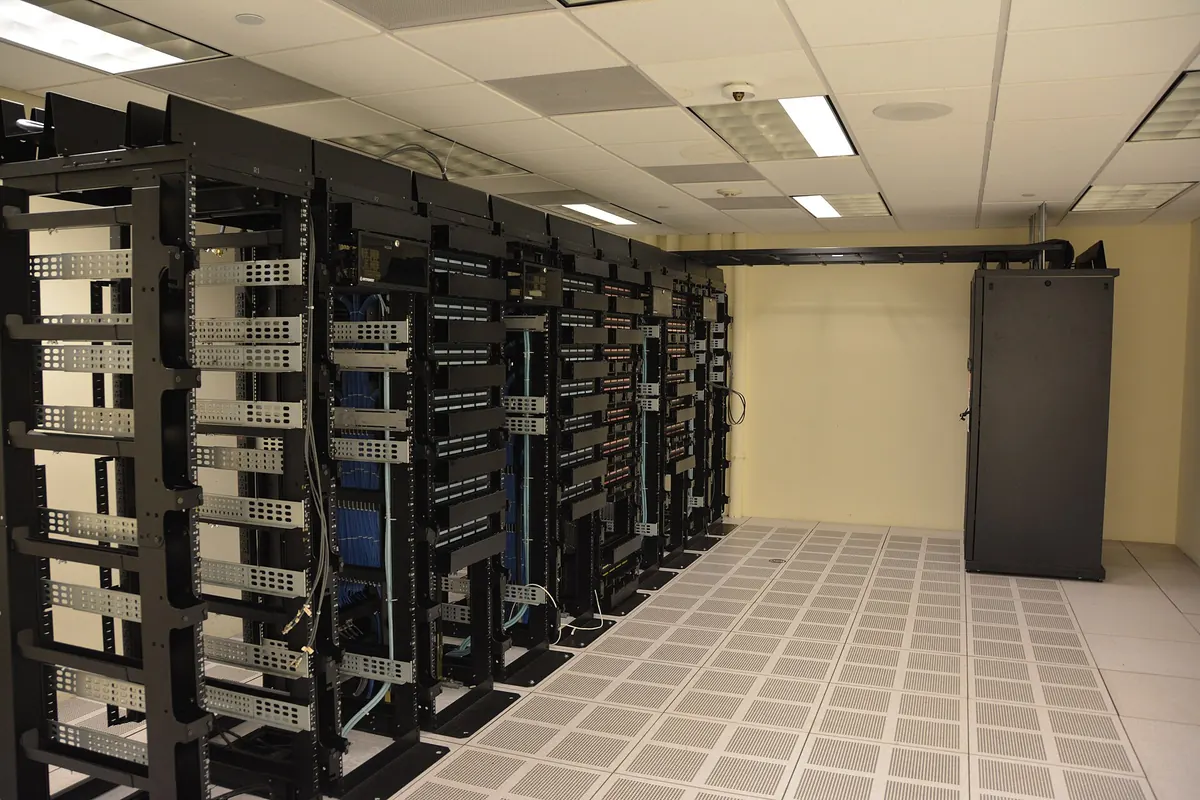

A Minecraft server 24/7 needs a machine that never sleeps, never loses power or internet and restarts itself after a crash. A home PC can do it if you disable sleep, run the server at startup with an auto-restart script and add a UPS, but you pay the power bill and tie up the PC. A hosted server in a data center stays online when your PC is off.
The usual complaint is simple: the server goes down when you turn off your computer. This guide explains why that happens, how far you can push a home setup, how to schedule restarts and backups, and when it makes more sense to move the world to a host.
Why a home Minecraft server 24/7 is hard
A Minecraft server is just a Java program. It stays online only while the computer running it stays on, awake and connected. At home, several things break that:
| Cause | What players see | Home fix |
|---|---|---|
| You turn off the PC or it goes to sleep | Connection lost, server not in the list | Leave the PC on and set sleep to Never |
| Windows installs updates and restarts | Server gone overnight, often without warning | Set active hours, start the server again at login |
| Power outage | Everyone disconnected; the world can lose recent progress | A UPS for the PC and the router |
| Internet outage or router reboot | Timeouts for everyone outside your house | Nothing you control; call your ISP |
| Your public IP changes | The address you shared stops working | Dynamic DNS name, or share the new IP each time |
| The server crashes | Server offline until someone restarts it | Auto-restart script (below) |
The IP problem catches many people. The Minecraft Wiki server tutorial warns that a home connection’s external IP address may change every few days to few weeks, so the address your friends saved stops working. If you are still deciding where to run the server at all, compare both options in hosting a Minecraft server on your PC or online.
How to keep a Minecraft server online at home
If you want to try it on your own hardware, these are the steps that matter. Do all of them; skipping one is usually what takes the server down.
1. Stop the PC from sleeping
On Windows 11, open Settings > System > Power and set the sleep timer to Never while plugged in. A sleeping PC drops every player instantly. The screen can still turn off; only sleep and hibernate stop the server.
2. Control Windows Update restarts
Microsoft explains that Windows sometimes needs to restart to finish installing updates, and that active hours tell it when you usually use the PC so it avoids restarting then. Set them in Settings > Windows Update > Advanced options > Active hours. That only moves the restart; it does not cancel it. Plan for the server to stop sometime outside those hours.
3. Use a script that restarts the server after a crash
The Minecraft Wiki gives a basic start.sh and start.bat. Wrap the Java line in a loop and the server comes back on its own whenever the process stops. On Linux or macOS, save this as start.sh in the server folder and run chmod a+x start.sh:
#!/bin/sh
cd "$(dirname "$0")"
while true; do
  java -Xms1024M -Xmx2048M -jar server.jar --nogui
  echo "Server stopped. Restarting in 10 seconds (Ctrl+C to cancel)..."
  sleep 10
done
Note that the wiki’s version starts the line with exec java. Remove exec inside a loop: exec replaces the shell with Java, so the loop would never run a second time. On Windows, save this as start.bat:
@ECHO OFF
:start
java -Xms1024M -Xmx2048M -jar server.jar --nogui
echo Server stopped. Restarting in 10 seconds...
timeout /t 10
goto start
Adjust -Xmx to the RAM you want to give the server and change server.jar to the name of your file (for example the Paper jar). With the loop running, typing stop in the console restarts the server. To shut it down for good, close the window or press Ctrl+C during the 10-second pause.
If you run Paper, it also has a watchdog. According to the PaperMC spigot.yml reference, a server that has not ticked for timeout-time seconds (default 60) is stopped by the watchdog, and with restart-on-crash: true it then runs restart-script (default ./start.sh). The same page notes this does not cover a server killed from outside, for example by the operating system. The loop catches those cases too.
A loop brings the server back, but it does not fix why it crashed. If it keeps stopping during startup, read what to do when a Minecraft server is not starting before you leave it looping all night.
4. Start the server when Windows starts
Press Win+R, type shell:startup and put a shortcut to start.bat in that folder. The server then starts every time you log in, including after an update restart. Windows has to reach the desktop, so a PC waiting at the login screen still leaves the server off.
5. Add a UPS
A UPS (battery backup) carries the PC through short power cuts and gives you time to type stop so the world saves cleanly. Plug the router and modem into it too, or players lose the connection anyway.
The real cost of a home server running 24/7
Running the server software at home has no fee, but a machine that is on all month uses electricity. Work it out with your own numbers: watts × 24 hours × 30 days ÷ 1,000 = kWh per month. A PC that averages 100 W, for example, uses 72 kWh a month; multiply by your electricity rate. Gaming PCs with a strong graphics card often draw more than that at idle.
There are other costs that do not show up on the bill:
- Your PC is busy. Playing a demanding game on the same machine competes with the server for CPU and RAM.
- Upload speed. Every player streams world data from your connection. Home plans usually have much less upload than download.
- Open ports. Friends outside your network need port 25565 forwarded on your router, which exposes your home IP. Anyone who has it can target your connection.
- You are the admin. Every crash at 3 a.m. waits until you wake up.
To see how this compares with paying for a server, read how much a Minecraft server costs.
Scheduled restarts and backups
Restart at a quiet hour
Many owners restart once a day when nobody plays. There is no official rule for how often; it gives the server a clean start and a moment to apply updates. When you update, follow how to update a Minecraft server and take a backup first. If the server is slow between restarts, check TPS: the Minecraft Wiki says the game runs at 20 ticks per second and holds that only while each tick takes 50 ms or less. Our Minecraft server lag fix explains how to find the cause.
Back up the world safely
Copying the world folder while the server writes to it can produce a broken copy. On Java Edition, the save commands handle this: save-off stops the server writing to the level files so you can copy them, and save-on turns writing back on. save-all flush saves all players and chunks immediately, with a short freeze.
save-off
save-all flush
(copy the world folder)
save-on
Bedrock Dedicated Server uses save hold, save query and save resume instead. The easiest way is still to stop the server, copy the folder and start it again.
How hosting keeps a Minecraft server online 24/7
A hosted server removes the weak points from the table above. With TheGameHosting, the server runs on a machine in a data center in Dallas (USA) or Amsterdam (Netherlands), not in your house, so turning off your PC or closing the browser changes nothing. The nodes have UPS power, a 10 Gbps network and DDoS protection, and the server comes with a public IP and port, so there is no port forwarding and your home IP stays private. The server is ready about 60 seconds after payment.
The restart and backup routine moves into the web panel, which also works from a phone browser:
| Task | At home | In the TheGameHosting panel |
|---|---|---|
| Daily restart | Loop script plus manual stop | Schedules: power action “Restart the server” |
| Warn players first | Type say yourself | Schedules: “Send command” task, then the restart with a time offset |
| Backups | Copy folders by hand | Backups tab, or a “Create backup” task in Schedules |
| See errors | The window on your PC | Console, from any browser |
| Update the server | Download jars yourself | Version Changer |
A daily restart at 5:00 in Schedules uses the cron fields Minute 0, Hour 5, and * for Day of month, Month and Day of week. Add a first task that sends say Restarting in 5 minutes, then a power task “Restart the server” with a time offset of 300 seconds (the panel allows up to 900). Turn on “Only When Server Is Online” so the schedule does not start a server you stopped on purpose.
Skip the setup: a Minecraft server that stays on
If the goal is a world your friends can join at any hour, a home PC means sleep settings, restart scripts, a UPS, an open port and a power bill. A hosted plan replaces all of it. Minecraft Java and Bedrock run from the 2 GB plan, slots are unlimited, and the same plan switches to another game with Game Changer if your group moves on. Check the Minecraft server hosting features, pick a plan on Pricing and use the code FULL2026 for 15% off every payment, for life.
FAQ
Can I run a Minecraft server 24/7 for free?
On your own PC there is no fee for the server software, but you pay for the electricity, keep the PC on all the time and need to forward a port on your router. The real cost is the power bill and your time. Compare both routes in how much a Minecraft server costs.
Does a hosted server stay online when I turn off my PC?
Yes. With TheGameHosting the server runs in a data center, not on your computer. Closing the panel, turning off your PC or losing your home internet does not stop it.
How often should I restart a Minecraft server?
There is no official number. Many owners restart once a day at a quiet hour. On TheGameHosting you set this up once in the Schedules tab with a warning message and a restart task.
Does an auto-restart script fix crashes?
No. It brings the server back after it stops, but the cause is still there. Read the crash report in logs/latest.log or crash-reports/, and see Minecraft server not starting if it fails on boot.
Why can my friends not join after a few days?
At home, your public IP can change every few days to few weeks, so the address they saved stops working. A hosted server keeps the same IP and port.
Hosting for these games
 Minecraft Java hostingPaper, Purpur, Fabric, Forge and more
 Minecraft Bedrock hostingPhones, consoles and Windows
Written by TheGameHosting Team, the people who run our servers in Dallas and Amsterdam and answer your tickets.
All posts