 TheGameHosting Team
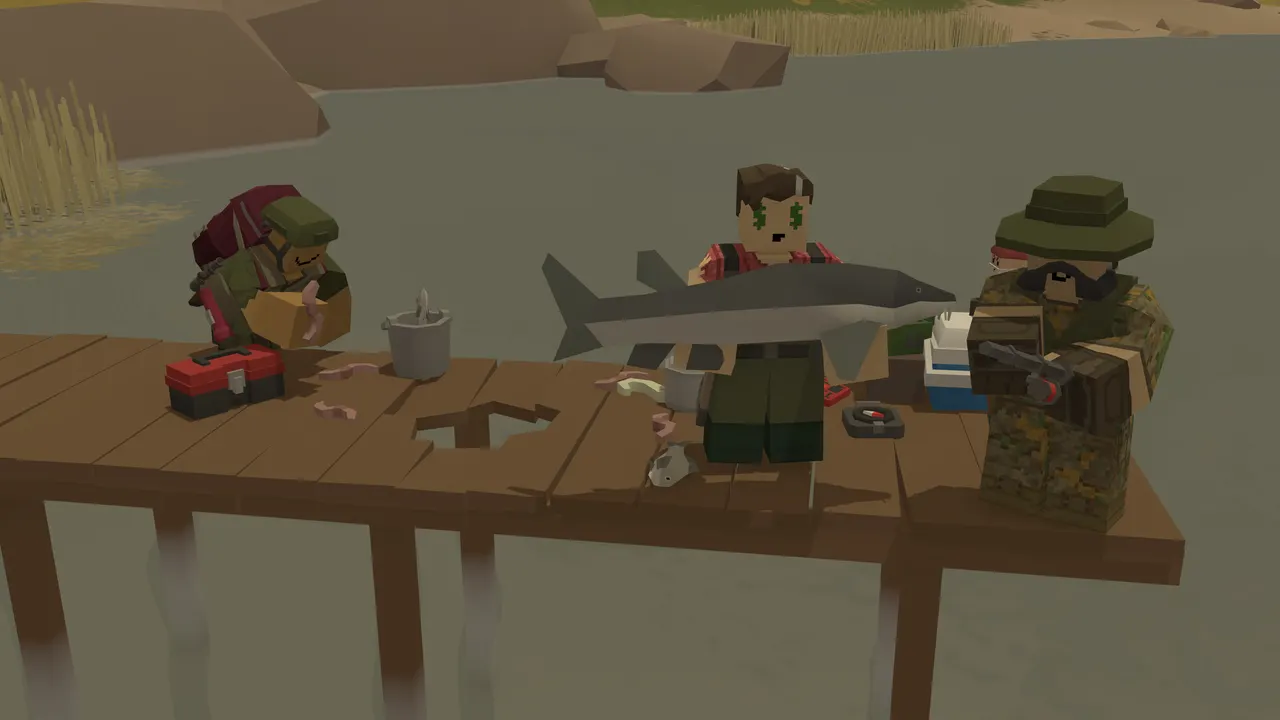
An Unturned server setup takes four files and one token: install the Unturned Dedicated Server (U3DS, SteamCMD app 1110390), start it once with ServerHelper, set the name, map and slots in Commands.dat, tune gameplay in Config.txt, add Workshop maps in WorkshopDownloadConfig.json, and create a GSLT so the server shows in the Internet list. Plugins come from RocketMod (LDM) or OpenMod. Here is each step with the values from Smartly Dressed Games' own documentation.
Step 1: install the Unturned Dedicated Server
Smartly Dressed Games (SDG) ships the server as a separate app called Unturned Dedicated Server, or U3DS. It runs on Windows and Linux; macOS is not supported. You have two ways to install it:
- From your Steam Library, where it appears as its own app. This is SDG's "simple setup" and is fine for a private game with friends.
- With SteamCMD, for a real server or several servers on one machine. The app ID is 1110390 and the login is anonymous:
login anonymous
app_update 1110390
quit
The files land in steamapps/common/U3DS/. Run app_update 1110390 validate to repair or update an existing install.
Step 2: start the server once
Each server has a name, its ServerID, and its own folder under U3DS/Servers/. You choose it on the first start. From SDG's SteamCMD page:
start "" "%~dp0ServerHelper.bat" +InternetServer/MyServercd steamcmd/steamapps/common/U3DS
./ServerHelper.sh +InternetServer/MyServerUse +LanServer/MyServer instead for a LAN server. Wait for Loading level: 100%, then type Shutdown in the console. That first start creates Servers/MyServer/ with every file you edit next:
| File | What it holds |
|---|---|
Server/Commands.dat | Basic settings: name, map, slots, password, owner |
Config.txt | Difficulty, gameplay and advanced options, including the login token |
WorkshopDownloadConfig.json | Workshop maps and mods the server downloads |
Adminlist.dat | Steam IDs with admin rights |
Step 3: Commands.dat, the basic Unturned server setup
One command per line; lines starting with // are comments. This is a working file based on SDG's example in Setting up a Server:
Name My Unturned Server
Map PEI
MaxPlayers 24
Owner 76561198000000000
Perspective Both
Port 27015
// Password ExamplePassword1234
// PvE
// Cheats| Command | What it does |
|---|---|
Name | Server name in the list |
Map | Map by name. Official maps: PEI, Washington, Yukon, Russia and Germany |
MaxPlayers | Player slots (24 in SDG's example) |
Owner | Your steamID64; gives you admin rights |
Perspective | First, Third, Both (default) or Vehicle |
Password | Join password |
PvE | Turns off player-versus-player damage |
Cheats | Lets admins use cheat commands such as Give |
Port | First port of the pair the server uses (step 6) |
GSLT | Your login token, as an alternative to Config.txt (step 5) |
Step 4: Config.txt (or Config.json on old servers)
Difficulty and gameplay settings live in Servers/MyServer/Config.txt. Servers created before version 3.25.8.0 use Config.json instead, which is why many older guides still mention that file. SDG lists the problems with the old JSON format: a single missing comma breaks loading and comments are not allowed.
- Difficulty: Easy, Normal or Hard. Servers use Normal by default; the
Difficultycommand switches to the Easy or Hard settings. - Empty values use the default. A map can override empty values unless you start with
-NoLevelConfigOverrides; values you write yourself always win. - Browser section:
Login_Tokenfor your GSLT andUse_FakeIPfor Fake IP. - Monetization: defaults to
Unspecified. If you sell anything, set it truthfully toNone,NonGameplayorMonetized; SDG's rules also forbid selling vanilla premium content such as Gold benefits or Stockpile cosmetics.
Workshop maps and mods
Open WorkshopDownloadConfig.json, copy the File ID from the Workshop URL and add it to File_IDs. SDG's example is the Hawaii map:
"File_IDs":
[
    1753134636,
    1702240229
],
On the next start the server installs and updates those items and their dependencies, and players download them automatically when they connect. Curated maps and a few official arena maps exist only on the Workshop, so they are added the same way, then set with Map in Commands.dat.
Step 5: the GSLT, to show up in the Internet list
Servers start as LAN servers. Without a Game Server Login Token, SDG calls the server "anonymous" and hides it from the Internet list, and the Server Code changes on every restart. To create one:
- Open steamcommunity.com/dev/managegameservers while logged in to Steam.
- Enter Unturned's app ID, 304930, and a memo with the server name.
- Paste the token into
Login_Tokenin the Browser section ofConfig.txt, or use theGSLTcommand inCommands.dat. - Restart the server.
The token works the same way as in other Steam games; our CS2 GSLT guide walks through the same Steam page, only with a different app ID.
Step 6: Fake IP or port forwarding
An Internet server needs one of two things, not both:
| Fake IP | Port forwarding | |
|---|---|---|
| How | Use_FakeIP true in Config.txt | Forward two UDP ports on your router |
| Ports | None to open | 27015 and 27016 by default (Port and Port + 1) |
| Address | Changes on every restart; CopyFakeIP copies it | Fixed, works with a domain name |
| Favorites/History | Not compatible | Works |
| Protection | Traffic goes through Steam Datagram Relay; your IP stays hidden | Your home IP is public |
With port forwarding, the first port answers server list queries and the second carries game traffic. A second server on the same machine uses 27017, a third 27019. SDG says Fake IP is easier and adequate for most servers, and suggests it as a defense if someone attacks yours.
Unturned server commands you will use
Runtime commands go in the server console, or in the in-game chat with @ or / in front if you are an admin. Help lists them all, and SDG points to the Commands page of the Unturned Wiki for the full list.
| Command | Use |
|---|---|
Save | Saves the world now |
Shutdown | Saves and stops the server |
Admin | Makes a player admin while the server runs |
Give | Spawns an item (needs Cheats) |
Difficulty | Switches to the Easy or Hard settings |
CopyFakeIP | Copies the Fake IP and port |
Help | Lists commands or explains one |
Unturned server plugins: RocketMod (LDM) and OpenMod
RocketMod is the classic plugin framework. Its original authors stopped in December 2019, and SDG now maintains the fork, called Legally Distinct Missile (LDM). It ships with the server, so there is nothing to download: copy the Rocket.Unturned module from the Extras folder into the Modules folder and restart. Plugins are .dll files that go in the Rocket/Plugins folder.
OpenMod is a newer framework from one of Rocket's original maintainers, and it runs Rocket plugins too. SDG's recommended install: put the OpenMod installer plugin in Rocket/Plugins, restart, and run /openmod install. The manual route is to copy the OpenMod.Unturned folder from the module download into Modules. Both frameworks can be installed side by side.
That is a full Unturned server setup. On a home PC you still have to keep the machine on, save by hand before every shutdown and pick between a changing Fake IP or opening your router.
Unturned server setup with TheGameHosting
The server runs the same SDG files, so Commands.dat, Config.txt, the Workshop file and plugins work exactly as above. What you skip:
- Pick a plan. Unturned needs 2 GB, so the 2 GB plan at $1.90 USD/month runs it; more plugins or players are happier on 4 GB. Slots are unlimited. See Unturned server hosting.
- Choose Dallas or Amsterdam for your players; the Location Changer moves it later.
- Start it. It is ready about 60 seconds after payment, with a fixed IP and port shown in the panel. No router to open.
- Edit the files in Files in your browser, and upload plugin
.dllfiles there or over SFTP. Check the Startup tab for launch options, or ask us in chat. - Add your GSLT so the server appears in the Internet list.
Because Unturned has no autosave, set a Schedule that sends Save to the console every so often, plus a nightly restart, and keep Backups before you change maps or plugins. DDoS protection is included. And if your group moves on to another game, the Game Changer switches the same plan. If you are curious about other Steam servers, our GMod server guide uses the same GSLT idea, and what a dedicated server means explains the basics.
Your Unturned server, online for $1.90
You now know every file in an Unturned server setup and what each command does. The part a home PC cannot fix is uptime, a stable address and an IP you do not have to hide. TheGameHosting handles those from the first minute, on hardware with AMD Ryzen 9950X / 7950X3D CPUs and NVMe storage. Pick your plan on our game server plans and pricing page and use code FULL2026 for 15% off for life.
FAQ
How much RAM does an Unturned server need?
SDG does not publish a fixed figure. On TheGameHosting, Unturned needs 2 GB, so it runs on the 2 GB plan at $1.90 USD/month. Many plugins, big Workshop maps or lots of players are happier on 4 GB.
Where is Commands.dat in Unturned?
In U3DS/Servers/<ServerID>/Server/Commands.dat. It is created the first time you start the server with that ServerID.
Is it Config.json or Config.txt?
Servers created since version 3.25.8.0 use Config.txt. Older servers keep Config.json, and the -UseLegacyJsonGameplayConfig option keeps using it.
Why is my Unturned server not in the Internet list?
Servers without a GSLT are anonymous and hidden from the Internet list. Create a token with app ID 304930, set it in Login_Token or with the GSLT command, and make sure you started it as an Internet server, not a LAN server.
What ports does an Unturned server use?
Two consecutive UDP ports: 27015 and 27016 by default. The first answers server list queries and the second carries game traffic. With Fake IP you do not open any.
Should I use RocketMod or OpenMod?
RocketMod, now the LDM fork maintained by SDG, ships with the server and runs most classic plugins. OpenMod is newer and also runs Rocket plugins. They can be installed side by side.
Hosting for these games
 Unturned hostingFrom 2 GB · $1.90/month
 Garry's Mod hostingFrom 4 GB · $3.69/month
 DayZ hostingSurvival, from 8 GB
Written by TheGameHosting Team, the people who run our servers in Dallas and Amsterdam and answer your tickets.
All posts