 TheGameHosting Team
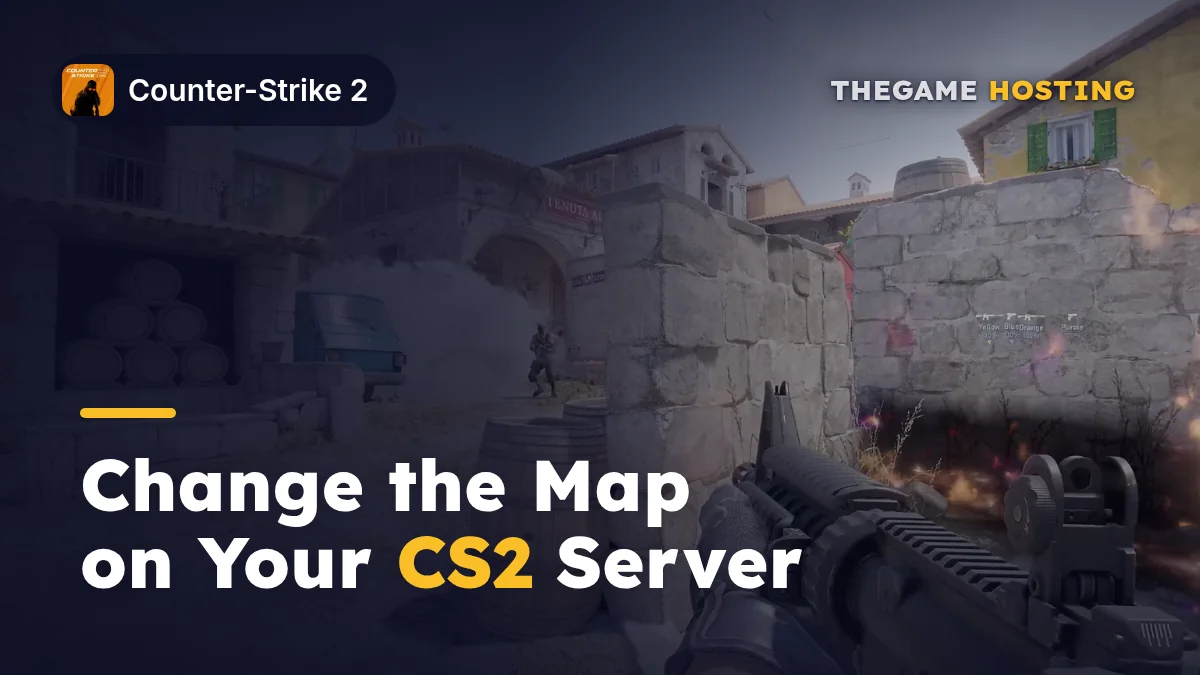
To change map on a CS2 server, type changelevel de_inferno (or any other map name) in the server console, or send it over RCON. To change the mode too, set game_type and game_mode first and then change the level, because the mode is applied when a map loads. To keep the new map and mode after a restart, put them in the launch options.
The command descriptions here are the ones Counter-Strike 2 itself reports in its console. For what each mode actually plays like, and the full list of mode numbers, see our CS2 game modes guide; this post is about switching.
The commands that change maps in CS2
| Command | What CS2 says it does | Use it for |
|---|---|---|
changelevel <map> | Multiplayer change level | Switching map while players are on |
map <map> | Load a new map | Loading a map on an empty server |
maps | Displays list of maps | Checking the exact map names |
ds_workshop_listmaps | Dump workshop maps available on this server | Finding Workshop map names |
ds_workshop_changelevel <name> | Changelevel to an available workshop map by name | Switching to a Workshop map |
host_workshop_map <id> | Get the latest version of the map and host it on this server | Loading a Workshop map by its ID |
Map names are the file names, not the names in the menu: de_dust2, de_mirage, de_inferno, de_nuke, de_ancient, de_anubis, de_overpass, de_vertigo, de_train. If you are unsure, run maps and copy the name from the list.
How to change map (CS2 server console, step by step)
- Open the server console. On TheGameHosting, open your server in the panel and choose Console. Commands typed there run with full rights.
- If you do not know the exact name, type
mapsand find the map you want. - Type
changelevel de_inferno, with your map's name, and press Enter. - Watch the console while the map loads. Connected players load in with it.
- To change the mode as well, type
game_typeandgame_modewith the values for the new mode before thechangelevel. - To make it permanent, set the same map and mode in your launch options in the Startup tab and restart.
changelevel de_infernoChange map and mode together
A mode in CS2 is a pair of numbers. The game describes game_type as the current game type and game_mode as the current mode based on that type. Set both, then load a map that fits the mode. This example switches to Deathmatch (1 and 2) on Dust II:
game_type 1
game_mode 2
changelevel de_dust2
The order matters. Valve notes that toggling game rules without reloading the map is not a supported workflow for community servers, so always finish with changelevel. Pick a map that suits the mode: Wingman wants Wingman maps, and a deathmatch map list is not the same as a competitive one. The game also has a game_alias command that sets type and mode from a name like deathmatch, but the two numbers are the version every guide and config uses.
Switching to a Workshop map
Workshop maps do not use plain changelevel by ID. If the server already hosts them (through a collection), list them and change by name:
ds_workshop_listmaps
ds_workshop_changelevel <map name from the list>
For a single map you have not loaded yet, host_workshop_map with the Workshop ID downloads the latest version and switches to it. Setting up collections, the Steam Web API key and the launch options is covered in how to add Workshop maps to a CS2 server.
Change map from inside the game with RCON
You do not have to open the panel in the middle of a match. Set rcon_password in the server's server.cfg, then use the game console on your own PC:
rcon_password "your-rcon-password"
rcon changelevel de_mirage
Every command after rcon runs on the server, so rcon game_type 0, rcon game_mode 1 and rcon changelevel de_mirage switch to Competitive on Mirage. Keep the RCON password different from sv_password and never share it: it gives full control of the server.
Make the map and mode stick after a restart
Console changes last until the server restarts. On start the server reads its launch options again, so the default map and mode belong there:
-dedicated +game_type 0 +game_mode 1 +map de_mirageOn TheGameHosting the launch line is built from the Startup tab. If you do not see a field for the map or the mode, ask support on live chat and they will set it with you. For the rest of the launch line and where the config files live, read how to make a CS2 server.
Choosing the next map automatically
Instead of switching by hand, you can let the server decide what comes next. These settings come straight from the game's own descriptions:
| Setting | What it does |
|---|---|
nextlevel <map> | If set to a valid map name, changes to that map at the end of the round |
mp_endmatch_votenextmap | Whether players vote for the next map when the final scoreboard comes up (on by default) |
mp_endmatch_votenextleveltime | How many seconds players have to vote (20 by default) |
mp_match_end_restart | Restart the same map at match end instead of loading a new one |
mapgroup / print_mapgroup_sv | Set the map group, and print the current one with its maps |
nextlevel de_ancient
mp_endmatch_votenextmap 0
That example sends everyone to Ancient after the current round and turns off the end-of-match vote, which is useful on a scrim night when you already know the map order.
Switch maps without waiting on anyone
A CS2 server from TheGameHosting gives you the Console for live map changes, the Startup tab for the default map and mode, and Files to edit server.cfg in the browser. It is online about 60 seconds after payment, runs on AMD Ryzen 9950X and 7950X3D CPUs at up to 5.7 GHz with DDR5 and NVMe, includes DDoS protection, and you choose Dallas or Amsterdam for the best ping for your team.
Counter-Strike 2 needs 2 GB of RAM, so every plan runs it, from $1.90 USD a month. Compare them on the pricing page and use FULL2026 for 15% off for life.
FAQ
What is the command to change map in CS2?
changelevel <map>, for example changelevel de_mirage, typed in the server console or sent with rcon. map <map> also loads a map.
How do I change the game mode on a running CS2 server?
Set game_type and game_mode to the new values, then run changelevel. The mode applies when the map loads.
Why does my CS2 server go back to the old map after a restart?
Console changes do not survive a restart. Put +map, +game_type and +game_mode in the launch options so the server starts with them.
How do I change to a Workshop map?
Run ds_workshop_listmaps to see the Workshop maps the server has, then ds_workshop_changelevel with the map's name. For a new map, use host_workshop_map with its ID.
Hosting for these games
 Counter-Strike 2 server hostingEvery mode, Workshop maps, plugins
 Rust server hostingWipes, plugins and RCON
 Minecraft server hostingPlugins, mods and modpacks
Written by TheGameHosting Team, the people who run our servers in Dallas and Amsterdam and answer your tickets.
All posts